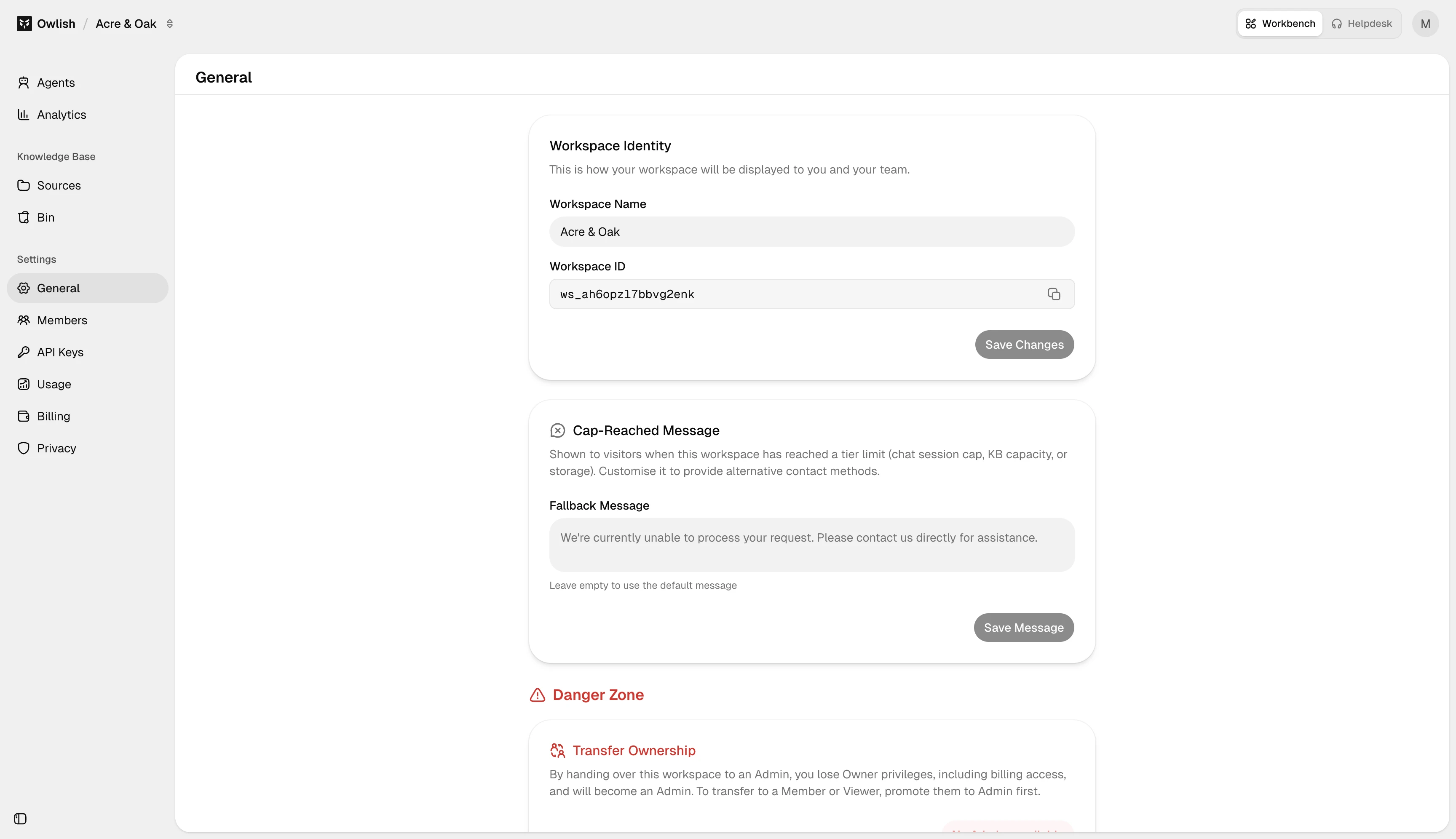
The General settings page is workspace-level configuration that applies to every agent. It’s the first tab under Settings in the console.
Workspace name and ID
The Workspace Name is what you and your teammates see in the console. Edit it any time; the change is immediate.
The Workspace ID (a ws_… identifier) is read-only and used in support tickets and API calls. Copy it from the General page when you need to reference your workspace specifically.
Cap-reached fallback message
When your workspace exceeds its monthly session quota and overages are off, the agent serves this message instead of generating new replies. The default is generic — set something on-brand so visitors understand what’s happening:
“We’ve hit our monthly chat quota. Please email support@yourdomain.com and we’ll get right back to you.”
Visitors hitting this message don’t count as failed sessions; they don’t count at all.
Transfer ownership
Workspaces always have exactly one owner. To hand the workspace off to a teammate, use Transfer Ownership: pick an existing admin and confirm by typing the workspace name. Ownership transfers immediately; your role drops to admin so you don’t lose access.
You can’t transfer to a non-admin — promote them first under Members.
Delete workspace
In the Danger Zone at the bottom. Confirm by typing the workspace name. Deletion removes all agents, knowledge, sessions, members, and billing history. Make sure billing is settled first.