For content that doesn’t live on the public web — product manuals, internal handbooks, customer-facing PDFs — uploading the file directly is the right move. Owlish extracts text (and OCRs scanned PDFs when needed), splits it into chunks, and embeds each chunk for retrieval.
Upload a file
In a folder, click Add source → File and pick a file from your computer. You can multi-select to batch-upload. The source row appears with a status indicator while ingestion runs.
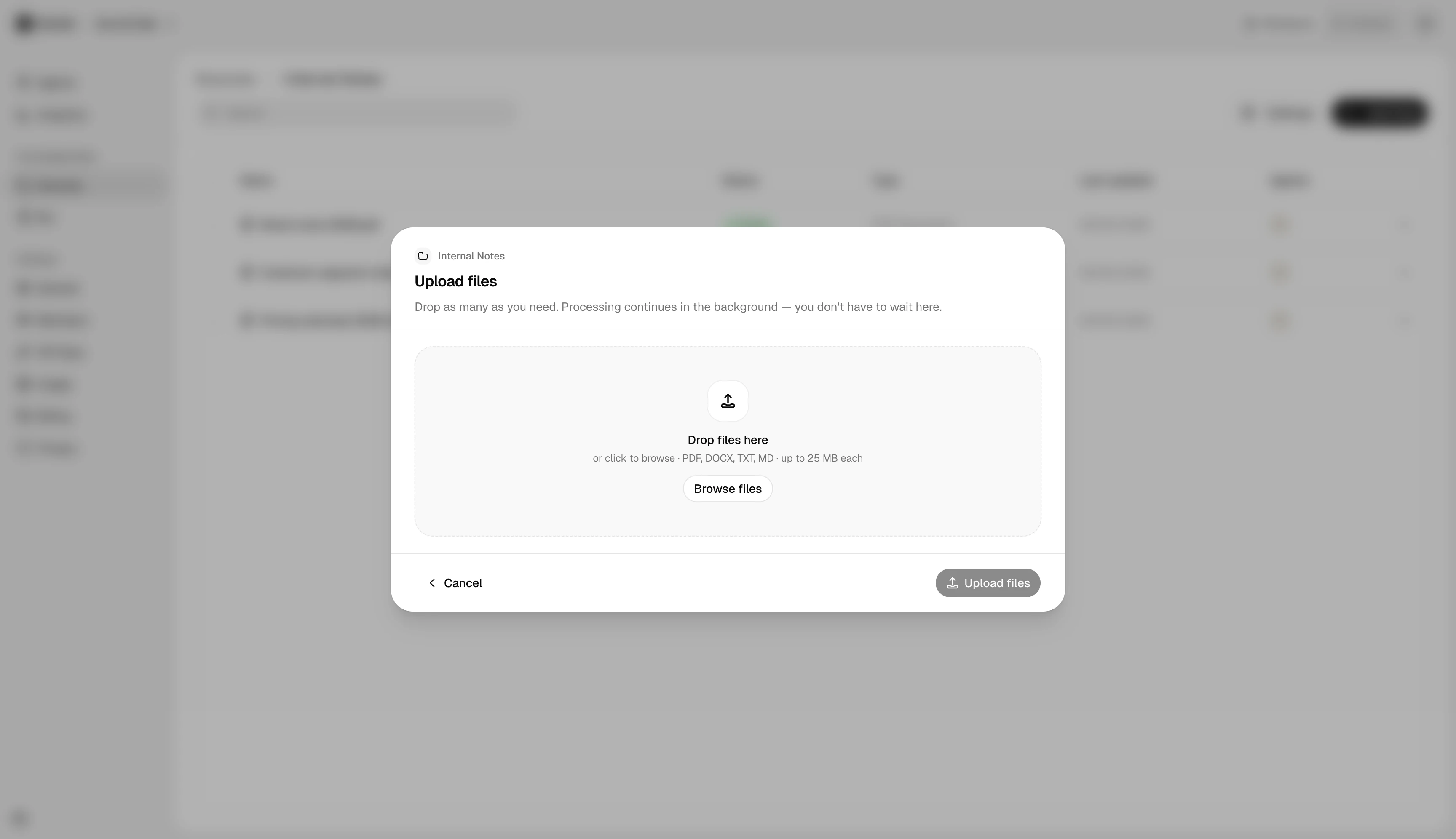
Supported formats
| Format | Notes |
|---|---|
| Native text extraction first; OCR fallback for scans | |
| DOCX | Including embedded tables and lists |
| TXT, MD | Treated as raw text — no structural detection |
| CSV | One row per chunk; column headers preserved |
| HTML | Static HTML files; same parser as websites |
Processing time
Most files finish ingesting in under a minute. Large scanned PDFs that need OCR can take a few minutes. The agent is ready to cite from a source as soon as its status flips to Ingested — partial ingestion isn’t surfaced to the agent.
Replacing a file
Re-upload with the same name to replace; Owlish drops the old chunks and re-ingests. To keep history, upload as a new source instead.
Next steps
- Direct Response — for short answers that don’t deserve a whole document.
- Citations & re-training — confirm the agent picks up the new content.