Owlish lets you build customer-facing AI agents without writing code. You bring the knowledge — websites, PDFs, FAQs — and the agent answers questions in your tone, cites the source it pulled from, and hands off to a human when it should. The same agent runs on your website, in Slack, in Teams, in Discord, and over email.
This documentation is the user guide for the Owlish console. If you’re integrating with the API instead, head to api.owlish.bot/docs.
What you can do with Owlish
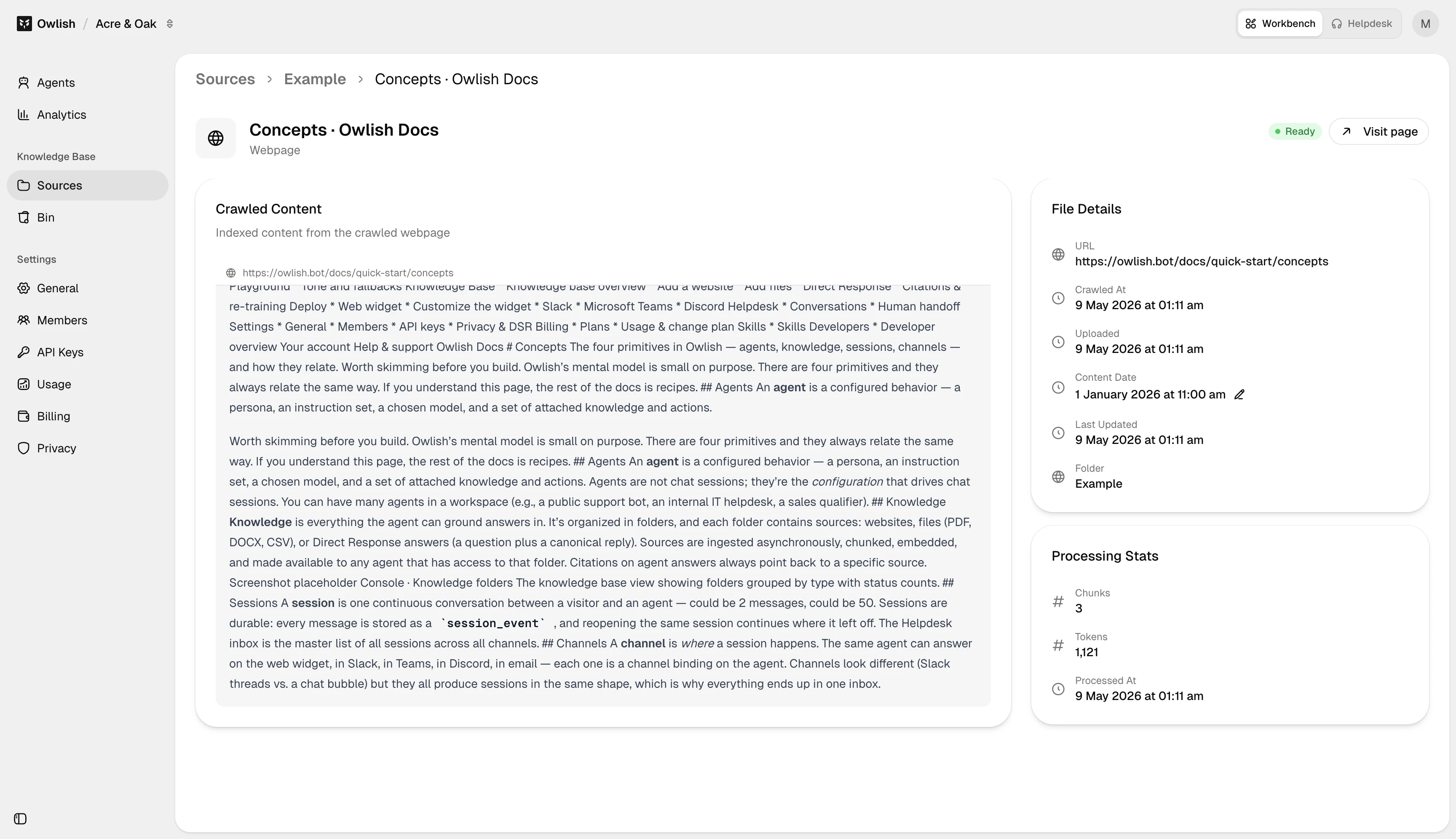
- Train an agent on your knowledge. Crawl a website, drop in PDFs, or paste Direct Response answers. Sources are chunked, embedded, and cited in every answer.
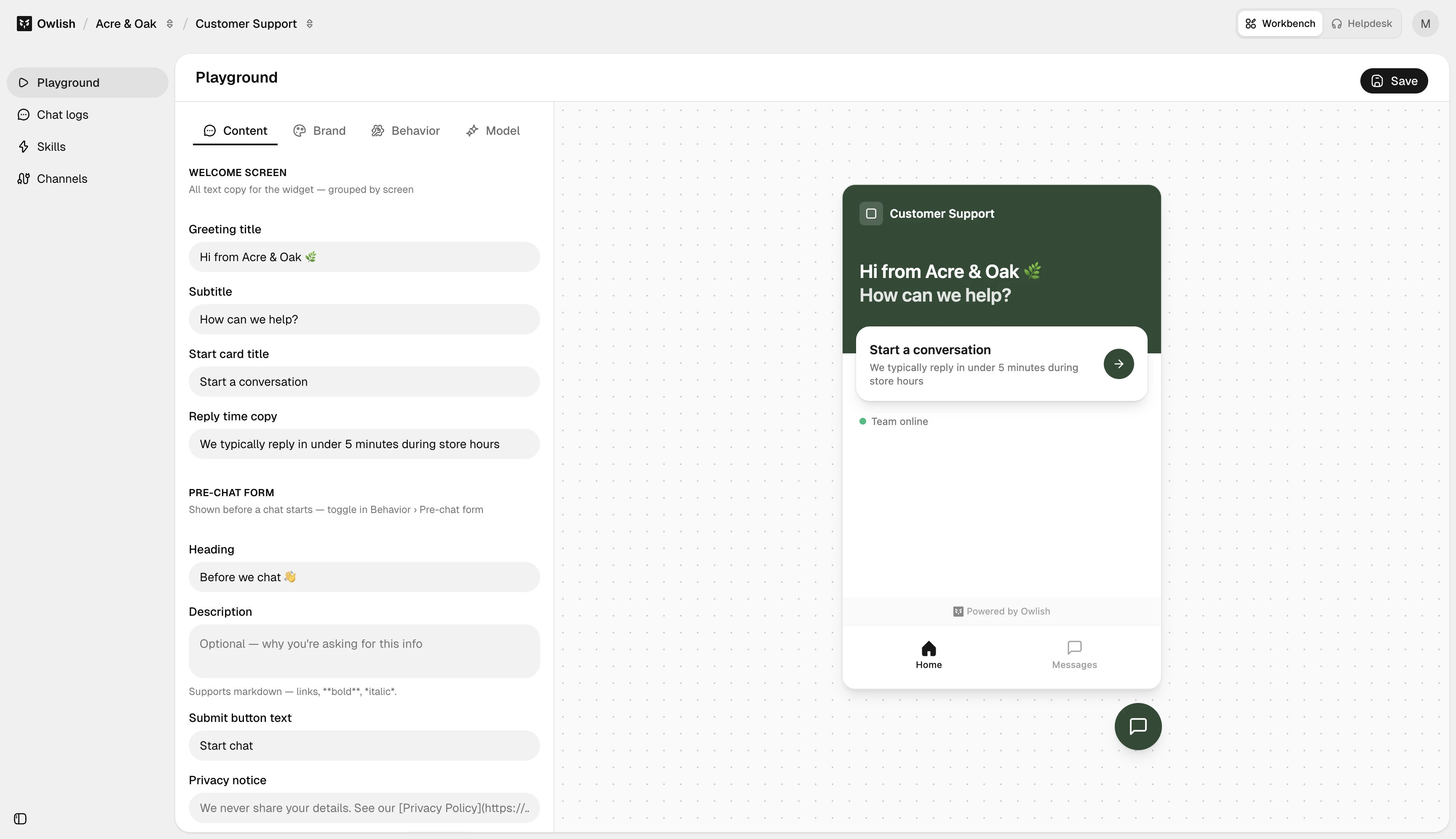
- Customize tone and behavior. Pick a model, write a persona, set a welcome message, and tell the agent what to do when it doesn’t know.
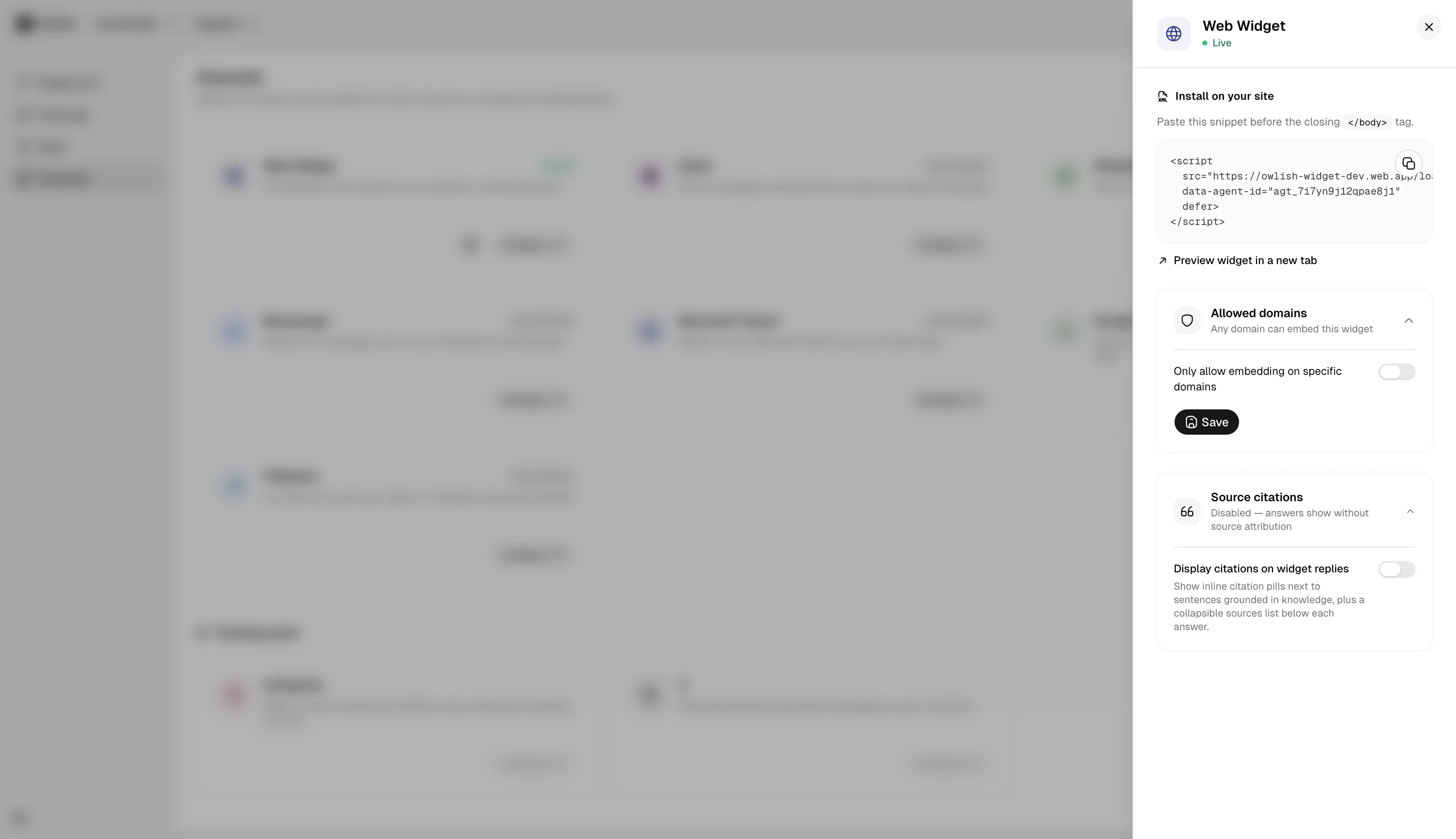
- Deploy on every channel. A single agent powers your web widget, Slack workspace, Teams tenant, and Discord server. One brain, many surfaces.
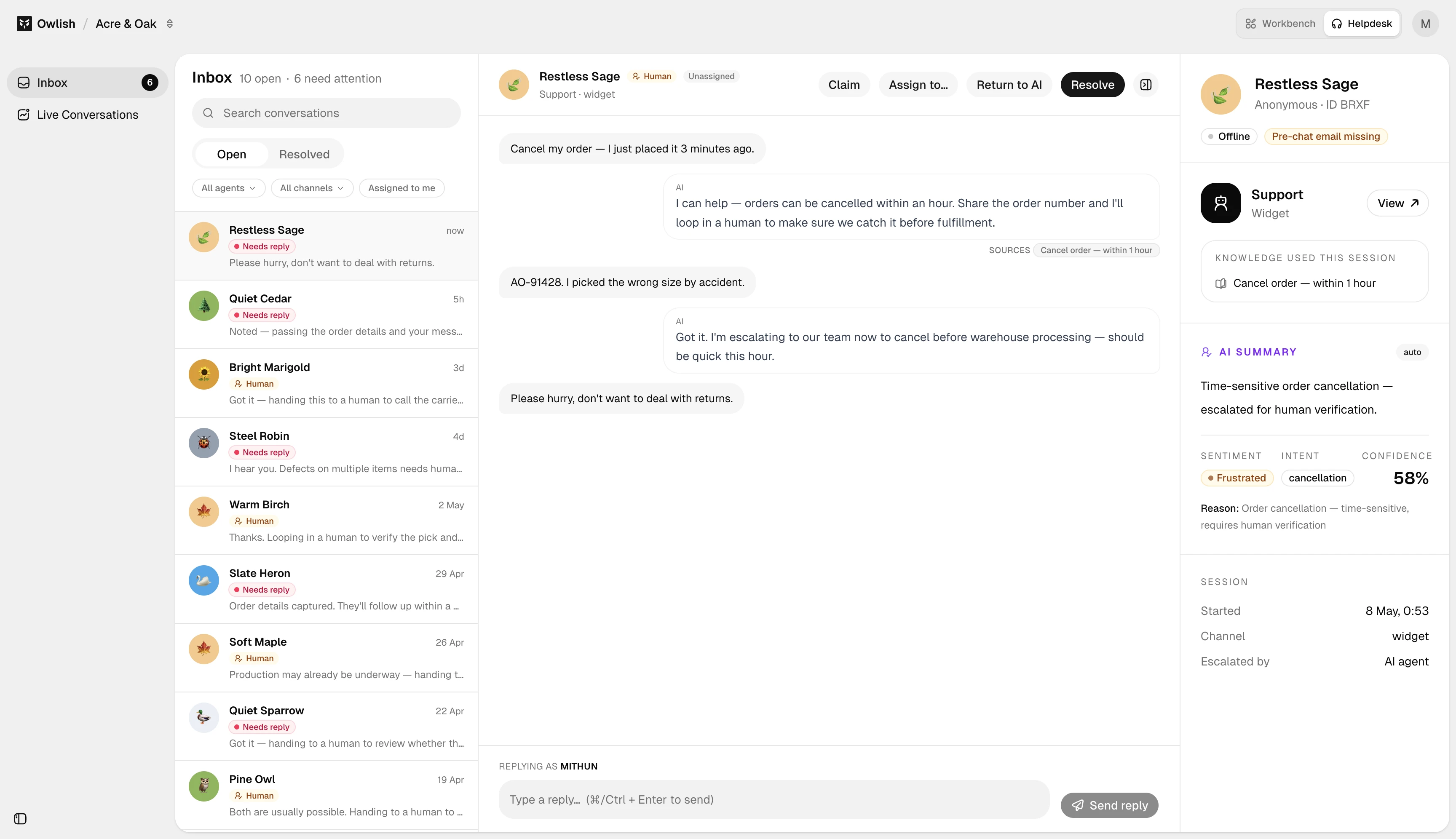
- Manage conversations as a team. The Helpdesk inbox shows every session in one place, with full transcripts, citations, and one-click handoff to a human operator.
- Track what’s working. Activity dashboards surface deflection rate, gap topics, and CSAT so you can keep tightening the agent over time.
Where to start
If this is your first time in Owlish:
- Build your first agent — a 5-minute end-to-end walkthrough. Sign up, add knowledge, test, deploy.
- Concepts — the four primitives (agents, knowledge, sessions, channels) and how they fit together. Worth skimming before you build.
If you already have an agent and need a specific recipe:
- Add a website source to the agent’s knowledge base.
- Customize the widget to match your brand.
- Connect Slack so internal teams can DM the agent.
- Invite a teammate to share the workspace.
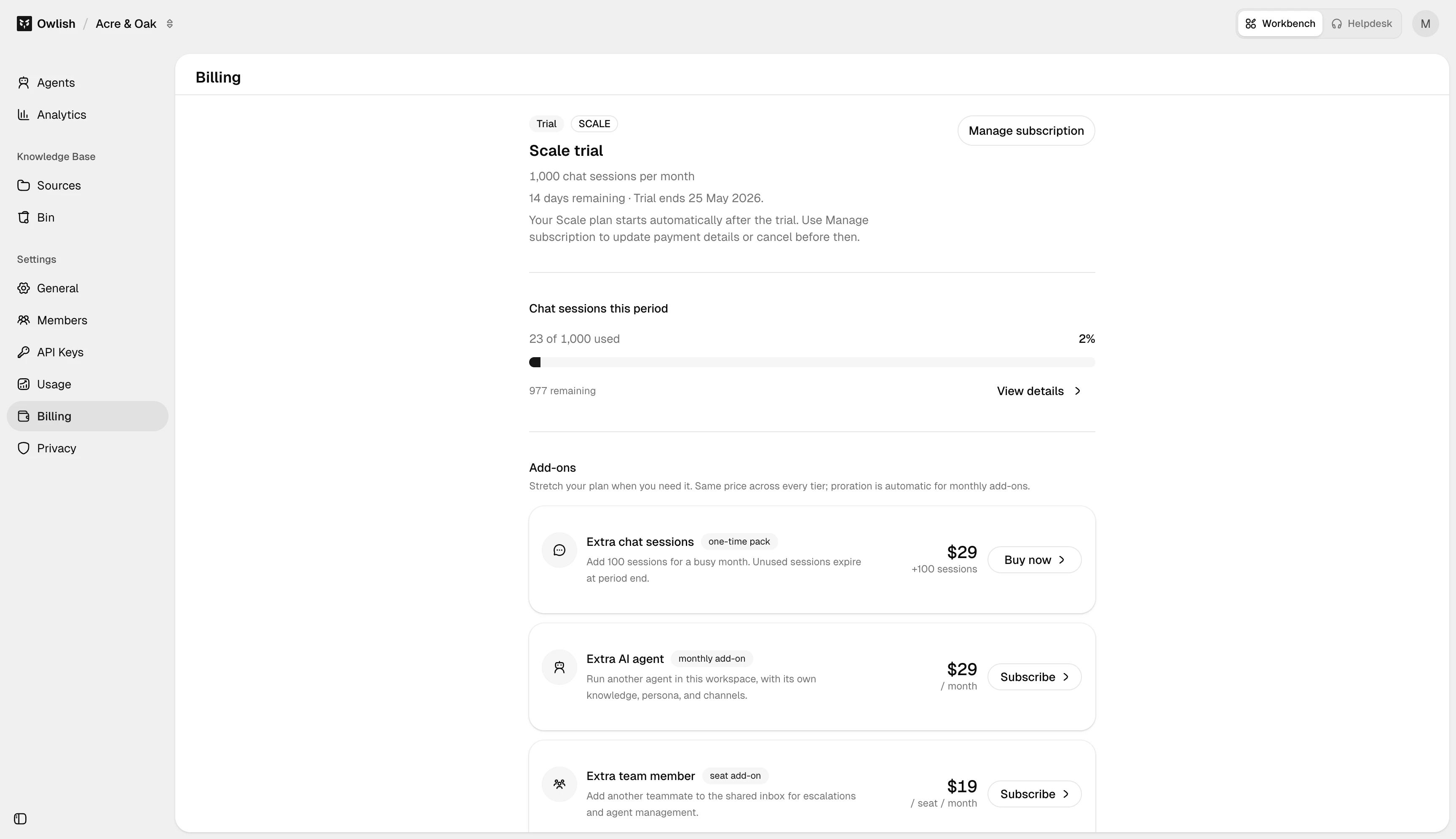
If you’re trying to understand pricing, plan limits, or what counts as a session, jump to Plans.
Integrating with the API
These docs cover the Owlish console — the admin UI at console.owlish.bot. If you’re integrating Owlish into a larger system (automating source updates, embedding the agent in a custom flow, connecting via MCP), start with Developer overview for the orientation, then jump to api.owlish.bot/docs for the full request/response reference.