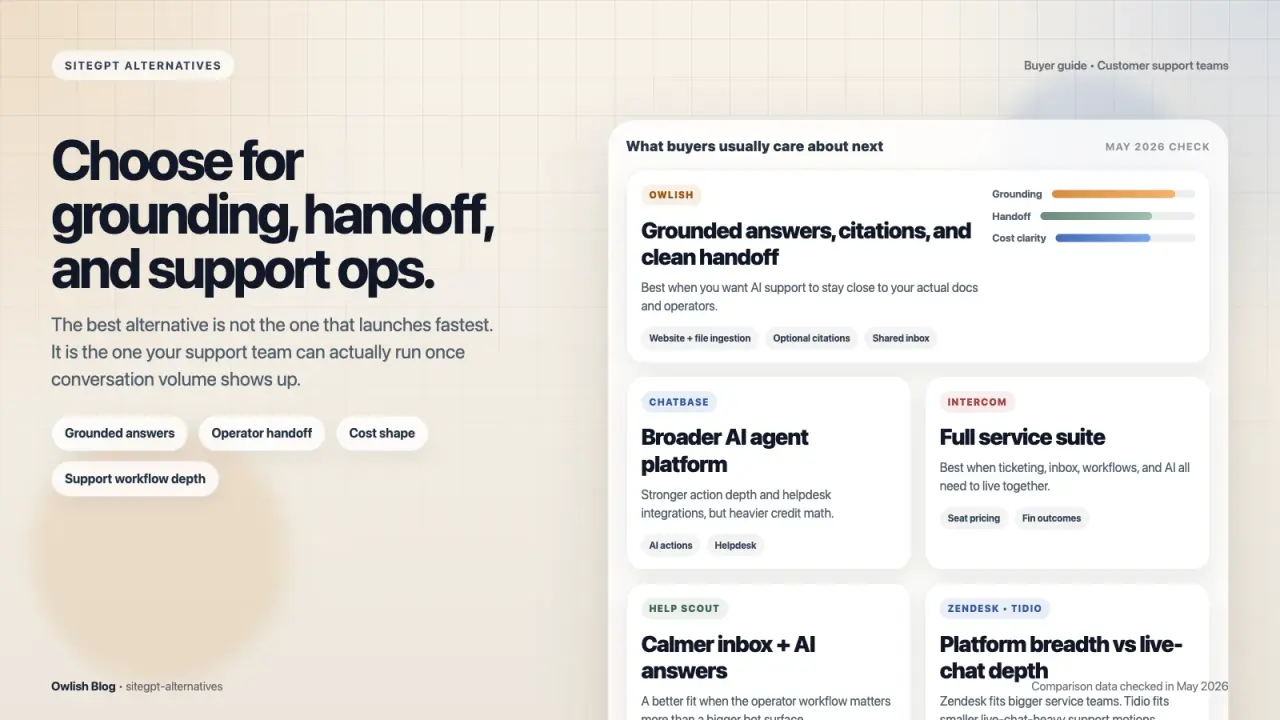
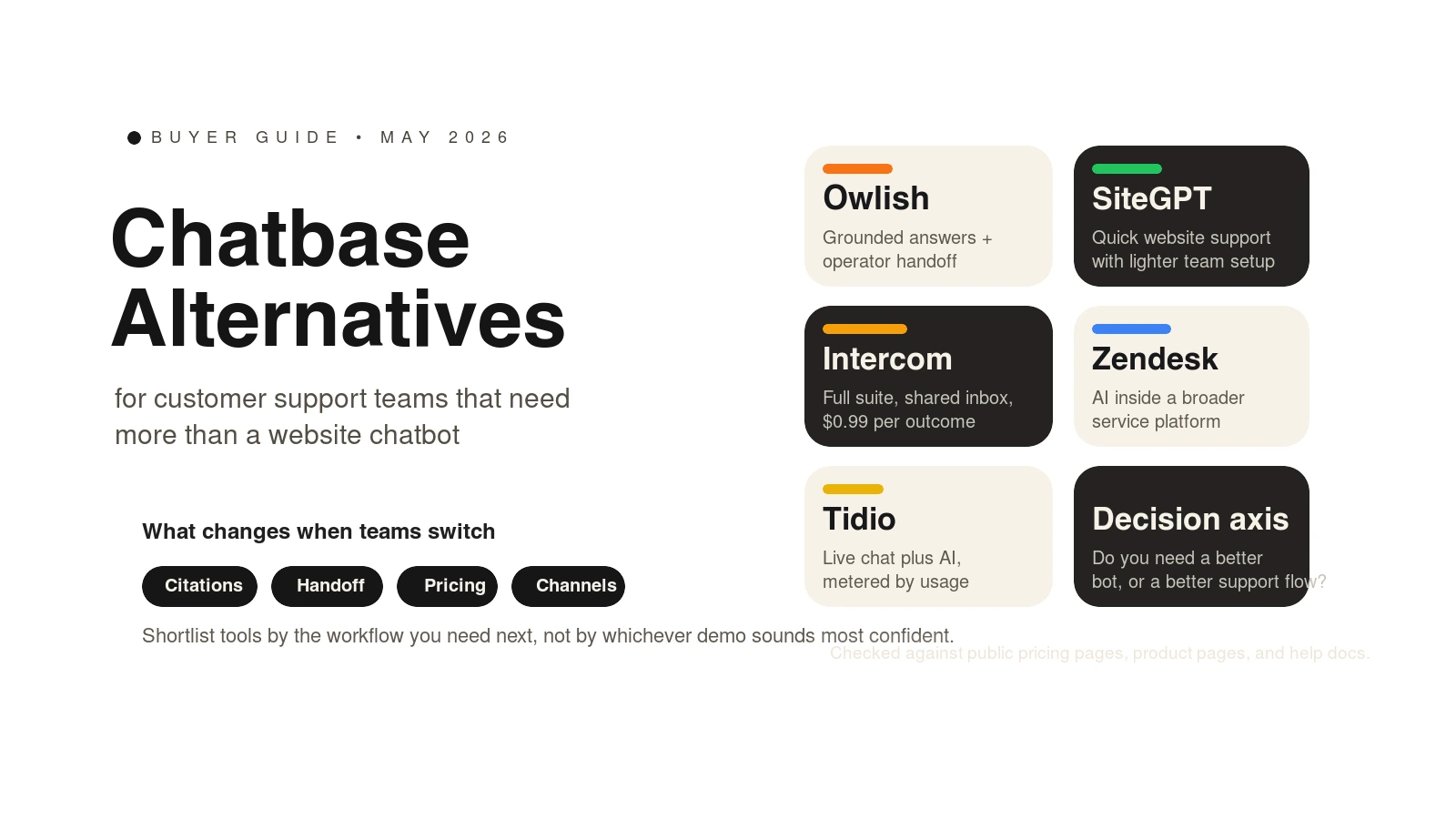
If you’re searching for a Chatbase alternative, you’re probably not looking for “more AI.” You’re usually trying to fix one of three things: answer quality, handoff quality, or the way support operations feel once conversation volume grows.
This guide is for customer support teams, not generic chatbot tinkerers. I checked the public pricing pages, product pages, and help docs for every tool below in May 2026, and I’m focusing on products that can credibly front real support conversations, not just collect leads.
Owlish is our product, so this is not pretending to be neutral third-party editorial. The useful part, I think, is that the tradeoffs below still hold even if you never choose Owlish.
The short list, if you want the answer first
Comparison data below was checked against public vendor materials in May 2026.
| Tool | Best for | Key strengths | Limitations | Pricing note |
|---|---|---|---|---|
| Chatbase | Teams that want flexible AI agents across many channels without seat pricing | Website/docs training, wide integration list, email support channel, helpdesk ticket escalation | Cost planning depends on message credits, agent limits, seats, and add-ons | Free tier; Hobby starts at $32/mo billed annually; extra credits $40 per 1,000 |
| Owlish | Small and growing support teams that want grounded answers, source citations, and clean human handoff | Website/PDF/doc ingestion, optional citations in the widget, shared inbox, human handoff, no-code setup | Human handoff starts on Growth, and channel breadth expands by tier | Starter $49/mo monthly or $39/mo billed annually; Growth $149/mo monthly or $119/mo billed annually |
| SiteGPT | Fast website support bots with lighter collaboration needs | Website and file training, human support escalation, multi-platform integrations, simple starting price | Message capacity varies by model mix, and lower tiers stay fairly lean | Starter starts at $39/mo billed yearly; Growth $79/mo billed yearly; extra 5k messages +$39/mo |
| Intercom Fin | Teams that already want a full support suite and can model outcome pricing | Shared inbox, ticketing, help center, Slack integration, Fin works with Intercom or an existing helpdesk | Seat pricing plus per-outcome pricing can get expensive quickly | Essential starts at $39/seat monthly or $29/seat annually; Fin is $0.99 per successful outcome |
| Zendesk AI | Teams already standardized on Zendesk or buying a broader service platform | AI agents, knowledge base, action builder, messaging, live chat, telephony | Per-agent suite pricing is heavier than chatbot-first tools | Suite Team is $55/agent/month paid yearly; Suite Professional is $115/agent/month paid yearly |
| Tidio Lyro | Smaller live-chat-heavy teams that want AI plus human chat in one stack | AI agent plus help desk, live chat roots, external helpdesk option, pay-by-usage model | Pricing uses multiple meters, so budgeting takes a little work | Starter is $24.17/mo annually with 100 billable conversations |
What usually pushes a team to replace Chatbase
The wrong way to run this search is “Which chatbot has the most features?” The better question is “What problem am I actually trying to change?”
For most support teams, the answer is one of these:
- You want the bot to answer from your real support content, and you need a cleaner way to verify the answer when it matters.
- You need the AI-to-human handoff to feel like part of support operations, not a side action that creates another cleanup job.
- You need a pricing model that still makes sense once your support volume, agent count, or team size grows.
- You have outgrown a website chatbot and now need a fuller inbox, telephony, workflow, or reporting stack.
That matters because the best Chatbase alternative for a startup help center is usually not the best one for a support org already running a multi-channel queue.
When Chatbase is still the right choice
Before switching, it is worth being fair about what Chatbase already does well.
Chatbase’s public docs position it as a flexible AI agent platform trained on websites, documents, text snippets, Q&A pairs, and Notion content, with deployment across multiple channels and 15+ integrations such as WordPress, Shopify, WhatsApp, Slack, and Zendesk. Its docs also include an official Escalate to Human action that can create a ticket in Zendesk, Salesforce, Intercom, Zoho Desk, Freshdesk, HubSpot, or Help Scout when the AI should stop. See the Chatbase docs overview, data sources, and Escalate to Human action.
Public pricing also stays free of classic per-agent seat math at the low end. As of May 2026, Chatbase lists annual pricing that starts at $32/month for Hobby, $120/month for Standard, and $400/month for Pro, with extra message credits priced at $40 per 1,000, extra agents at $300 per agent per year, and branding removal at $1,188 per year. See Chatbase pricing.
Stay with Chatbase if that model still matches what you’re buying:
- You want a general AI agent platform first, not a support-ops-first inbox.
- You like the message-credit model and can forecast it confidently.
- You want broad integration and action flexibility without buying a larger service suite.
Move on if your real pain is less “can the AI answer?” and more “can my team trust, route, review, and take over those answers cleanly?”
Where Owlish fits
Owlish fits best when you want the front line of support to stay grounded in your actual content, and you care about what happens when the AI should stop answering.
The current public Owlish docs and pricing support a pretty specific shape:
- Train from websites, PDFs, DOCX, CSV, TXT, Markdown, and direct-response FAQs. See the knowledge base overview and file ingestion docs.
- Show source citations in the web widget when enabled. See the web widget docs.
- Hand off to human operators in the shared helpdesk inbox on Growth and above. See the human handoff docs and pricing page.
- Run the web widget on every plan, Slack and Microsoft Teams on Growth, and broader messaging coverage on Scale via the public pricing catalog.
That makes Owlish a strong fit if your shortlist criteria sound like this:
- “I need website and document ingestion, not just a blank bot shell.”
- “I want optional citations on answers so operators can verify what the agent used.”
- “I need AI plus human handoff to feel like one workflow.”
- “I want no-code setup, not a custom build project.”
Owlish is not the best fit for every team. If you need a large contact-center suite, deep telephony-first workflow design, or a much broader enterprise service stack, Intercom or Zendesk may be the more natural buy.
Public pricing today starts at $49/mo monthly or $39/mo billed annually for Starter, then $149/mo monthly or $119/mo billed annually for Growth, where human handoff and the shared inbox begin. See Owlish pricing.
Choose SiteGPT if you want a faster website-support starting point
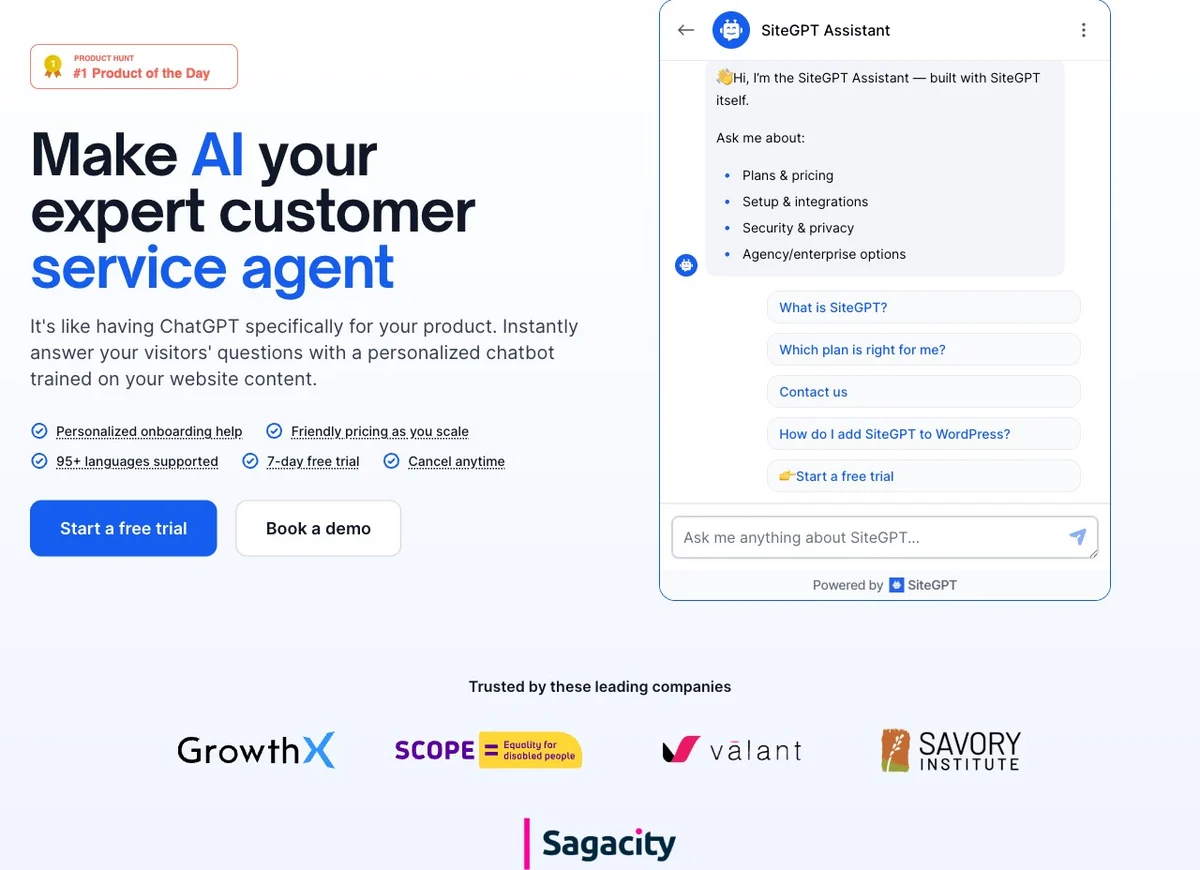
SiteGPT is the closest match in this list if what you liked about Chatbase was the “point it at a site and get a support bot quickly” workflow.
Its public pricing starts at $39/month billed yearly for Starter and $79/month billed yearly for Growth. The product docs also publish two details buyers should actually pay attention to:
- human support escalation is a first-class feature, with configurable prompts, buttons, and notifications
- real message capacity varies by model choice because GPT-4.1-mini is positioned as roughly 10x cheaper per message than GPT-4.1 on the same plan
Those details come directly from the SiteGPT pricing page, human support docs, and integrations overview.
SiteGPT’s public integrations are also broader than many buyers expect at first glance. Its docs list Slack, Google Chat, Facebook Messenger, Crisp, Freshdesk, Freshchat, and Zendesk among the current messaging-platform integrations, with other integrations marked separately as coming soon. See SiteGPT integrations and the public integrations page.
Choose SiteGPT over Chatbase when:
- you want a simpler support-bot starting point for websites
- you want built-in human escalation without moving into a large helpdesk suite
- you are comfortable managing message capacity as a model-and-quota problem
Skip it if you want the support workflow itself, not just the chatbot layer, to become the product.
Choose Intercom Fin if you already need a full support stack
Intercom Fin is the answer when your real requirement is not “a better website bot” but “AI inside a broader support system with inbox, ticketing, help center, workflows, reporting, and add-ons.”
Intercom’s current help-center pricing page says each teammate requires a seat, with Essential at $39/seat monthly or $29/seat annually, Advanced at $99/$85, and Expert at $139/$132. The same page also says Fin is included on all plans and charged per successful outcome, with $0.99 per outcome for chat and email. See Fin and Intercom plans explained.
Intercom is strongest when you genuinely want that suite behavior:
- shared inbox
- ticketing system
- public help center
- workflows and more advanced routing on higher plans
- the option to use Fin either on Intercom or on an existing helpdesk
Intercom is weaker when you are trying to keep cost planning simple. Seat pricing plus outcome pricing plus other usage-based channels is not automatically bad, but it is a different budgeting exercise than a chatbot-first product.
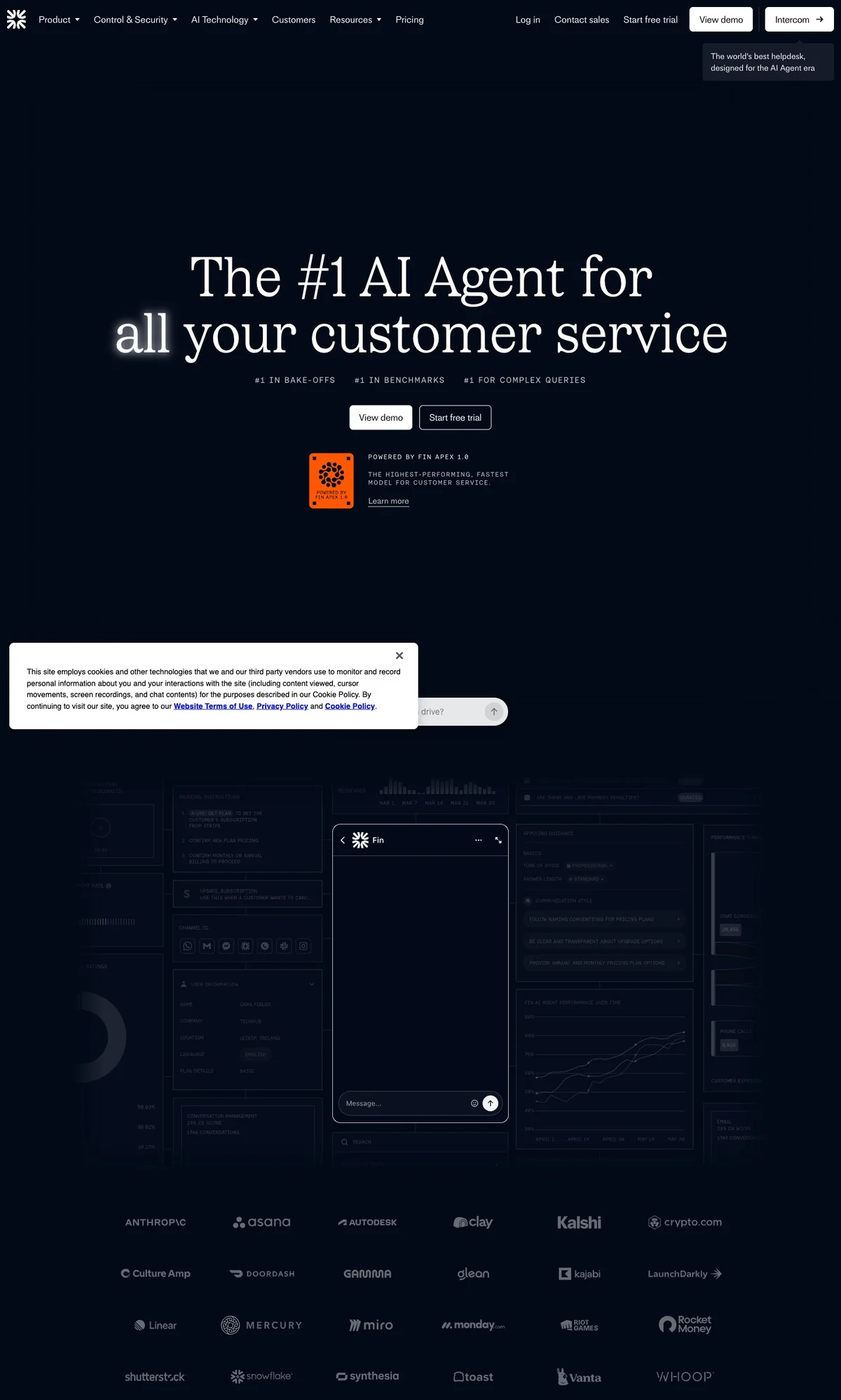
Choose Fin if the suite is the point. Do not choose it just because the demo looks polished if your actual need is narrower and your team will resent the bill shape later.
Choose Zendesk AI if you are already buying around Zendesk
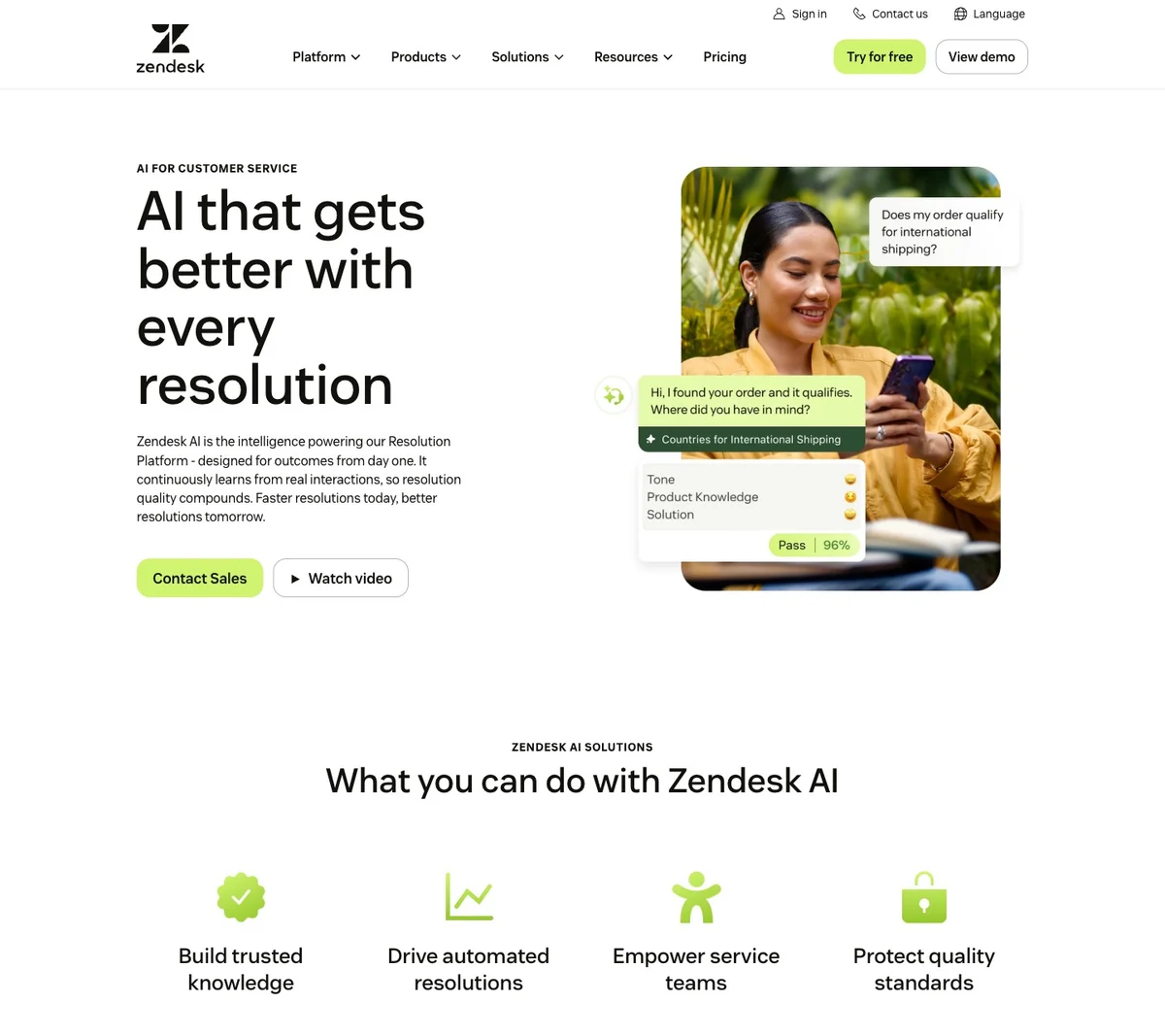
Zendesk is the right alternative when the helpdesk is the center of gravity and AI needs to plug into that world, not replace it.
Zendesk’s public pricing page currently lists:
- Support Team at $19/agent/month paid yearly
- Suite Team at $55/agent/month paid yearly
- Suite Professional at $115/agent/month paid yearly
Its Suite Team tier specifically calls out AI agents, knowledge base, action builder, messaging and live chat, and telephony. See the Zendesk pricing page and AI for customer service page.
That is a strong fit if your team already lives in Zendesk or would clearly benefit from moving there. It is less compelling if you were hoping for a lightweight AI support layer and not a broader service-platform decision.
Choose Zendesk AI over Chatbase when:
- your helpdesk standard matters more than chatbot flexibility
- you need omni-channel service tooling, not just web support automation
- your team already understands agent-based service software pricing
Choose Tidio Lyro if live chat is still the center of the workflow
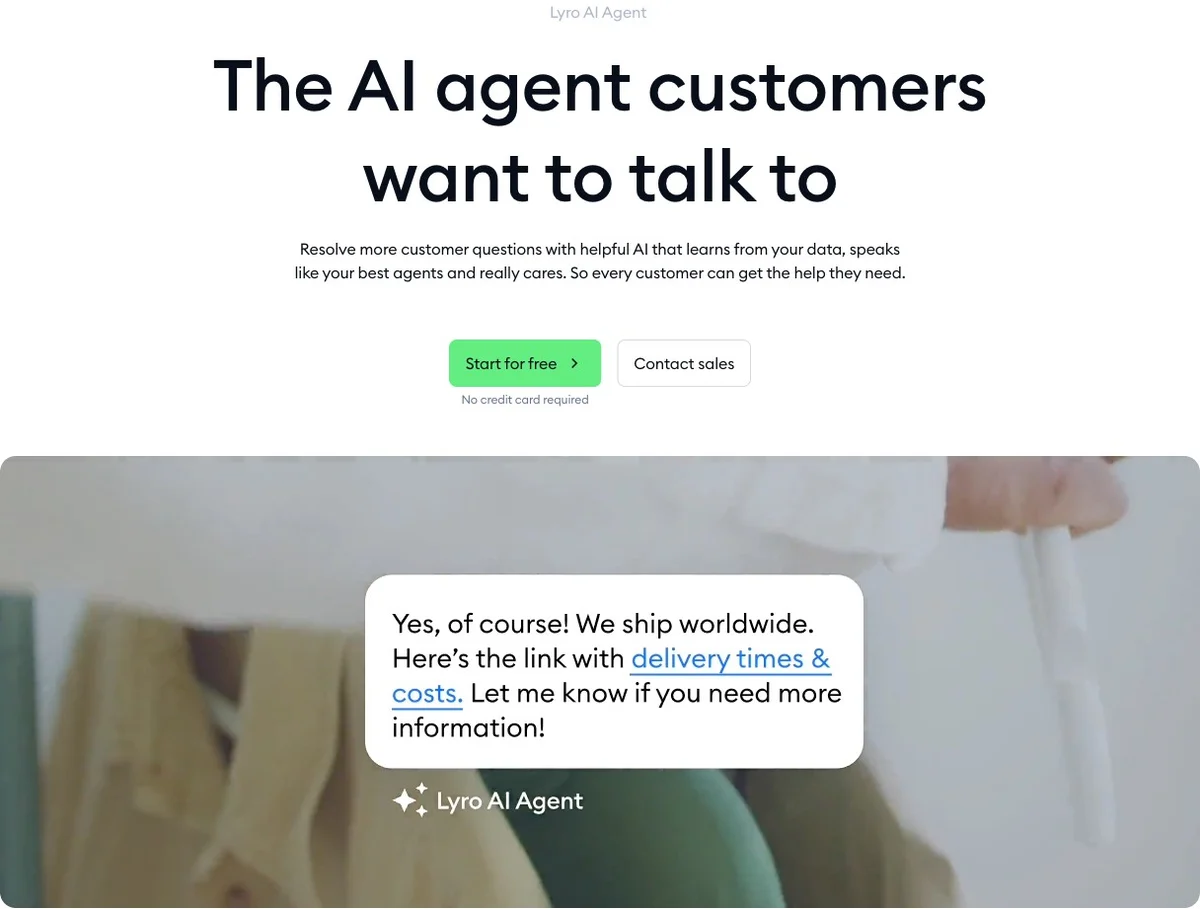
Tidio Lyro is worth a shortlist spot when the thing you care about most is not “agent platform flexibility” but a blended AI plus live chat plus help desk experience for a smaller team.
Tidio’s pricing page frames two modes clearly:
- Lyro AI Agent + Tidio Help Desk, where AI and human conversations live together
- Lyro AI Agent only, where the AI agent can be added to Zendesk, Salesforce, or another help desk
Its pricing page also makes clear that usage is modeled across multiple meters such as billable conversations, Lyro AI conversations, and Flows visitors reached, and it currently lists a Starter plan at $24.17/month annually with 100 billable conversations. See Tidio pricing.
Tidio’s Lyro help docs add useful support-specific detail: Lyro can hand off to agents, can work on live chat by default, and can also be enabled for Messenger, Instagram, WhatsApp, or incoming tickets. See Lyro help docs.
Choose Tidio over Chatbase when:
- live chat is the operational center of your support flow
- you want AI plus human conversations in one product
- you do not mind a more meter-heavy pricing model if the starting cost is lower
How to test a Chatbase alternative without getting trapped by the demo
Every vendor demo looks better than your real support queue. Use the same three checks on every product:
-
Grounding test Ask five questions from your real docs, including one edge case and one question your docs do not answer well. Score answer quality, refusal quality, and whether the source trail is easy to verify.
-
Handoff test Force a conversation into human support. Check whether the customer has to repeat themselves, whether the operator gets the full thread, and whether the AI stops cleanly.
-
Cost test Do not stop at the headline number. Model your likely monthly cost using your own expected conversation volume, team size, and extra channels. This matters a lot with tools that mix seats, outcomes, credits, or multiple usage meters.
That evaluation is where the real gap shows up between “nice AI demo” and “support software we can actually run.”
FAQ
What is the best Chatbase alternative for customer support?
There is no single winner. If you want grounded answers, optional citations, and clean human handoff in a support-first flow, Owlish is the strongest fit in this list. If you want a broader suite, Intercom or Zendesk make more sense. If you want a faster website-bot setup, SiteGPT is the closer match.
Does Chatbase support human handoff?
Yes. Chatbase publishes an official Escalate to Human action that can create a ticket in supported helpdesk platforms such as Zendesk, Salesforce, Intercom, Zoho Desk, Freshdesk, HubSpot, and Help Scout. See the official Chatbase handoff docs.
Which Chatbase alternative is cheapest to start?
On public pricing checked in May 2026, Tidio’s Starter tier is the cheapest headline price in this list. That does not automatically make it the cheapest in practice, because Tidio also uses multiple usage meters. SiteGPT and Owlish both start higher, but their fit can be better if your real need is support quality and handoff rather than the lowest sticker price.
What should I compare besides price?
Compare four things: how the AI is grounded, how handoff works, how much of your existing support workflow still stays manual, and how cost changes as volume grows. Those four questions usually matter more than one pricing row on the homepage.
Sources checked for this comparison
- Chatbase pricing
- Chatbase docs overview
- Chatbase data sources
- Chatbase Escalate to Human action
- SiteGPT pricing
- SiteGPT human support docs
- SiteGPT integrations overview
- Intercom Fin and Intercom plans explained
- Zendesk pricing
- Zendesk AI for customer service
- Tidio pricing
- Tidio Lyro help docs
- Owlish pricing
- Owlish web widget docs
- Owlish human handoff docs
- Owlish knowledge base overview
Trademark note
Chatbase, Intercom, Zendesk, Tidio, SiteGPT, and other product names mentioned here are trademarks or registered trademarks of their respective owners. Owlish is not affiliated with or endorsed by those companies unless explicitly stated.
Where to start if Owlish is the shape you need
If what you actually want is a support agent trained on your site and docs, with optional source citations and a real human handoff path, start with the Owlish pricing page, then walk through building your first agent. You’ll know pretty quickly whether the agent behaves like part of your support team or just another bot layer.