
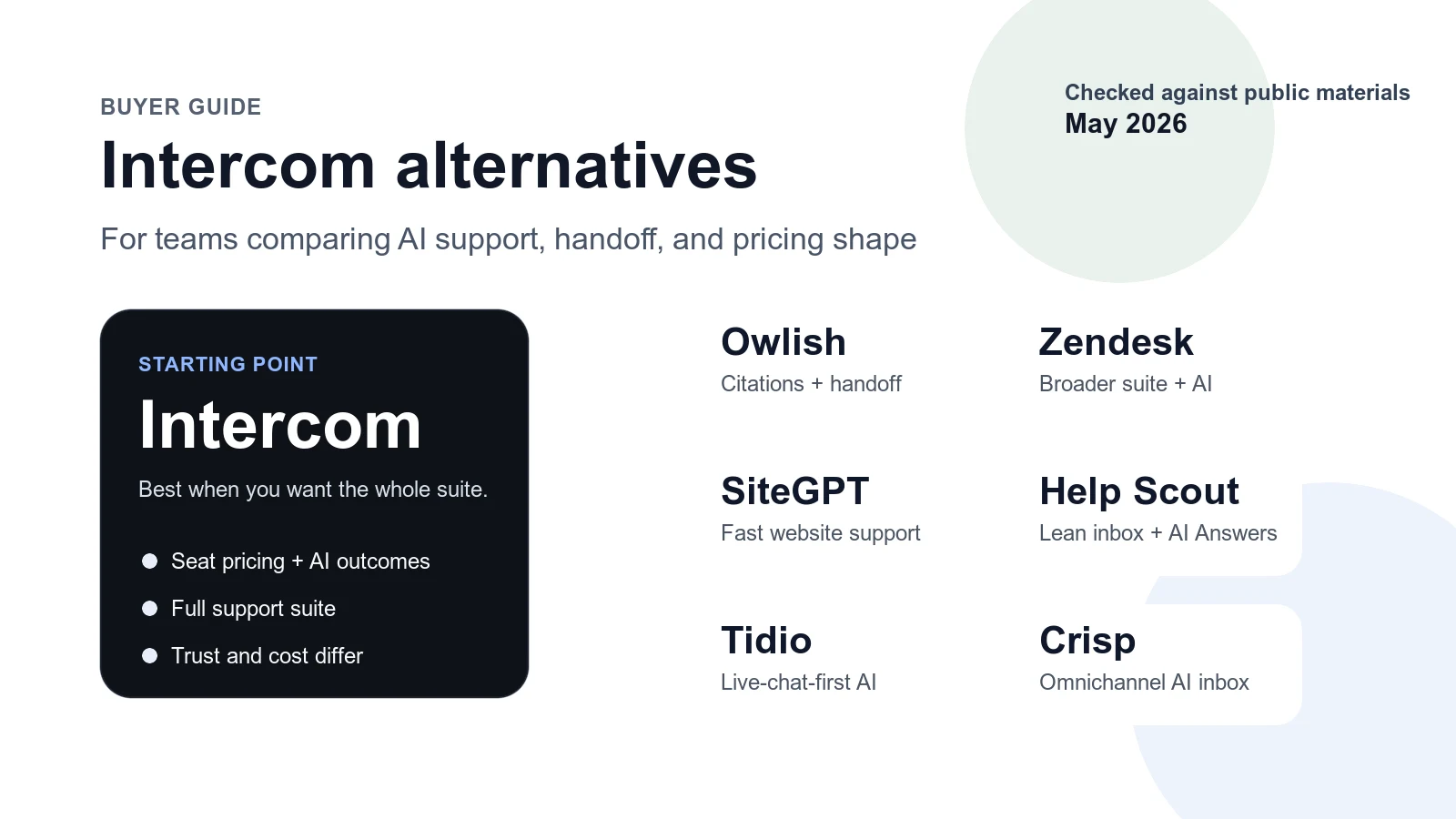
If you’re searching for an Intercom alternative, the real question usually is not “which helpdesk has AI now?” It is usually “do I actually need Intercom’s full suite and pricing model, or do I need a narrower support stack with better grounding, easier handoff, or simpler cost planning?”
This guide is for support teams evaluating that tradeoff. I checked the public pricing pages, product pages, and help docs for every product below in May 2026, and I am focusing on tools that can credibly sit in a real customer-support workflow, not just generic chat widgets.
Owlish is our product, so this is not pretending to be neutral third-party editorial. The useful part is that the tradeoffs below still matter even if you never choose Owlish.
The short list, if you want the answer first
Comparison data below was checked against public vendor materials in May 2026.
| Tool | Best for | Key strengths | Limitations | Pricing note |
|---|---|---|---|---|
| Intercom | Teams that want a broad support suite with AI layered into it | Mature inbox/helpdesk stack, Fin AI Agent, strong workflow depth | Seat pricing plus usage-based AI economics can get expensive fast | Essential $39/full seat, Advanced $99, Expert $139; Fin on an existing helpdesk starts at $49/mo with 50 outcomes, then $0.99 per additional outcome |
| Owlish | Small and growing support teams that want grounded answers, source citations, and human handoff | Website and file ingestion, optional source citations, shared inbox, no-code setup | Lighter support suite than Intercom or Zendesk | Starter $49/mo monthly or $39/mo billed annually; Growth $149/mo monthly or $119/mo billed annually |
| Help Scout | Support teams that want a calmer inbox-first product and AI answers as an add-on | Clean shared inbox, Beacon, AI Answers, knowledge-base-first support | AI Answers is charged per resolution and the suite is narrower than Intercom | Standard $25/user/mo, Plus $45, Pro $75; AI Answers $0.75 per resolution |
| SiteGPT | Teams that mainly want a website support agent and lighter collaboration | Fast setup, website and file training, human support escalation, practical integrations | Less of a full support-ops stack than Intercom | Starter $39/mo billed yearly; Growth $79/mo billed yearly |
| Zendesk | Teams that want a bigger service platform or already live in Zendesk | AI agents, knowledge base, action builder, messaging, telephony | Heavier platform decision and agent pricing model | Support Team $19/agent/mo paid yearly; Suite Team $55; Suite Professional $115 |
| Crisp | Teams that want AI inside an omnichannel inbox with website and messaging coverage | AI agent, internal copilot, shared inbox, multiple channels | Less buyer-facing emphasis on citations or knowledge verification | Mini $45/mo; Essentials $95/mo; Plus $295/mo; additional agents $10/mo |
| Tidio Lyro | Smaller live-chat-heavy teams that want AI plus human chat in one tool | Live-chat roots, AI agent, lower headline starting price, existing helpdesk connectors | Pricing uses multiple meters and live chat remains the center of gravity | Starter $24.17/mo annually with 100 billable conversations |
What usually pushes a team to replace Intercom
Intercom is not hard to replace because it is weak. Intercom is hard to replace because it does a lot, and many teams do not actually need all of it.
Most replacement searches start when one of these becomes true:
- You want AI answers grounded in your own support content, and you need an easier way for operators to verify what the AI used.
- You do not need a full service platform, but you are still paying like you do.
- You need cleaner AI-to-human handoff without making support staff repeat work in a second system.
- You want a more predictable pricing model than seat pricing plus outcome pricing plus whatever else your stack adds on top.
That is why the right Intercom alternative for a five-person support team is usually not the same as the right option for a company standardizing a large service operation.
When Intercom is still the right choice
Before switching, it is worth being fair about what Intercom is actually optimized for.
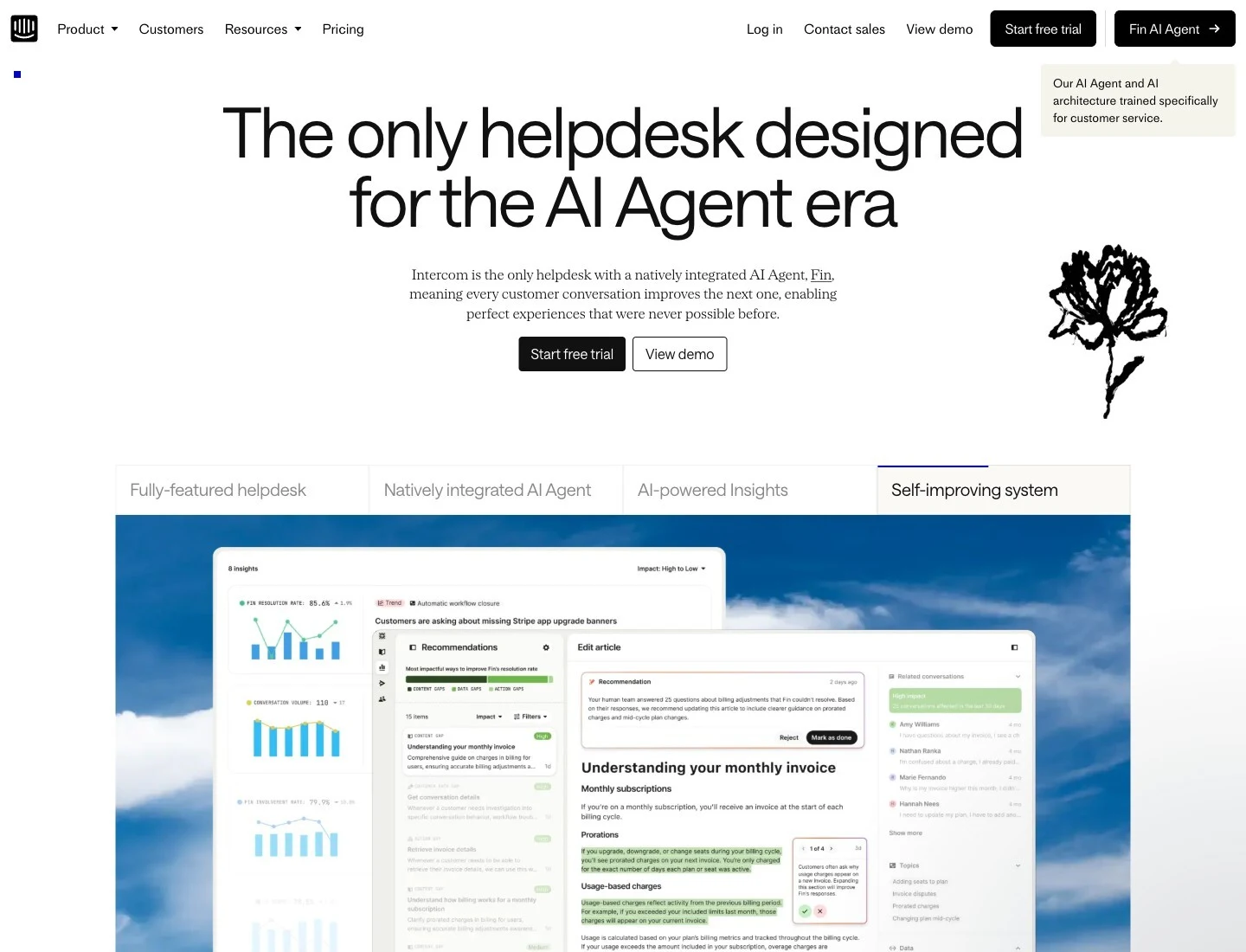
Intercom’s public help docs say that every teammate needs a paid seat, with Essential at $39/full seat, Advanced at $99/full seat, and Expert at $139/full seat. The same pricing docs also say that Fin and Intercom plans use usage-based pricing for Fin, and Intercom’s pricing FAQ says you are charged for only one Fin outcome per conversation even if Fin takes multiple actions. See Intercom seats and pricing FAQs.
Intercom also has a separate public pricing shape for Fin on an existing helpdesk outside Intercom itself: $49/month includes 50 Fin Outcomes, then $0.99 per additional outcome, with unlimited teammates and no extra seat costs in that configuration. See Fin for platforms explained.
Those details tell you when Intercom still makes sense:
- You want a broad helpdesk suite, not only an AI support layer.
- Your team will actually use the deeper workflows, routing, and surrounding product surface.
- You are comfortable with seat economics and outcome pricing because the broader system is worth it.
If that is not your reality, you are probably overbuying.
Where Owlish fits
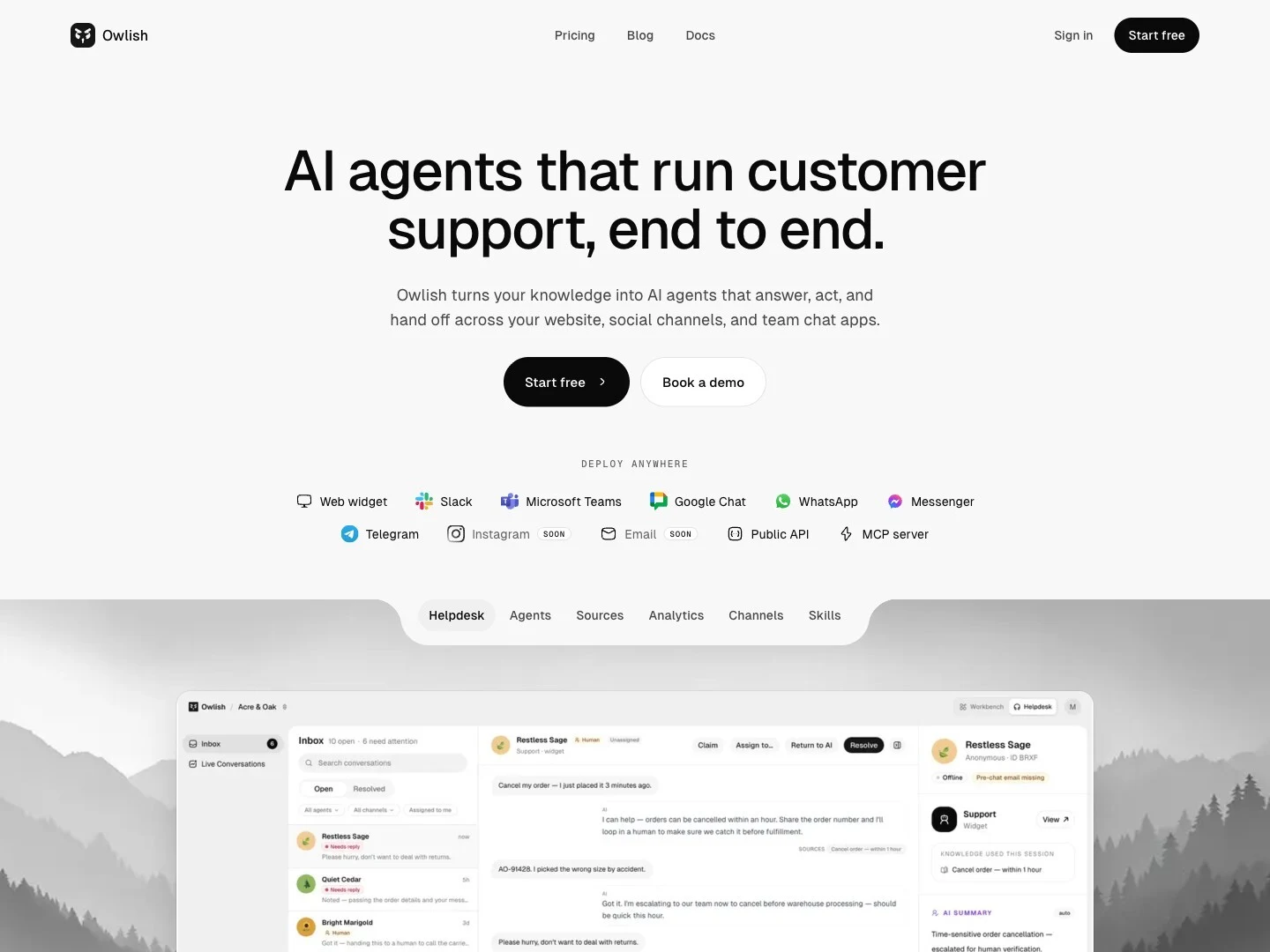
Owlish fits best when you want AI support that stays close to your actual knowledge base, and you care about what happens when the AI should stop answering.
The current public Owlish docs and pricing support a fairly specific shape:
- Train from websites, PDFs, DOCX, CSV, TXT, Markdown, and direct-response FAQs. See the knowledge base overview and file ingestion docs.
- Show source citations in the web widget when enabled. See the web widget docs.
- Hand off to a shared helpdesk inbox on Growth and above. See the human handoff docs and pricing page.
- Run the web widget on every plan, with Slack and Microsoft Teams available from Growth on the public pricing page.
That makes Owlish strongest when your shortlist sounds like this:
- “I want grounded answers from my site and docs, not just a bot shell.”
- “I want optional citations so operators can verify answers quickly.”
- “I need AI and human handoff to feel like one support workflow.”
- “I want no-code setup and I do not need a huge enterprise suite.”
Owlish is not the best fit if you want the largest ticketing and telephony stack on the market. Intercom or Zendesk are still more natural buys for that.
Choose Help Scout if you want a calmer inbox and AI answers as an add-on
Help Scout is a good Intercom alternative when the thing you value most is not “more product surface” but “less noise, cleaner support operations, and a lighter support stack.”
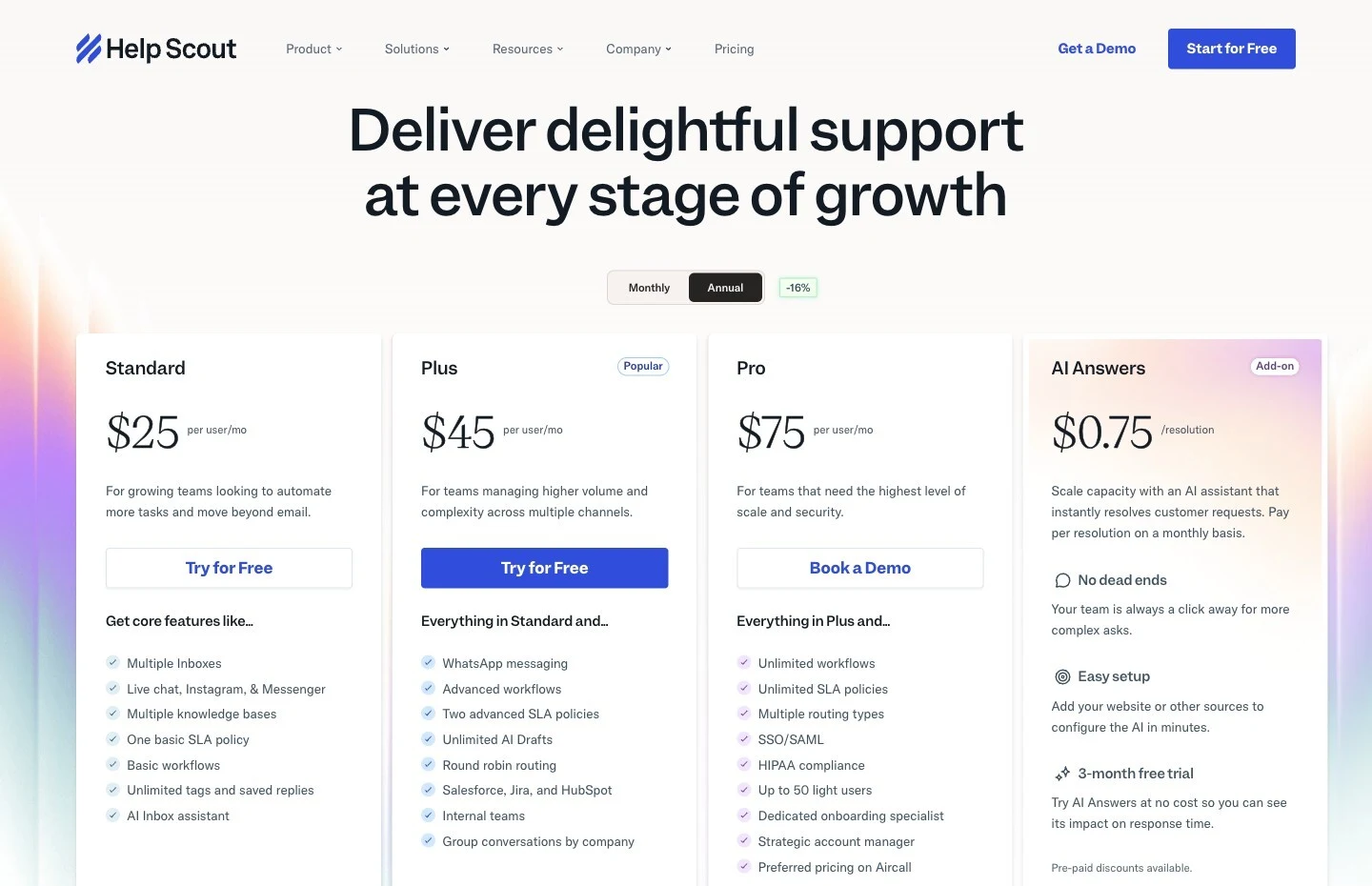
Its public pricing page lists Standard at $25/user/month, Plus at $45/user/month, and Pro at $75/user/month, alongside an AI Answers add-on at $0.75 per resolution with a free trial period. The page also makes the AI Answers positioning clear: it is there to resolve customer questions instantly while keeping your team available for more complex asks. See Help Scout pricing.
The Help Scout AI Answers docs add two details that matter:
- AI Answers pulls from your Docs knowledge base and other publicly available sites and documents.
- Beacon can run in either Self Service mode, where visitors hit AI Answers first, or Neutral mode, where AI Answers sits alongside other options like email or chat.
See Get Started with AI Answers and AI resolutions pricing.
Choose Help Scout over Intercom when:
- you want a lean inbox and knowledge-base workflow first
- you prefer AI as a measured add-on instead of the center of the product
- you want a smaller-team support product with lower seat pricing than Intercom
Skip it if you want a broader service platform or a more aggressive omnichannel setup.
Choose SiteGPT if you want the faster website-support starting point
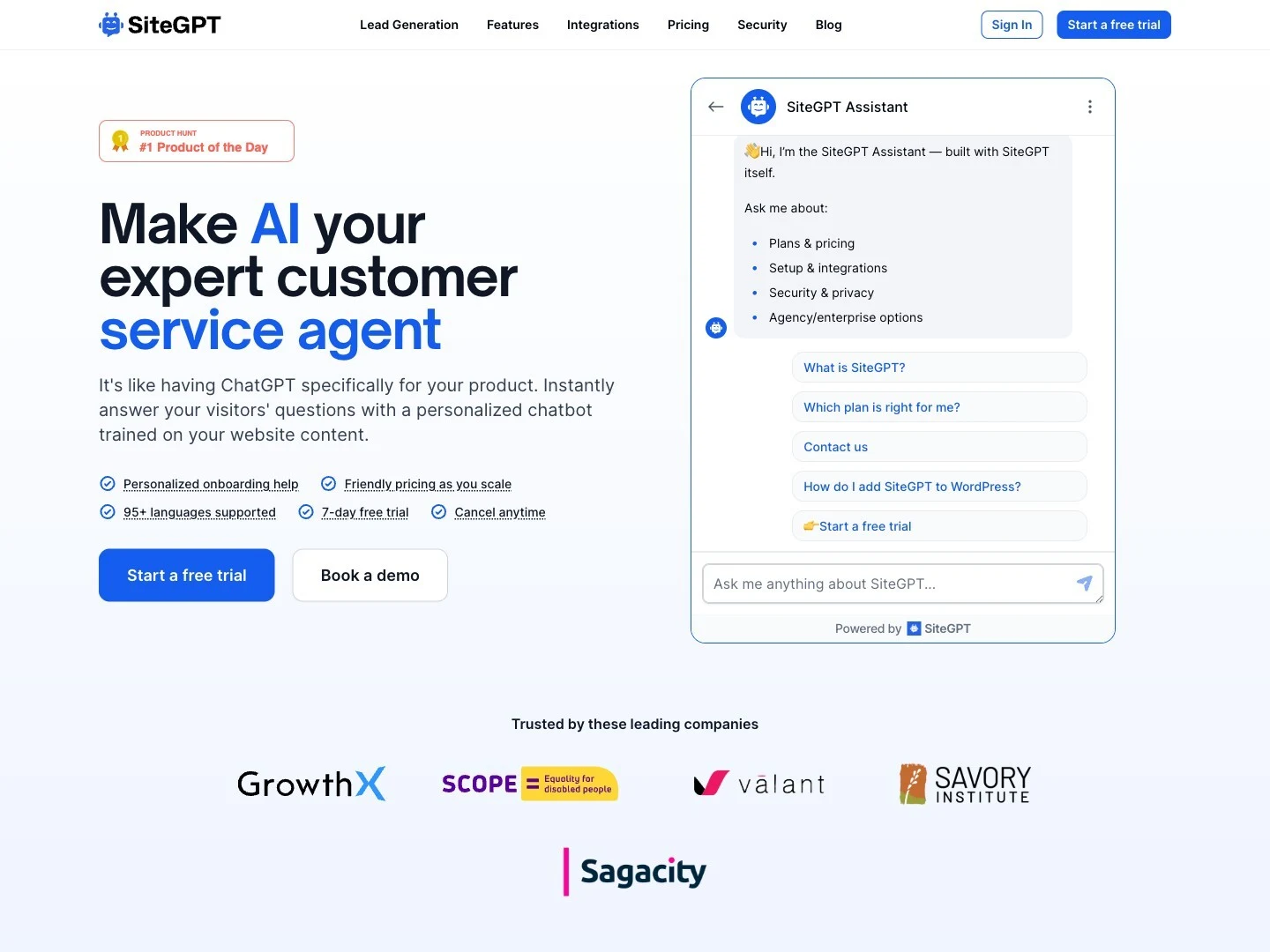
SiteGPT is one of the cleanest options here if your real goal is “train the AI on my site and files, then get useful support replies quickly.”
Its public pricing page starts at $39/month billed yearly for Starter and $79/month billed yearly for Growth. SiteGPT also explicitly says that real message capacity varies by model choice, and that GPT-4.1-mini is 10x cheaper than GPT-4.1 on the same plan, which is one of the more honest public notes you will see on an AI pricing page. See SiteGPT pricing.
The public docs also show that human support escalation is a first-class feature, with escalation buttons, custom prompts, email notifications, Zapier ticket creation, and Slack notifications. Its integrations overview lists Slack, Google Chat, Facebook Messenger, Crisp, Freshdesk, Zendesk, Zoho SalesIQ, and Zapier among the current public integrations. See human support docs and integrations overview.
Choose SiteGPT over Intercom when:
- you mainly want a website support agent
- you do not need a full service suite around it
- you want a simpler starting point with lighter team collaboration
The tradeoff is that SiteGPT feels closer to a focused support bot product than to an all-in-one service platform.
Choose Zendesk if the helpdesk is still the center of gravity
Zendesk is the clearer alternative when you are not trying to get away from a suite model. You are just deciding whether Intercom is the right suite.
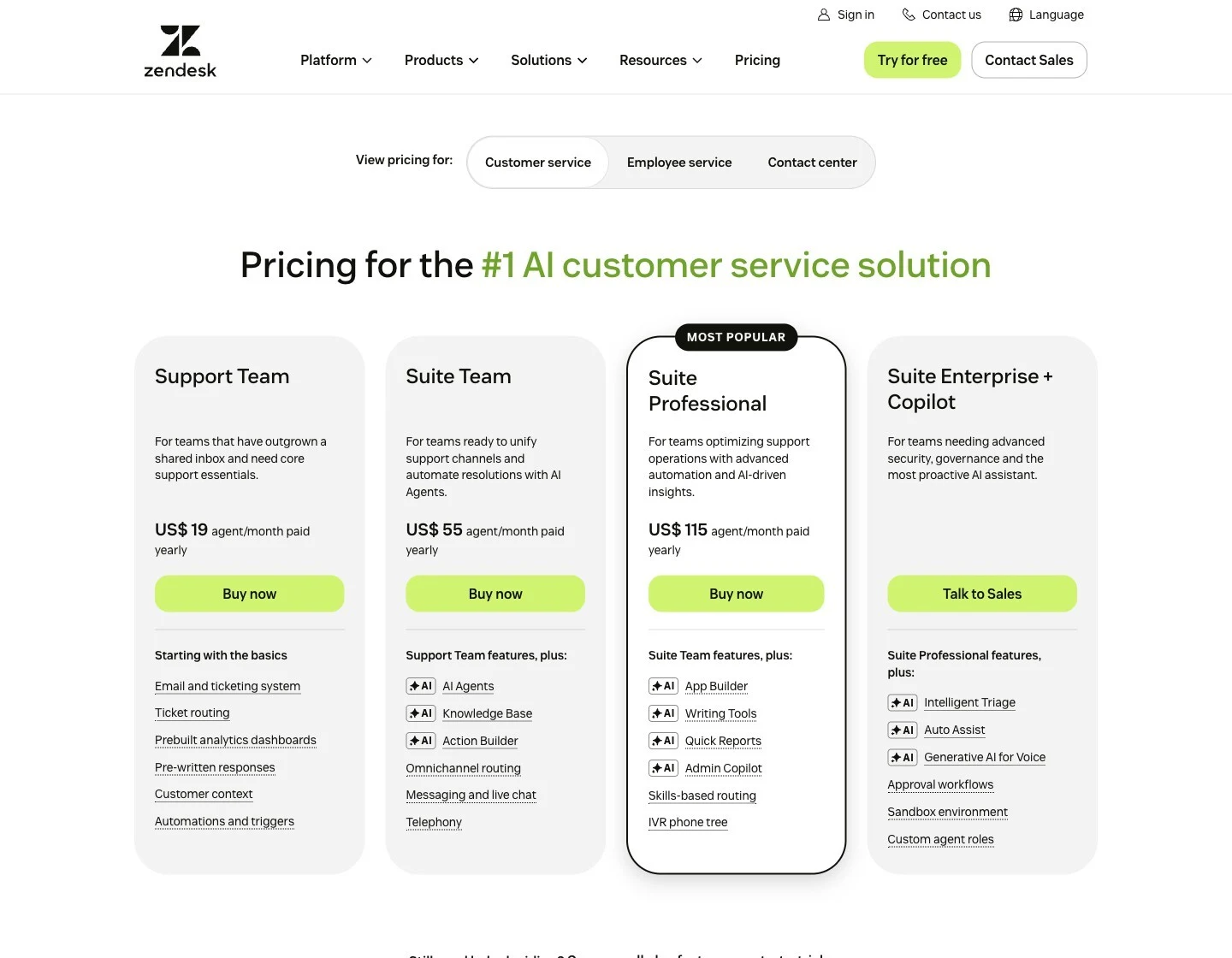
Zendesk’s public pricing page currently lists Support Team at $19/agent/month paid yearly, Suite Team at $55/agent/month paid yearly, and Suite Professional at $115/agent/month paid yearly. Its Suite Team tier specifically calls out AI agents, AI knowledge base, AI action builder, messaging and live chat, and telephony. See Zendesk pricing.
That makes Zendesk a strong fit if:
- you want a large service platform
- agent-based seat pricing is already normal in your org
- you care more about operational breadth than about the lightest possible AI layer
It is less attractive if you were hoping to simplify the stack rather than swap one broad suite for another.
Choose Crisp if you want AI inside an omnichannel inbox
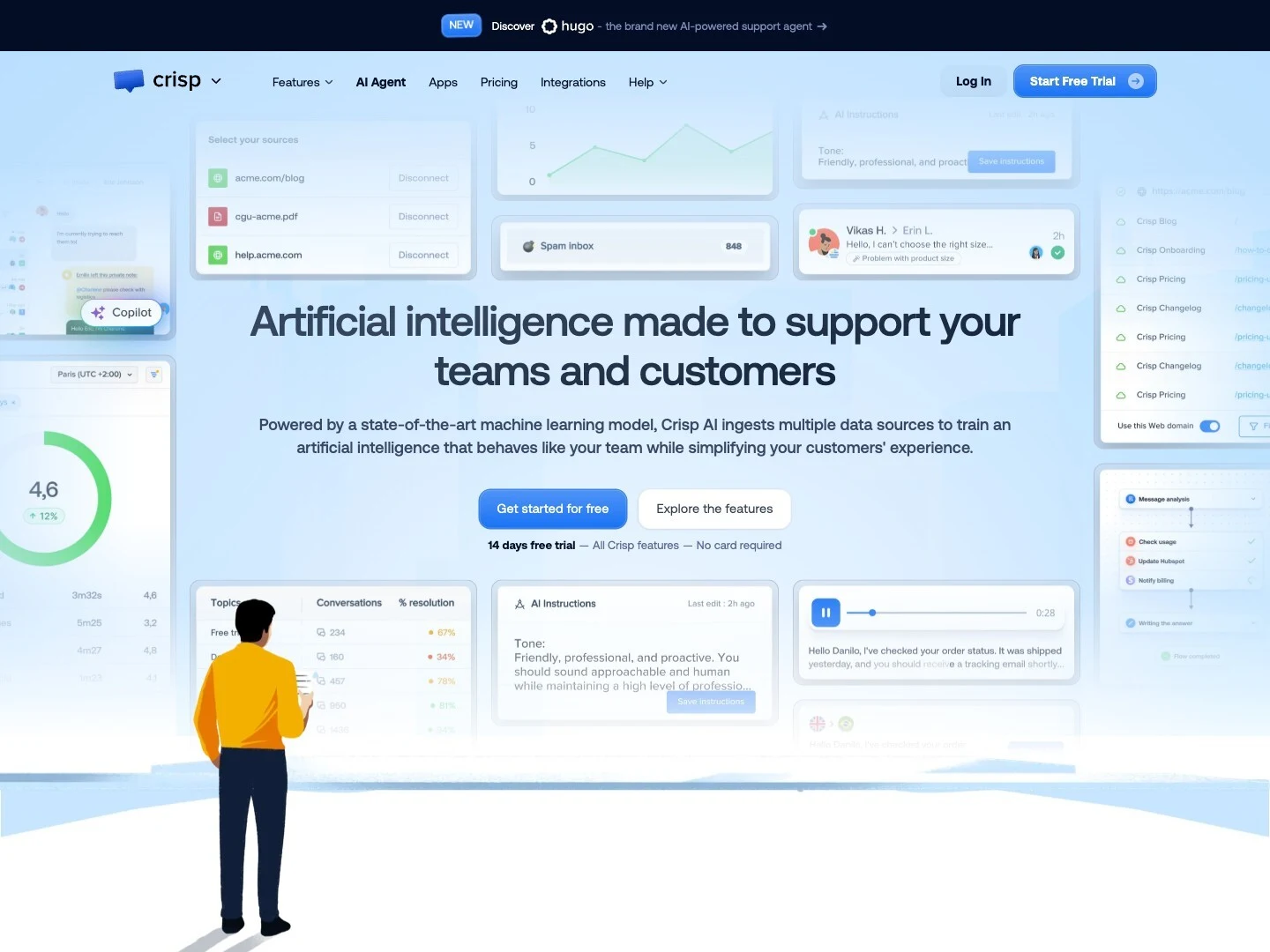
Crisp is worth a shortlist spot if you want AI, shared inbox behavior, and broad channel coverage without immediately buying into the same kind of suite shape as Intercom.
Its public pricing page lists Mini at $45/month, Essentials at $95/month, and Plus at $295/month, with 4, 10, and 20+ included agent licences on those plans and additional agents at $10/month. See Crisp pricing.
The AI product page adds the support-specific parts that matter: Crisp positions its AI agent across web chat widget, WhatsApp, Messenger, Instagram, and email, and says that when handoff is needed, the conversation passes along with full context. It also positions an internal AI copilot separately from the customer-facing AI agent. See Crisp AI.
Choose Crisp over Intercom when:
- you want a shared inbox plus AI across several channels
- you like the idea of customer-facing AI and an internal copilot in the same product
- you want broader messaging support without defaulting to Intercom
Be careful if your buying criteria are mostly around citations, knowledge verification, or grounded-answer workflows. That is not the center of Crisp’s public positioning.
If Crisp is now the product you are considering leaving, use our Crisp exit / keep worksheet before treating a larger help desk or a standalone AI layer as the same kind of replacement.
Choose Tidio Lyro if live chat is still the core workflow
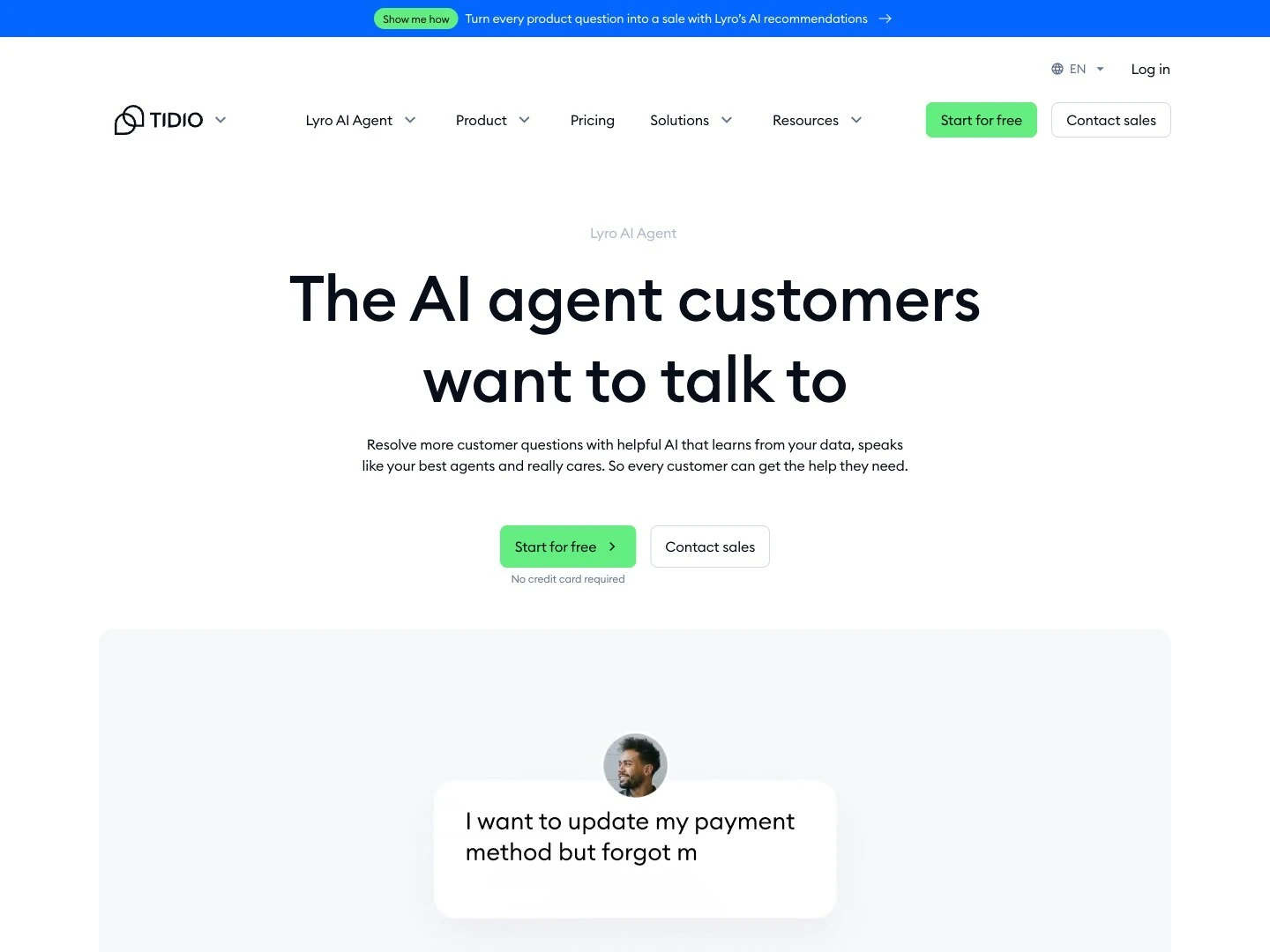
Tidio Lyro is a strong Intercom alternative when live chat is still the center of your support motion and you want AI layered into that motion instead of replacing it.
Its public pricing page lists a Starter plan at $24.17/month annually with 100 billable conversations, and the Lyro page says every account starts with 50 free conversations and that you can pay $0.5 per conversation after that. Tidio also says Lyro connects with Zendesk, Intercom, Salesforce, and 20+ platforms. See Tidio pricing and Lyro.
Choose Tidio over Intercom when:
- live chat is still the operational center of the team
- you want a lower headline starting price
- you are comfortable managing multiple usage meters as volume grows
The tradeoff is that Tidio still feels more live-chat-native than helpdesk-suite-native.
How to test an Intercom alternative without getting trapped by the demo
Every vendor demo looks smoother than your real queue. Use the same three checks on every option:
-
Grounding test Ask questions from your real docs, including one edge case and one question your docs do not answer well. Score answer quality, refusal quality, and how easy it is to verify the answer.
-
Handoff test Force an escalation. Check whether the full thread survives, whether the AI stops cleanly, and whether the operator has enough context to continue without asking the customer to repeat themselves.
-
Cost test Model the cost using your own team size, volume, and channels. With Intercom, the dangerous shortcut is to read the seat price and ignore outcome pricing. With other tools, the dangerous shortcut is to read the lowest sticker price and ignore per-resolution, per-conversation, or per-message usage.
That test usually tells you more than any feature grid.
FAQ
What is the best Intercom alternative for AI customer support?
There is no single winner. Owlish is the strongest fit here if you want grounded answers, optional citations, and a no-code AI-plus-handoff workflow. Help Scout is strong for calmer inbox-first support. SiteGPT is strong for faster website support. Zendesk is stronger when you still want a bigger suite.
Why do teams leave Intercom?
Usually because they no longer want the same pricing shape or the same amount of surrounding product. Seat pricing plus AI usage pricing is fine when the full suite is worth it. It is much less appealing when the team mainly wants a support agent and a cleaner human handoff path.
Is Help Scout cheaper than Intercom?
On public pricing checked in May 2026, Help Scout’s seat pricing starts lower than Intercom’s. The catch is that AI Answers is a separate $0.75 per resolution add-on, so you should compare the total cost of seats plus AI usage, not just the base seat price.
What should I compare besides price?
Compare grounding, handoff, support-ops fit, and cost shape. If a product answers well but gives operators a messy escalation path, it is usually not actually reducing support work.
Sources checked for this comparison
- Intercom seats
- Intercom pricing FAQs
- Fin for platforms explained
- Help Scout pricing
- Help Scout AI Answers docs
- Help Scout AI resolutions pricing
- SiteGPT pricing
- SiteGPT human support docs
- SiteGPT integrations overview
- Zendesk pricing
- Crisp pricing
- Crisp AI
- Tidio pricing
- Tidio Lyro
- Owlish pricing
- Owlish knowledge base overview
- Owlish web widget docs
- Owlish human handoff docs
Trademark note
Intercom, Zendesk, Help Scout, SiteGPT, Crisp, Tidio, and other product names mentioned here are trademarks or registered trademarks of their respective owners. Owlish is not affiliated with or endorsed by those companies unless explicitly stated.
Where to start if Owlish is the shape you need
If what you actually want is a support agent trained on your site and docs, with optional source citations and a real human handoff path, start with the Owlish pricing page, then walk through building your first agent. You will know pretty quickly whether the agent behaves like part of your support team or just another bot layer.