AI Customer Support for Ecommerce: How to Set It Up Right
A practical guide to AI customer support for ecommerce: which questions to automate, where order data and human handoff matter, and how to set it up without breaking trust.
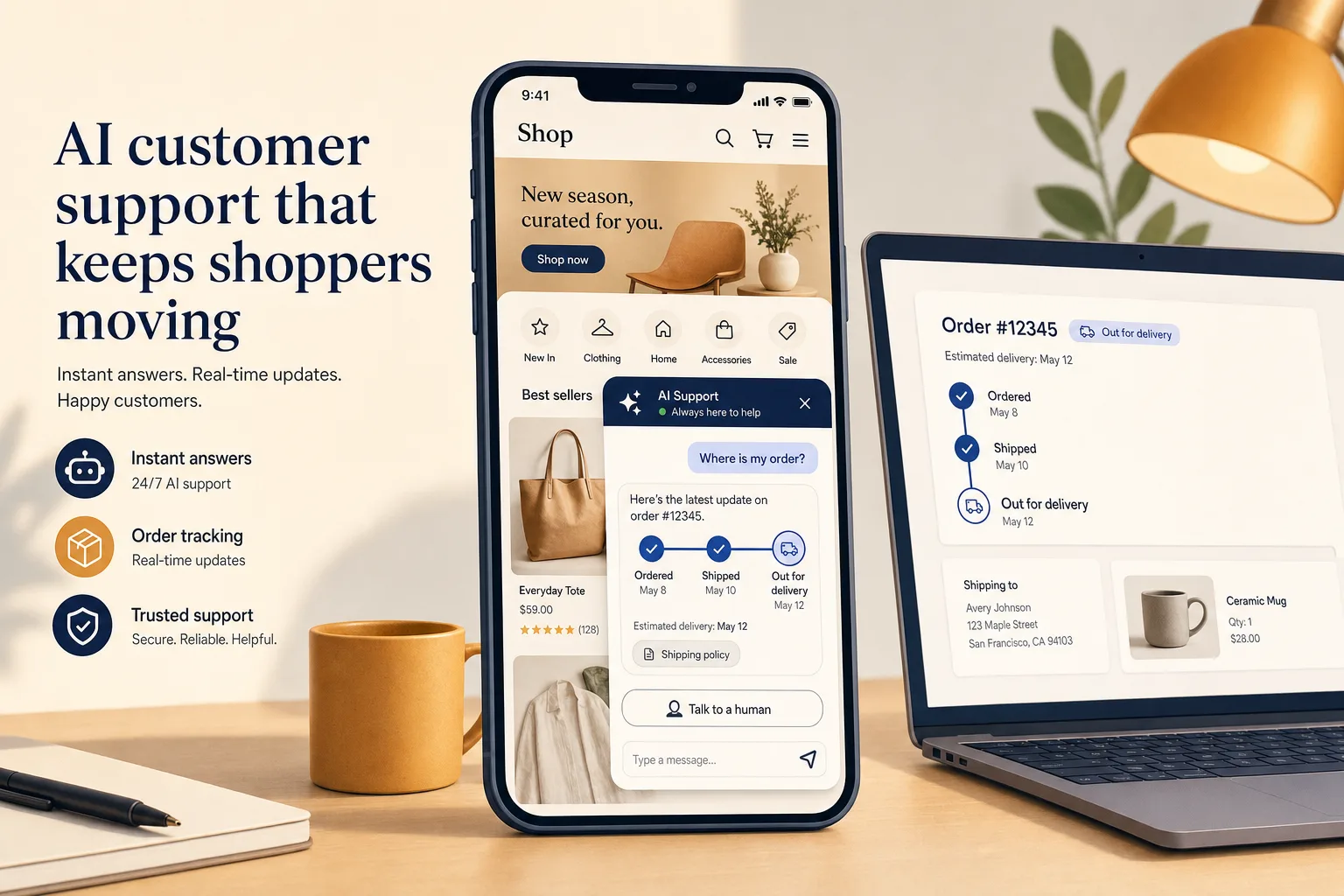
Most ecommerce support volume is not interesting, and that is exactly why AI helps. A large share of your tickets are the same handful of questions — where is my order, what is your return policy, does this come in my size — repeated thousands of times across email, chat, and DMs.
This guide is about putting an AI agent in front of that volume without making your store feel worse. I will be specific about what AI can answer well on a storefront, what still needs a real action on order data, and where a human has to take over. Owlish is our product, so I will show where it fits — and where a Shopify-native helpdesk is the better buy.
Ecommerce support is different from generic support
A SaaS support queue is mostly “how do I use this feature.” An ecommerce queue is mostly logistics and money: orders, shipping, returns, refunds, and “did my payment go through.”
Three things make it harder than it looks:
- A few topics dominate. “Where is my order?” — the WISMO question — is consistently cited as one of the largest single drivers of ecommerce contacts, with industry estimates often putting it at 30–50% of support volume. Salesforce describes WISMO as a top reason shoppers reach out after buying (Salesforce on WISMO).
- Returns are a structural cost, not an edge case. Industry estimates put online return rates around one in five orders, and each return carries real handling cost on top of the support conversation (ecommerce return statistics, 2026 roundup).
- Volume spikes. Launches, promotions, and the holiday peak can multiply contact volume in days, which is when slow replies cost you the most revenue.
The takeaway: ecommerce support is unusually repetitive and unusually time-sensitive. That is the ideal shape for AI to take the first pass — as long as you draw the lines correctly.
Step 1: Map your contact reasons before you automate anything
Do not start by “turning on AI.” Start by pulling your last few hundred conversations and sorting them into three buckets: questions AI can answer from documented content, questions that need live order data or a write action, and questions that need a human.
That sort decides everything else. Here is a typical ecommerce breakdown.
| Contact reason | Who should handle it | Why |
|---|---|---|
| Return / shipping / warranty policy | AI, grounded in your policy pages | The answer is documented and stable |
| Product, sizing, compatibility | AI, grounded in product content | Documented; escalate if the agent is unsure |
| ”Where is my order?” | AI if it can read order/tracking data; otherwise route to self-service | High volume, but lookup-driven |
| Process a refund, edit or cancel an order | Human, or a store-connected action | Needs a write action on real order data |
| Damaged item, wrong item, complaints | Human handoff | Needs judgment and goodwill |
| Pre-sale “will this work for me?” | AI, escalate when it matters | Conversion-sensitive; wrong answers cost sales |
The pattern: AI is strongest where the answer already exists in your content, and weakest where it needs to act on a specific order. Keep those separate and the rest of the setup gets simple.
Step 2: Ground the agent in your real store content
The questions in the top two rows above — policies, products, sizing — are where an AI agent earns its keep on day one. But only if it answers from your content, not from a general model guess about how returns “usually” work.
That is the difference between a grounded agent and a generic chatbot. A grounded agent retrieves the relevant passage from your store’s own material before it answers, and ideally shows where the answer came from so an operator can verify it. We have written separately about why grounded answers matter and how to build a knowledge base that survives real questions.
For a store, the sources worth ingesting first are:
- Shipping, returns, refunds, and warranty policy pages
- Product and collection pages, including sizing and care details
- Your existing help center or FAQ
- Order-process explainers (how cancellations work, how long refunds take)
- Any policy PDFs your team already sends customers
Owlish ingests websites, PDFs, DOCX, CSV, TXT, Markdown, and direct FAQ pairs, and can show source citations in the web widget so your team can confirm what an answer was based on. See the knowledge base overview and web widget docs.
One practical rule: write the policy answer the way a customer asks it, not the way Legal wrote it. “Can I return a sale item?” should retrieve cleanly, which it will not if the only source is a 12-page terms document with the answer buried in clause 7.
Step 3: Be honest about order data
Here is where ecommerce AI gets oversold. “Where is my order?” looks like a perfect automation target — it is high volume and the answer is factual. But the answer lives in your order and shipping systems, not in your help content. To answer it directly, the agent needs to read live order data; to process a refund or edit an order, it needs to write to it.
You have three honest options:
- Deflect with self-service. Point WISMO questions at your order-tracking page or a “track my order” flow, and let the AI answer the surrounding policy questions (“how long does shipping take,” “what does ‘processing’ mean”). This works on any stack and cuts a surprising amount of volume on its own.
- Connect order data through an ecommerce-native helpdesk. Tools like Gorgias are built around Shopify and other store platforms, with native integration that lets the agent pull up an order and take in-conversation actions. Gorgias positions itself as the conversational AI platform for ecommerce and reports its AI Agent resolving roughly 60% of routine inquiries (Gorgias). If your support is dominated by order edits, refunds, and cancellations, that depth is the point.
- Pair a grounded agent with human handoff for the rest. Let AI own the documented questions and hand the order-action and judgment cases to an operator with the full thread attached.
Owlish today is built for the first and third options. It grounds answers on your store content and hands off cleanly to a human, but it does not natively pull live Shopify order status or process refunds and edits — native store order actions are on our roadmap, not shipped. If “edit this order inside the chat” is your core requirement, an ecommerce-native helpdesk is the more honest choice, and I would rather say that than pretend otherwise.
Step 4: Set the escalation rules before launch, not after
The fastest way to lose trust is an AI that confidently answers a refund-status question it has no way to verify. Decide your handoff triggers up front:
- The customer asks to talk to a person.
- The question needs an order action (refund, cancel, edit, address change).
- The agent cannot find a grounded answer in your content.
- Sentiment is clearly negative, or the conversation is about a damaged or wrong item.
When the agent escalates, the customer should not have to repeat themselves and the operator should get the full conversation. We cover the mechanics in AI support handoff: when bots should escalate.
In Owlish, human handoff and the shared helpdesk inbox start on the Growth plan, so the AI-to-human path is one workflow rather than a bolt-on. See the human handoff docs.
Step 5: Meet customers where they message
Ecommerce conversations do not only happen on your site. A growing share start on WhatsApp, Messenger, and Instagram, especially outside the US.
Decide which channels actually matter for your store before you buy for all of them. For most stores the web widget is the anchor, with messaging channels added as real demand shows up. Owlish runs the web widget on every plan and adds Slack, Microsoft Teams, Google Chat, WhatsApp, Instagram, Messenger, and Telegram on Growth and above — WhatsApp, Instagram, and Messenger connect in one click, and Telegram connects with your own bot (pricing). We have a step-by-step for the most common starting point: how to add an AI chatbot to your website.
Step 6: Reduce the questions before they become tickets
The best ecommerce support improvement is often not a faster answer — it is a question that never gets asked. WISMO is the clearest example: proactive shipping updates and clear delivery estimates at checkout are repeatedly shown to cut “where is my order” contacts substantially.
So pair your AI agent with the boring fundamentals:
- Send shipping confirmation and tracking emails reliably.
- Show realistic delivery estimates at checkout, not optimistic ones.
- Put your return window and process one click from the order page.
- Keep the policy content your agent reads current — a refreshed agent is only as good as the page behind it.
AI handles the questions that remain; good operations shrink how many there are.
Where Owlish fits for an ecommerce store
Choose Owlish when your priority is a grounded front line and a clean handoff:
- You want an agent that answers shipping, return, sizing, and product questions from your content, with optional citations operators can verify.
- You want AI and human support to feel like one workflow, with a shared inbox once a conversation escalates.
- You want no-code setup on your storefront and the channels you actually use, not a custom build.
Choose an ecommerce-native helpdesk instead when in-conversation order management is the core job — when “look up this order and refund it” needs to happen inside the chat across Shopify or another platform. That is a different product category, and a store drowning in order edits should buy for it directly.
Public Owlish pricing starts at $49/mo monthly or $39/mo billed annually for Starter, $149/mo monthly or $119/mo billed annually for Growth (where human handoff and the shared inbox begin), and $449/mo monthly or $359/mo billed annually for Scale (which adds AI sentiment, advanced analytics, and longer retention). See the pricing page for the full breakdown.
What to measure after launch
Do not judge an ecommerce support agent on a single resolution-rate number. Track:
- Deflection on documented questions — what share of policy/product questions resolve without a human.
- Handoff quality — do escalations arrive with full context, and do customers repeat themselves.
- WISMO load — is “where is my order” volume falling as your tracking and proactive updates improve.
- Answer trust — spot-check cited answers for accuracy on your real catalog and policies.
Broader industry data shows autonomous AI handling a large share of routine service contacts and improving resolution times, but your own numbers on the four points above are what tell you it is working (Zendesk AI customer service statistics). We go deeper in AI customer service metrics: what to measure after launch.
FAQ
Can AI handle “where is my order?” questions for an ecommerce store?
Partly. AI can answer the policy side (“how long does shipping take,” “what does processing mean”) from your content immediately. To answer the specific order (“where is order #1234”), the agent needs to read live order data, which usually means an ecommerce-native helpdesk integration or routing the customer to a self-service tracking flow. Owlish grounds the policy answers and hands off the rest; it does not natively read live Shopify order status today.
Is a Shopify-native helpdesk better than a general AI support tool?
It depends on your queue. If most of your volume is order edits, refunds, and cancellations, a Shopify-native helpdesk like Gorgias is built for in-conversation order actions and is likely the better fit (Gorgias). If most of your volume is policy, product, and pre-sale questions, a grounded agent with clean handoff covers it at lower complexity.
How much can AI realistically deflect for a store?
Treat vendor headline numbers as ceilings, not promises. Resolution depends on how documented your policies are and how much of your volume needs an order action. The reliable win is the repetitive, documented questions; budget for human handoff on the rest rather than expecting a single number to hold across every store.
Will an AI agent hurt customer trust?
Only if it guesses. A grounded agent that answers from your real content, shows its sources, and escalates when it is unsure tends to raise trust, because customers get fast, accurate answers and a clean path to a human when they need one. The risk is a generic bot that improvises policy it cannot verify.
Sources
- Salesforce — WISMO: what it is and how to reduce it
- Ecommerce return statistics (2026 roundup)
- Gorgias — conversational AI platform for ecommerce
- Intercom — Fin and Intercom plans explained
- Zendesk — AI customer service statistics
- Owlish knowledge base overview
- Owlish web widget docs
- Owlish human handoff docs
- Owlish pricing
Comparison context was gathered from public vendor pages in May 2026 and may change; check the linked pages for current details.
Trademark note
Gorgias, Shopify, Intercom, Zendesk, and other product names mentioned here are trademarks or registered trademarks of their respective owners. Owlish is not affiliated with or endorsed by those companies unless explicitly stated.
Where to start with Owlish
If your store’s volume is mostly policy, product, and pre-sale questions, start by pointing an agent at your shipping and return pages, your product content, and your FAQ, then add human handoff for the order-action cases. The pricing page shows where each capability begins, and building your first agent walks through the setup. You will know quickly whether the agent behaves like part of your store or just another bot.