How to Choose AI Customer Support Software: A 2026 Buyer's Checklist
A practical 2026 checklist for choosing AI customer support software — the eight things to test before you buy, how to verify each one in a trial, and which category of tool fits which team.
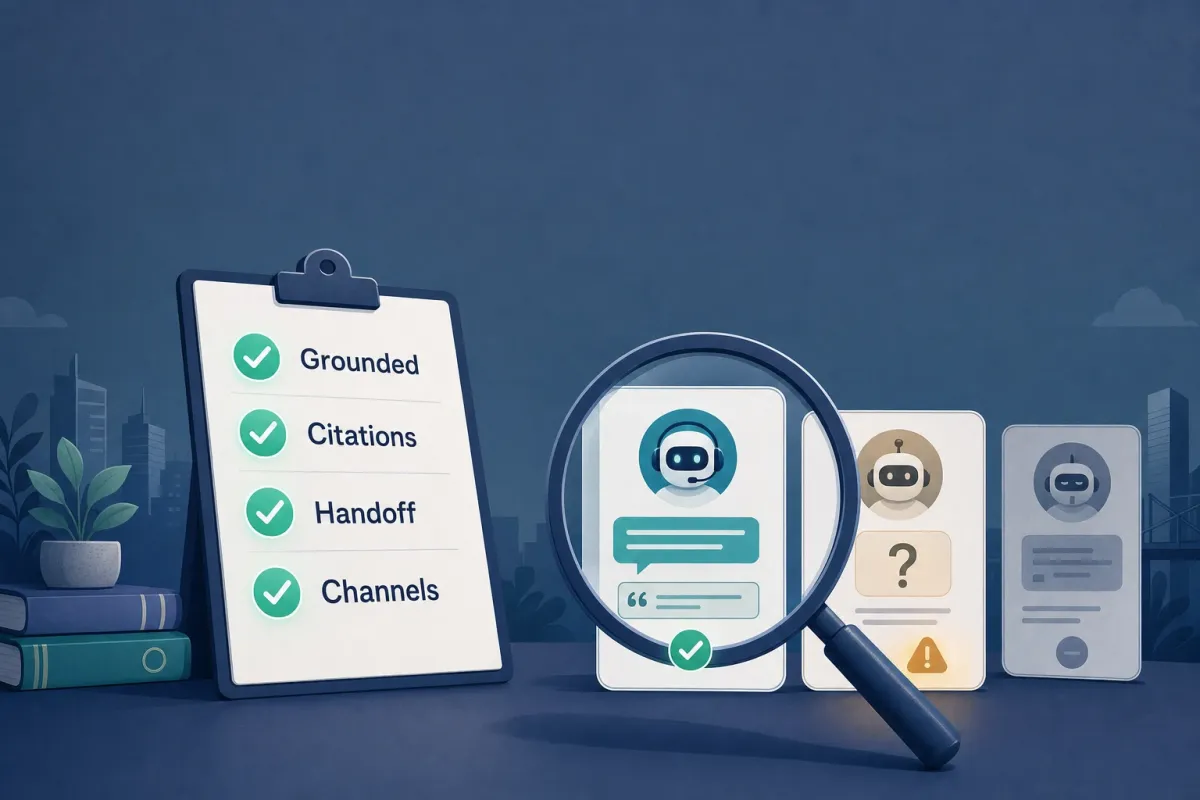
The demo is not the product. Gartner expects more than 40% of agentic AI projects to be canceled by the end of 2027 — not because the technology fails in the sales call, but because teams buy on the pitch and discover the gaps in production (Gartner).
Choosing AI customer support software in 2026 is less about which tool has the best landing page and more about which one holds up when a real customer asks a real question at 2 a.m. This is a buyer’s checklist: the eight things that actually separate an agent you keep from one you roll back, how to test each one during a trial instead of taking it on faith, and which category of tool fits which kind of team. It is not a ranked list of vendors — those go stale in a quarter. It is the evaluation that stays useful no matter who is on the shortlist.
Why choosing got harder, not easier
A few years ago, “customer support chatbot” meant a decision tree. Now every vendor calls its product an AI agent, and the word has lost most of its meaning. Gartner has a blunt name for the gap: “agent washing” — rebranding assistants, RPA, and scripted chatbots as agents without the underlying capability. By its count, only around 130 of the thousands of self-described agentic vendors are doing something genuinely new (Gartner).
The direction of travel is real. Gartner also predicts that by 2029, agentic AI will autonomously resolve 80% of common customer service issues and cut operational costs by about 30% (Gartner). So the market is heading somewhere worth getting to. The problem is that the distance between a tool that gets you there and one that quietly fails is invisible in a demo and obvious in production. The checklist below is how you make it visible before you sign.
The checklist: eight things to test before you buy
Treat each item as a question you answer with your own content during a trial, not a feature you tick off a brochure.
1. Does it ground answers in your content — and show its sources?
This is the single highest-leverage criterion, so put it first. A pure language model will produce a fluent, confident, wrong answer when it does not know something. The fix is grounding: the agent answers only from content you control — your site, docs, help center, and PDFs — and shows the source behind each answer so the customer and your team can verify it.
Citations are not a cosmetic feature. They are how you tell a real answer from a plausible one. An agent that cannot show where a claim came from is asking you to trust it on every reply, and reliability remains the top reported barrier to deploying generative AI in support.
How to test it: load your own knowledge, then ask ten questions you know the answers to and ten you know the content does not cover. The right tool cites a source on the first ten and declines on the second ten. A tool that confidently answers the questions your content cannot support is the one that will refund customers for you later. (More on why this matters: why grounded answers matter.)
2. How does it ingest and refresh your knowledge?
An agent is only as good as what it has read. Look at three things: what sources it accepts (website crawl, document and PDF upload, FAQs), how much manual cleanup the ingestion takes, and how the knowledge stays current. Help content changes weekly; an agent trained once and never refreshed starts giving last quarter’s answers.
How to test it: point it at your actual help center and a couple of messy real PDFs, not a clean sample. Then change a published answer and see how long the agent keeps repeating the old one. Manual-only refresh is fine for a small, stable site and a real liability for a fast-moving one.
3. What does it do when it doesn’t know?
Most support failures are not wrong answers to easy questions — they are confident answers to questions the agent should have refused. A trustworthy agent has an explicit refusal path: when confidence is low or the content is missing, it says so and routes the customer onward instead of inventing something.
How to test it: ask it edge-case and adversarial questions — pricing for a plan you do not offer, a policy you have never published, a competitor’s product. Watch whether it refuses cleanly or improvises. The refusal behavior tells you more about production safety than any happy-path answer.
4. How clean is the human handoff?
No agent resolves everything, and the ones that pretend to are the dangerous ones. The handoff is where trust is won or lost: when the agent reaches its limit, it should pass the conversation, the customer’s question, and what it already tried to a human inbox — without making the customer start over.
How to test it: trigger an escalation and look at what the human receives. Is it the full context, or a cold “user wants help”? Can you set the rules for when it escalates (angry tone, billing, explicit “talk to a person”)? A handoff that resets the conversation is a worse experience than no bot at all. (When bots should escalate.)
5. Are the channels the ones your customers actually use?
A great web-widget agent is useless if your customers live in WhatsApp, and a great email agent is useless if your volume is live chat. Map the tool’s channels to where your conversations already happen — web widget, Slack, Microsoft Teams, WhatsApp, email — before you fall in love with the answering quality.
How to test it: list your top three contact channels by volume, then confirm the tool supports them natively rather than “on the roadmap.” Be wary of a long channel list where most are shallow integrations.
6. Is the no-code claim actually true?
Nearly every vendor says “no code.” The honest question is how long it takes a non-engineer to get from signup to a grounded agent answering a real question. Some platforms mean it; others mean “no code, after our solutions team configures it for six weeks.”
How to test it: have a non-technical teammate set up a basic agent during the trial, timed. If it takes a week and two support tickets, “no-code” is marketing. Implementation speed is a real buying criterion — a tool you can stand up in an afternoon gets evaluated honestly; one that takes a quarter gets evaluated by sunk cost.
7. What are you actually metered on?
Pricing models in this category are deliberately hard to compare: per seat, per resolution, per conversation, per session, per message, plus credits and add-ons. The number on the pricing page is rarely the number on the invoice. What matters is the unit — because that unit decides whether your bill scales with your team, your ticket volume, or your traffic.
How to test it: model your real monthly volume against each tool’s unit and include the things that are easy to miss — overage rates, whether human-handoff conversations are billed, and what an extra agent or seat costs. We wrote a full breakdown of the traps in how to compare AI customer support pricing.
8. Can you see what it did — and is your data handled responsibly?
Two related questions that buyers skip until it is too late. Observability: can you review what the agent answered, which sources it cited, where it refused, and where it handed off? Without that, you cannot improve it or catch a bad pattern. Data handling: where does customer data go, how long is it retained, and is it used to train shared models? Ask for specifics rather than a compliance logo.
How to test it: after a day of trial conversations, try to answer “what did customers ask, and where did the agent struggle?” If the tool cannot show you, you are flying blind. And read the data-processing terms, not the badge — retention windows and training-data policy vary widely.
A quick scoring table
Keep this short and score each tool on your own trial, not the vendor’s claims.
| Criterion | How to test it in a trial |
|---|---|
| Grounded + cited answers | Ask 10 known and 10 uncovered questions; check citations and refusals |
| Knowledge ingestion + refresh | Feed real messy PDFs; change an answer and time the update |
| Refusal behavior | Ask adversarial / out-of-scope questions; watch for clean “I don’t know” |
| Human handoff | Trigger escalation; inspect the context the agent passes |
| Channels | Match native support to your top 3 channels by volume |
| No-code setup | Time a non-technical teammate from signup to first answer |
| Pricing unit | Model your real volume against the metered unit and overages |
| Observability + data | Reconstruct “what did customers ask?”; read retention + training terms |
Match the category to your situation
There is no single best tool, only the right category for your team. Roughly three exist in 2026, and the brand names are examples, not endorsements.
Helpdesk-native suites (for example Zendesk, Intercom, Freshdesk, and the ecommerce-focused Gorgias) layer AI on top of a full ticketing, CRM, and routing platform. Choose this category if you already run a structured support operation, need deep agent workflows and reporting, and want the AI to live inside an existing helpdesk. The tradeoff is cost and setup weight — you are buying a platform, and the AI agent is one part of it.
If you are specifically deciding what to do with an existing Help Scout setup, use our keep, layer, or migrate decision guide before treating every listed tool as a full replacement.
If your current stack is Crisp, start with the Crisp exit / keep worksheet. It separates a shared-inbox migration from the much narrower job of adding a source-grounded AI front line.
AI-native website and document agents (for example Chatbase, SiteGPT, and Owlish) start from the agent itself: ingest your knowledge, ground the answers, deploy a widget, hand off to a human. Choose this category if your priority is fast, grounded answering and deflection on your site and docs without standing up a contact center first. The tradeoff is that these are answering-and-handoff layers, not full ticketing suites with telephony.
Full contact-center platforms add voice, IVR, and workforce management. Choose this category only if the phone is a primary channel and you need agentic AI across voice and digital together. The tradeoff is the heaviest implementation of the three.
By persona: budget-conscious small teams are usually best served by an AI-native agent with a free or low entry tier; established support orgs with existing tooling lean toward a helpdesk-native suite; technical teams that want full control over sources and behavior should weigh grounding quality and observability above everything else; and anyone whose main channel is the phone needs a contact-center platform regardless of how good a chat agent looks.
Where Owlish fits (and where it doesn’t)
Owlish is our product, so read this as a vendor being specific rather than neutral.
Owlish sits in the AI-native category. It ingests your website, documents, and PDFs, answers from that content, and can show the source behind each reply so a fast answer is also a verifiable one. When a question needs a person, it hands off to a shared helpdesk inbox with the conversation and context attached, rather than a cold transfer. It deploys as a web widget and extends to channels like Slack, Microsoft Teams, and WhatsApp, and the setup is genuinely no-code — a non-technical operator can ground an agent and get it answering the same day. Pricing starts with a free plan, with paid tiers from $39/mo billed annually ($49/mo monthly), so you can run the checklist above on your own content before paying anything.
It is a strong fit for small and growing teams that want grounded, cited answers and clean handoff without standing up a full contact center first. It is a weaker fit if you need telephony, deep CRM-grade ticket routing, or workforce management — for that, a helpdesk-native suite or a contact-center platform will serve you better, and you should choose one of those. Owlish is the grounded answering and handoff layer, not the entire support stack.
FAQ
What is the most important feature in AI customer support software?
Grounded answers with visible citations. Everything else — channels, pricing, setup — matters, but an agent that answers from content you do not control will eventually give a confident wrong answer, and a single wrong answer costs more trust than a dozen good ones earn. Test the grounding and refusal behavior first; if those fail, the rest does not matter.
How do I know if an “AI agent” is real or just a rebranded chatbot?
Test it on questions it should refuse. A scripted chatbot dressed up as an agent will either fall back to a generic menu or improvise an answer. A real grounded agent will cite a source when it can and decline cleanly when it cannot. Gartner calls the rebranding problem “agent washing,” and the refusal test is the fastest way to see through it.
Should a small business buy a full helpdesk or an AI-native agent?
Usually the AI-native agent first. A small team rarely needs the full ticketing, CRM, and routing weight of a helpdesk suite on day one, and an AI-native tool with a free or low entry tier lets you deflect the repetitive questions and hand off the rest quickly. You can graduate to a heavier platform when ticket volume and team size actually demand it.
How long should an AI customer support tool take to set up?
For an AI-native agent, a non-technical person should get a grounded agent answering real questions within a day. If “no-code” setup takes a week of configuration and vendor calls, the no-code claim is marketing. Heavier helpdesk and contact-center platforms reasonably take longer, but you should know that going in.
How should I compare pricing across tools?
Compare the unit you are metered on, not the headline number. Per-seat, per-resolution, per-conversation, and per-session models scale with completely different things, and overages and handoff billing are easy to miss. Model your real monthly volume against each tool’s unit before deciding.
Sources
- Gartner — over 40% of agentic AI projects will be canceled by end of 2027 — cost, unclear value, and “agent washing” as the causes; ~130 of thousands of vendors judged genuinely agentic
- Gartner — agentic AI will autonomously resolve 80% of common customer service issues by 2029 — and an estimated 30% reduction in operational costs
- Zendesk CX Trends — consumer expectations on responsiveness and accuracy in customer service
Market figures in this post were gathered in June 2026 from public Gartner and industry materials. Treat forecasts as directional, and run the trial tests above against your own content rather than relying on any vendor’s headline numbers.
Trademark note
Zendesk, Intercom, Freshdesk, Gorgias, Chatbase, SiteGPT, Gartner, Slack, Microsoft Teams, WhatsApp, and other product names mentioned here are trademarks or registered trademarks of their respective owners. Owlish is not affiliated with or endorsed by those companies unless explicitly stated. Category placements above are our reading of public positioning, not the vendors’ own classifications.
Where to start with Owlish
The fastest way to run this checklist is to run it on a real agent. Ground one in your own help content, ask it the questions you already know the answers to, and watch the citations and refusals. Read the knowledge base overview, see the pricing page for plan details, then walk through building your first agent. An afternoon of testing tells you more than a month of demos.