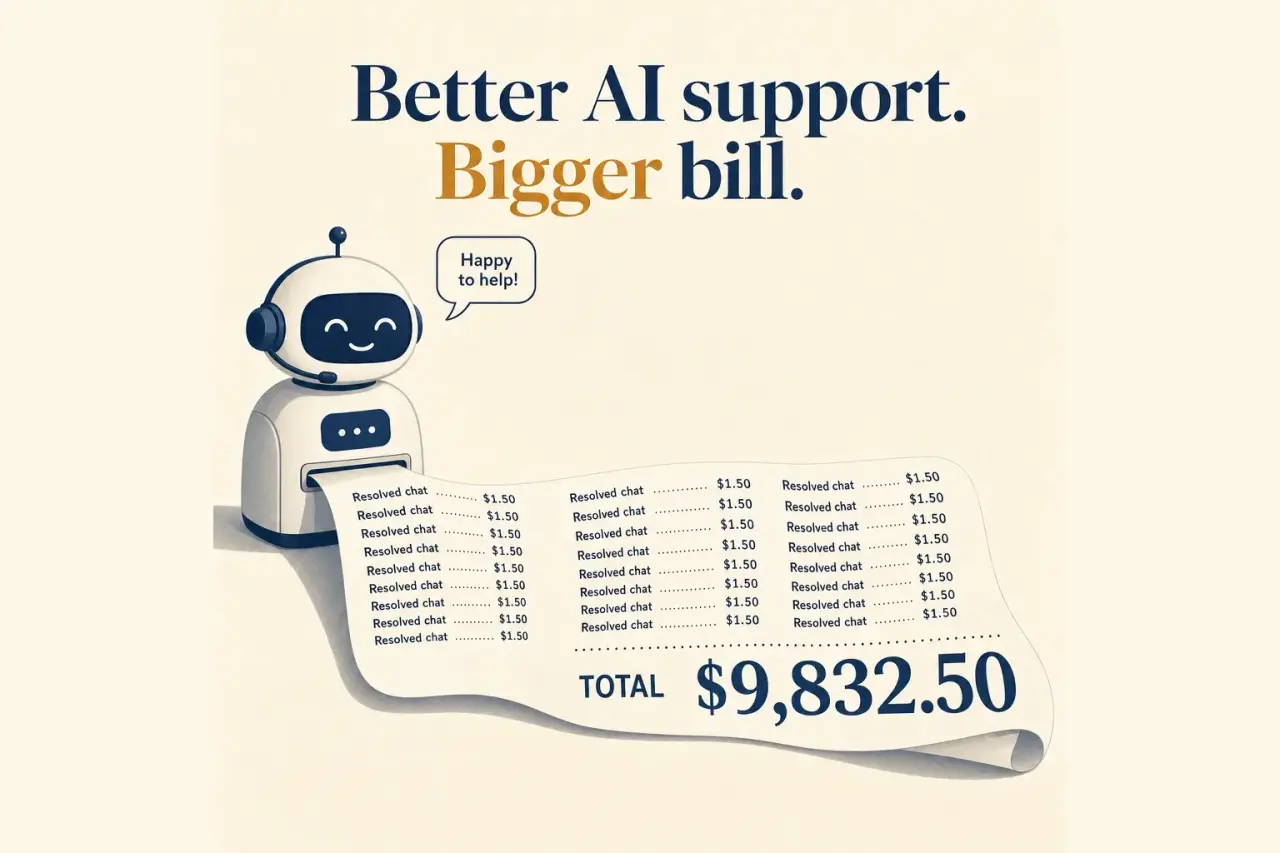
The cheapest AI support tool on the pricing page is often the most expensive one in production. If you compare monthly sticker prices without counting seats, AI usage, and the work still dumped back on humans, you will buy the wrong platform.
This is the part many teams get backwards. They compare “$49 per month” to “$0.99 per resolution” to “AI included” as if those numbers mean the same thing. They do not. They are different billing models, measuring different things, with very different failure modes once your support volume grows.
Owlish is our product, so this is not pretending to be neutral third-party editorial. The useful part, I think, is that the pricing framework below still helps even if you never buy Owlish. It is the same lens I would use to compare Owlish against a helpdesk suite, a website chatbot builder, or a more usage-metered AI support tool.
Why sticker price lies in AI customer support
AI customer support vendors are not really selling one thing. Some are selling software seats. Some are selling autonomous resolutions. Some are selling message credits. Some are selling a bundle that looks simple until the add-ons appear.
You can see that clearly on the vendors’ own pricing pages:
- Intercom publishes seat pricing plus $0.99 per Fin outcome, and also lists separate usage-based charges for channels and add-ons on top of the plan price. Intercom pricing
- Zendesk prices customer service per agent by plan tier, includes AI on Suite Team and above, and says some features become usage-based or add-on costs beyond the base subscription. Zendesk pricing
- Tidio positions Lyro with paid conversation quotas and explicitly calls out pay-per-resolution billing on its pricing page. Tidio pricing
- Chatbase publishes flat plans with monthly message-credit buckets, then sells extra credits and extra agents as add-ons. Chatbase pricing
None of those models are automatically bad. They just answer different buyer questions.
If you already run a big support team, seat pricing may feel normal because finance already understands it. If you care about autonomous containment, per-resolution can be reasonable. If you want to cap spend early, credits or hard quotas may feel safer.
The problem starts when buyers compare them as if they were interchangeable.
The four pricing models you are actually choosing between
1. Seat-based pricing
This is the helpdesk default. You pay per human teammate, usually by plan tier.
What it gets right:
- Budgeting is familiar.
- Procurement teams understand it quickly.
- It maps cleanly to a traditional support org.
What it gets wrong:
- It does not reward automation very well.
- Your AI can resolve more work, but the seat bill often stays put.
- You can still end up paying extra for AI features, channels, or usage on top.
Seat pricing is often fine when you need a broad service suite, not just an AI agent. It is less attractive when your goal is to make support volume cheaper to handle over time.
2. Per-resolution pricing
This model sounds aligned because you only pay when the AI resolves something. Intercom, for example, defines a Fin outcome as a case where the customer confirms the issue is resolved, does not ask for more help after Fin responds, or Fin completes a workflow. Intercom pricing
What it gets right:
- Vendor incentives can line up better with actual automation.
- You are paying for an outcome, not just access.
- Small teams can sometimes start without a large platform commitment.
What it gets wrong:
- “Resolution” is not a universal definition.
- A generous definition can make your automation rate look better than it feels operationally.
- If per-resolution pricing sits on top of seat pricing, both meters can climb at the same time.
Per-resolution pricing is only as honest as the resolution definition and the handoff quality behind it.
3. Credit or quota-based pricing
This is common with AI chatbot builders. You buy a monthly bucket of conversations, messages, or credits, then top up when you exceed it.
What it gets right:
- It is easy to understand at low volume.
- It gives smaller teams a hard ceiling for early testing.
- You can compare starter plans quickly.
What it gets wrong:
- Credits are often abstract. Buyers have to translate them back into real support volume.
- One complex conversation can consume far more model usage than a simple FAQ.
- Overage packs can turn “cheap” into “surprisingly not cheap” very quickly.
If the vendor uses credits, ask for a real-world example using your last 30 days of ticket volume, not a toy FAQ demo.
4. Flat platform pricing with explicit add-ons
This is the simplest model for many small and mid-sized teams. You get included capacity, then add explicit extras for more conversations, more seats, or more agents when you actually need them.
That is also how we price Owlish: included conversation capacity by tier, then explicit add-ons for extra sessions, agents, seats, and knowledge-base capacity instead of abstract AI-credit conversion.
What it gets right:
- The spreadsheet is easier to explain internally.
- You know what is included before you launch.
- Add-ons can be modeled ahead of time.
What it gets wrong:
- Flat pricing only works if the included capacity matches real usage.
- A cheap starter tier can still be the wrong choice if you outgrow it in the first month.
- Some vendors call something “flat” while quietly leaving critical channels or workflows outside the base plan.
This model usually works best when the vendor is clear about what happens after you hit the included limits.
Cost per resolved conversation is the number that matters
If you want one number to compare tools, use this one:
cost per resolved conversation =
  (base subscription + AI usage + required add-ons + implementation costs spread over time)
  / autonomous resolutions
That is still imperfect, but it is much closer to reality than the headline price.
Two tools can both cost “$100 per month” and have completely different economics:
- Tool A resolves 300 conversations a month and hands off cleanly.
- Tool B resolves 80 conversations a month, then forces humans to salvage the rest.
Tool B is not cheaper. It is just cheaper to start.
When you run the math, include these questions:
- How many conversations did the AI fully resolve?
- How many were reopened within 24 hours?
- How many required a human to correct the answer?
- How many were deflected versus actually resolved?
- How much operator time was still required after the AI reply?
Vendors love quoting deflection. Buyers should care more about clean resolution.
The hidden costs buyers miss
Human cleanup is still a cost
An AI answer that technically responded but forced a human to step in later is not free. It consumes queue time, managerial review, and customer trust.
This is why grounded answers matter so much in support. If the AI is not answering from your actual help center, docs, or policy sources, your apparent automation rate can be fake. You saved a reply in the moment and created more work downstream.
Knowledge upkeep belongs in the model
Your AI agent is only as current as the knowledge behind it. If the tool cannot re-sync a help center, website, or document set reliably, your support team becomes the sync engine.
That cost rarely appears in the pricing calculator, but it absolutely appears in payroll and customer frustration.
Channel expansion changes the economics
A tool can look cheap on web chat and get expensive once you add team chat, messaging channels, or a shared inbox. Sometimes the price jump is obvious. Sometimes it is hidden in add-ons, higher tiers, or implementation work.
If your roadmap includes Slack, Teams, WhatsApp, or a shared helpdesk workflow, price that version now. Do not price the narrowest setup and hope the rest stays close.
Migration and admin work count too
Some teams can live with a pricing model that looks more expensive if the product drops cleanly into an existing stack. Others are better off with a narrower product that takes less admin time to operate.
This is why “cheapest software” and “lowest total cost” are almost never the same answer.
The questions to ask every vendor before you sign
Ask these before the demo ends:
- What exactly counts as a resolved conversation?
- What percentage of resolved conversations are later reopened or handed to a human?
- Which channels are included in the base plan, and which require upgrades or add-ons?
- How is knowledge kept current, and how often can it re-sync without extra cost?
- What happens when we exceed the included limit: stop, auto-upgrade, or pay overages?
- Can the AI refuse cleanly and hand off with context, or does it try to answer everything?
- Show me the bill for a team with our ticket volume, not your median customer.
If a vendor cannot answer those questions clearly, the problem is usually not just pricing. It is product clarity.
Where Owlish fits, and where it does not
Owlish is built for teams that care about grounded answers, source citations, human handoff, and a shared operator inbox across the channels they actually use for support. Public pricing today starts at $49/mo monthly or $39/mo billed annually for Starter, and the handoff-plus-inbox tier is $149/mo monthly or $119/mo billed annually, with explicit add-ons for extra conversations, agents, seats, and knowledge-base capacity. See the full breakdown on the pricing page.
That structure is a good fit if you want:
- no-code setup, not a custom AI project
- one agent that can ingest your website, docs, help-center content, and PDFs
- grounded answers linked back to your own sources with citations
- a shared inbox and human handoff once the AI should stop
- one place to manage the web widget plus connected support channels
- a tool that still makes sense for a small support team, but does not need to be replaced the moment the queue grows
It is not the right fit for every buyer.
If you need a large contact-center suite, phone-heavy workflow routing, or a deeply CRM-shaped enterprise service platform, you should evaluate broader systems too. If you only want a lightweight lead-capture chatbot and do not care much about grounded answers, source citations, or operator handoff, a narrower website chatbot tool may be enough.
If your biggest problem is still “we do not trust the AI to answer from the right source,” Owlish is the kind of product I would start with first.
The practical way to use this on your shortlist
Take your top three vendors and build one spreadsheet with five rows:
- Base subscription
- AI usage charges
- Required add-ons
- Estimated monthly autonomous resolutions
- Estimated monthly human cleanup hours
Then calculate cost per resolved conversation for all three.
After that, do one live test with your real content:
- ask a policy question
- ask an edge case
- ask something the system should refuse
- ask for a human
The numbers matter. The refusal and handoff quality matter just as much.
If you are evaluating tools right now, start with the shortlist math above, then compare it against Owlish pricing, the quick-start guide, and the Free plan. You will learn more from a week of real support traffic than from ten polished demos.
FAQ
Is per-resolution pricing better than per-seat pricing?
Not automatically. Per-resolution pricing can align cost to automation outcomes, but only if the vendor’s definition of “resolution” is strict and the handoff quality is good. Seat pricing is easier to budget, but it often hides the fact that AI usage and add-ons still increase total cost.
What should I compare when evaluating AI customer support pricing?
Compare total monthly spend, autonomous resolutions, reopen rate, handoff rate, included channels, knowledge-sync limits, and the cost of required add-ons. If you compare only the sticker price, you are ignoring the part that usually gets expensive.
Why do AI support tools feel cheap at first and expensive later?
Because most vendors make the entry point simple and the real operating model complex. The first month is priced for adoption. The third month reflects real traffic, extra channels, higher usage, and the work humans still need to do.
What is a good pricing model for a small support team?
Usually one that is predictable, explicit about included capacity, and honest about overages. Small teams benefit most from clear limits, grounded answers, and clean human handoff. The best model is the one you can still explain to finance after the tool is live.