6 Help Scout Alternatives for AI Customer Support (2026)
Compare Help Scout alternatives for AI customer support with a keep, layer, or migrate framework for AI answers, handoff, channels, and pricing.

Help Scout is still a sensible choice when a calm shared inbox and Docs are the parts of support you want to protect. Replace it only when the problem is specific: customer-facing AI, channel coverage, account-connected work, or the operating weight of the help desk itself.
That distinction matters because “Help Scout alternative” is not one buying job. Some teams need to keep their inbox and improve the front line. Others need a larger help-desk suite. A smaller group needs an ecommerce agent that can work with live order data. This guide uses a keep, layer, or migrate decision instead of pretending every team should swap platforms.
Owlish is our product, so this is not neutral third-party editorial. The vendor details below were checked against public product, pricing, and help pages in August 2026; confirm them before signing because product packaging changes.
The short answer: choose the operating model first
| Tool | Best for | Key strengths | Limitation to test | Pricing shape checked August 2026 |
|---|---|---|---|---|
| Help Scout | Human-first teams that want to keep a shared inbox | Inbox, Docs, Beacon, AI Answers | AI Answers is an additional resolution meter | Paid inbox plan + $0.75 per AI resolution after trial |
| Owlish | A cited AI support front line for websites and documents | Grounded answers, visible citations, no-code widget, handoff | Not a documented native Help Scout integration or full ticketing suite | Free; $49/mo monthly or $39/mo annual Starter; handoff is Growth+ |
| Intercom Fin | Teams prepared to evaluate a premium AI agent and help-desk options | Customer-facing AI, workflows, multiple deployment paths | Help Scout is not listed as a named platform integration | $0.99 per eligible outcome when used with Intercom; other platform terms need a quote |
| Zendesk | Teams moving to a deeper support suite | Ticketing, routing, knowledge base, AI agents | More platform and operational weight than an answering layer | Suite Team starts at $55/agent/mo annual; AI terms depend on plan and contract |
| Freshdesk | Teams wanting a suite with a lower seat entry point | Ticketing, shared inbox, knowledge base, Freddy AI Agent | AI session allowance and overages need modelling | Growth starts at $19/agent/mo annual; additional AI Agent sessions are published at $49/100 |
| Gorgias | Ecommerce teams needing store-aware support | Ecommerce workflows and AI Agent | Not a general-purpose help desk for every industry | Helpdesk ticket plan plus $0.90 annual / $1.00 monthly AI interaction |
| Tidio Lyro | Smaller teams adding a standalone AI agent or live-chat layer | AI agent can be bought separately; knowledge-based replies | Conversation quota and channel fit | Lyro AI Agent starts at $32.50/mo for 50 AI conversations |
The table is a starting point, not a substitute for a real trial. The important difference is whether you are buying a help desk, an AI answering layer, or an agent with verified access to live customer systems.
You may not need to replace Help Scout
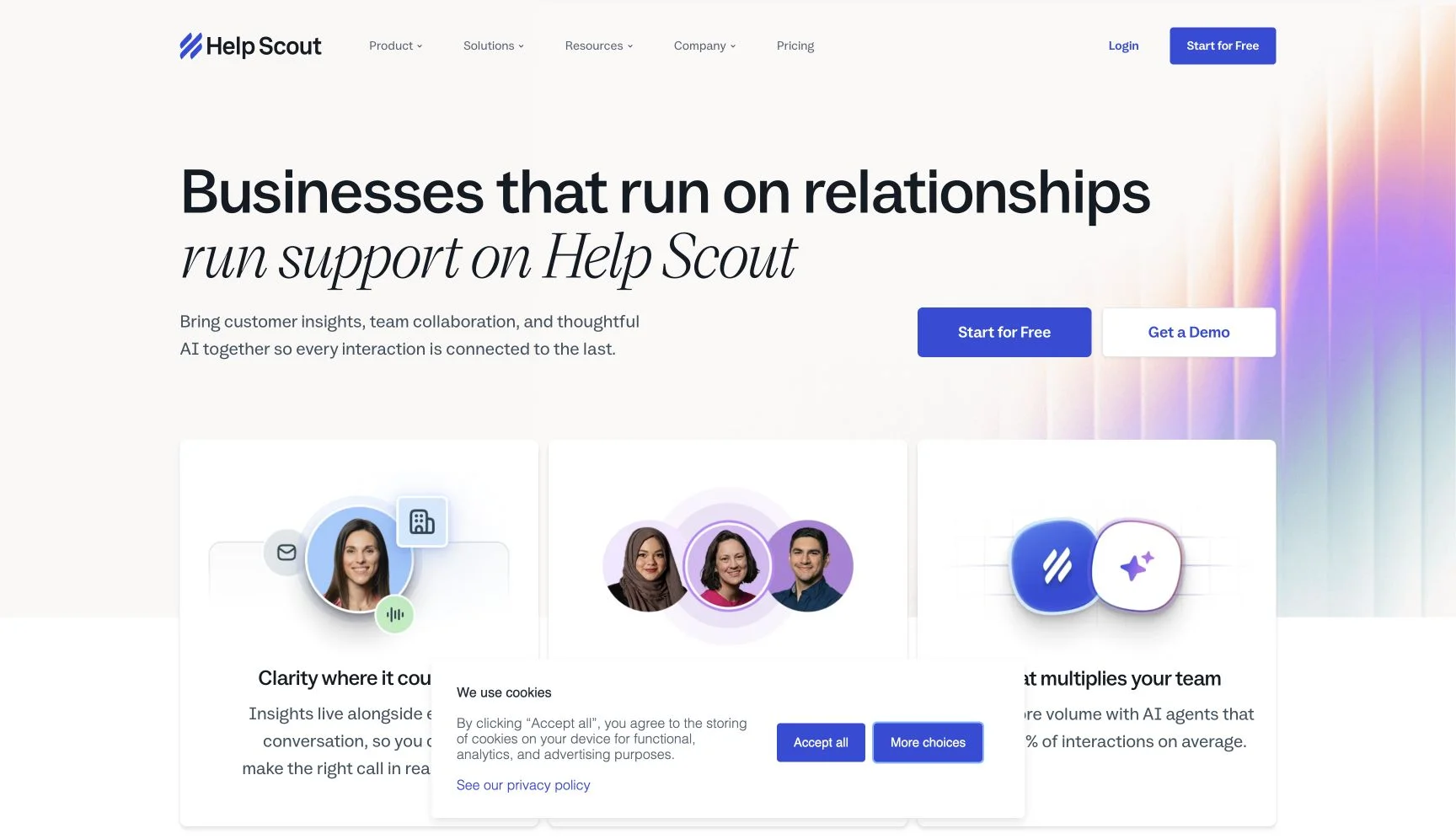
Help Scout’s public product pages position it around a shared Inbox, Docs knowledge base, Beacon support surface, and AI Answers. AI Answers uses a website and Docs content in Beacon; the current help article says human help remains available from the widget, and describes a resolution as an AI session that did not need further human help. After a three-month trial, Help Scout publishes $0.75 per resolution. Read Help Scout’s AI Answers documentation.
That is a good fit when your team wants the same email-first operational rhythm and needs AI to answer straightforward knowledge questions. Keep Help Scout when:
- Your core job is assigning, collaborating on, and reporting on human-handled conversations.
- Docs is already the source your team maintains and your web traffic is modest enough for the resolution meter to be acceptable.
- You need a small improvement to customer self-service, not a new cross-channel support architecture.
Do not treat a switch as the default response to an AI pricing concern. First work out whether the issue is the inbox, the content, the visible customer answer, the human exit, or an action such as order lookup that requires a connected system.
Decide whether to keep, layer, or migrate
Use this decision map before you compare a single feature checklist.
| If the real problem is… | Usually choose | What to prove in a trial |
|---|---|---|
| Your agents need a calmer inbox, collaboration, and a knowledge base | Keep Help Scout | The existing Inbox and Docs process is the thing you actually value; AI Answers handles the safe, documented questions |
| Your website needs a distinct, grounded answering layer | Layer an AI support product | It can use your sources, give a clear answer boundary, and give the customer a human route without assuming an integration exists |
| You need routing, SLA policy, broad channels, or a larger support organisation | Migrate to a help-desk suite | Your team will use the ticketing and workflow depth every day, not merely pay for it “just in case” |
| A customer needs account-, order-, or subscription-specific answers | Use a verified action/data product | The candidate has the exact documented connector, permissions, and fallback—not a marketing promise |
| You only need basic website chat and a gradual AI rollout | Layer a lighter agent | The conversation quota, human escalation, and source controls match your actual traffic |
The middle path is where most bad migrations happen. A product can be a good standalone web agent and still not have a documented way to hand a conversation into Help Scout. Treat that as a design constraint, not a detail to solve after launch.
Run this 20-question switch test before you compare prices
A homepage demo cannot tell you whether a customer will receive a supported answer, whether a human can take over cleanly, or whether your billing unit behaves the way you expect. Build a small test sheet from real tickets and run it unchanged against every finalist.
12 questions your current sources should answer
Choose twelve high-frequency questions from your own help centre, policies, and product docs. Include a mix of setup, pricing, eligibility, cancellation, troubleshooting, and policy questions. For each one, record:
- Is the answer correct and sufficiently specific?
- Can the customer or operator identify the exact source that supports it?
- Does the answer stay within what the source actually says?
Do not use polished demo questions. Use the questions agents already copy and paste every week, including two where the relevant document changed recently.
3 questions your sources cannot answer
Ask three believable questions that are absent from your content: an unpublished future price, an unsupported policy exception, and an invented product capability. A safe system should refuse or offer a human path; a fluent invented answer is a failed test even when its tone is good.
3 handoff and high-stakes questions
Use a customer asking to speak to a person, a frustrated complaint, and a billing, legal, or security exception. Inspect the human side, not only the chat window:
- Did the agent stop when it should?
- Does the operator receive the prior conversation and the reason for the escalation?
- Can the customer continue without repeating the problem?
2 account-specific questions
Ask for an individual order status, account invoice, or subscription change that your public knowledge base cannot know. The pass condition is not a useful-sounding answer. It is a clear boundary and an appropriate route to a person or a separately verified integration.
Score every question across answer boundary, source evidence, human exit, and billing event. The last column is important: note whether a failed, handed-off, or follow-up conversation counts as a resolution, outcome, session, ticket, or paid conversation in the candidate’s model. This turns the trial into an operational comparison instead of a beauty contest.
For a broader market scan after you run the test, see our AI customer-support chatbot comparison and the full buyer checklist.
Six Help Scout alternatives, matched to the job
1. Owlish — a cited AI support front line, not a like-for-like Help Scout integration
Owlish fits a specific gap: you want a no-code agent on a website, grounded in your website, documents, PDFs, and Direct Responses, with citations customers and operators can inspect. The web widget is available on every plan; citations are on by default for the widget; and human handoff pauses the agent so an operator can take over with the existing conversation context.
The important limitation is equally specific: Owlish’s current public docs and repo do not document a native Help Scout integration. Do not promise your team that an Owlish handoff will arrive in Help Scout without confirming an integration route first. Owlish is also not the right choice when you need Help Scout’s inbox, case management, or an authenticated order-action workflow to remain the centre of operations.
Choose Owlish when the support job is customer-facing, answerable from content you own, and benefits from a visible source trail. The current pricing is Free; Starter at $49/mo monthly or $39/mo billed annually; Growth at $149/mo monthly or $119/mo billed annually; and Scale at $449/mo monthly or $359/mo billed annually. Human handoff and the shared inbox begin on Growth. See plans for the current session and channel limits.
2. Intercom Fin — an AI-first agent when the platform route is verified
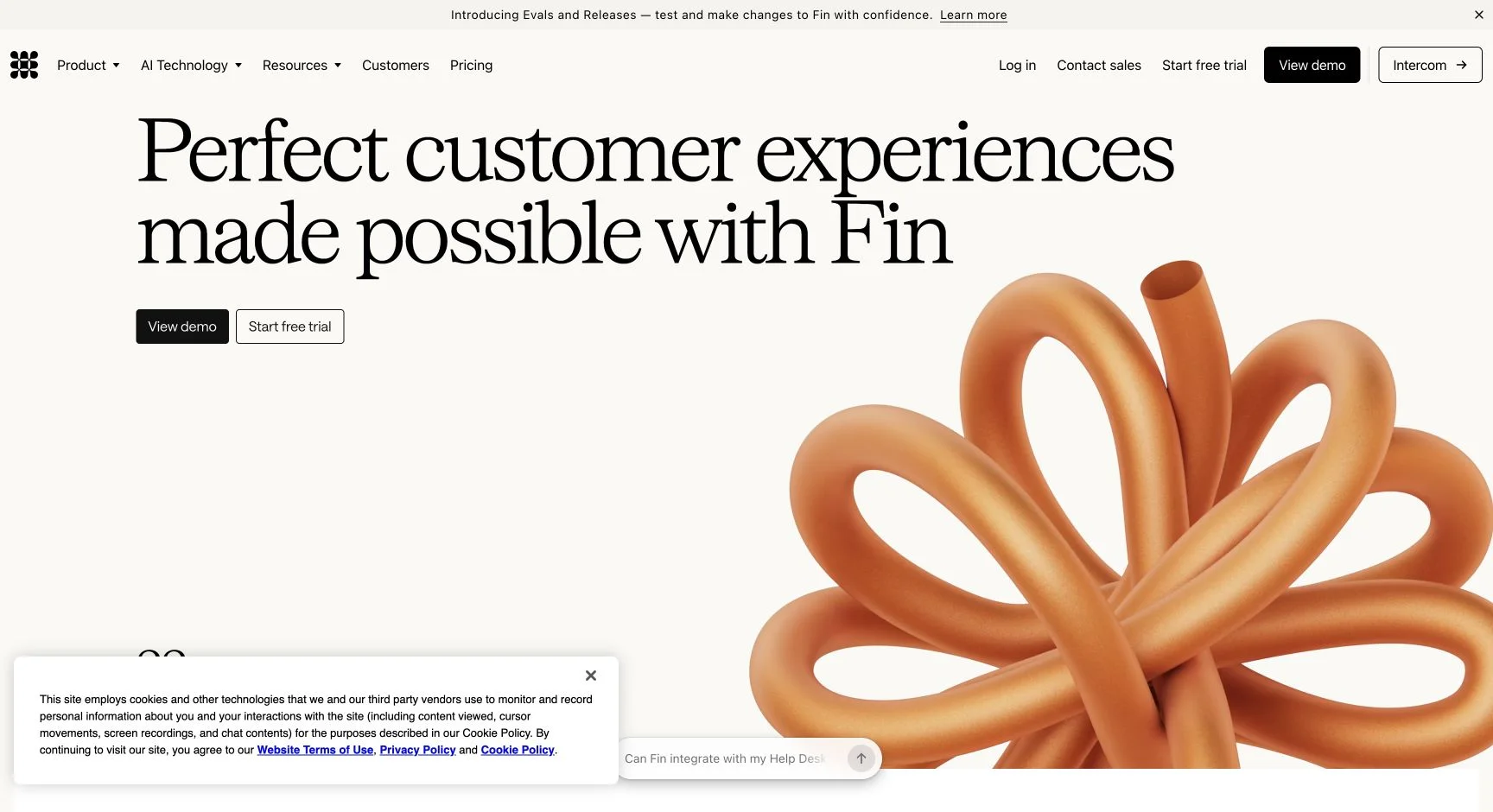
Fin is the alternative to evaluate when the AI agent itself is the reason you are shopping. Intercom’s current documentation describes Fin as usable with Intercom or other help desks, and its named platform routes include Salesforce, HubSpot, and Freshworks. The same page does not list Help Scout as a named integration, so ask Intercom for a documented workflow before treating it as a drop-in Help Scout layer. See Fin for platforms.
When Fin is used with Intercom, its outcome documentation lists $0.99 for a resolution or a procedure handoff that meets the defined outcome conditions. The unit matters: model the definition and any platform cost alongside the headline price. Read the current outcome rules.
Choose Fin when its documented platform path works with your support stack and you are happy to pay for qualifying outcomes. It is a weaker fit when the main reason for leaving Help Scout is a desire to avoid a usage-based AI meter.
3. Zendesk — for a deeper support suite
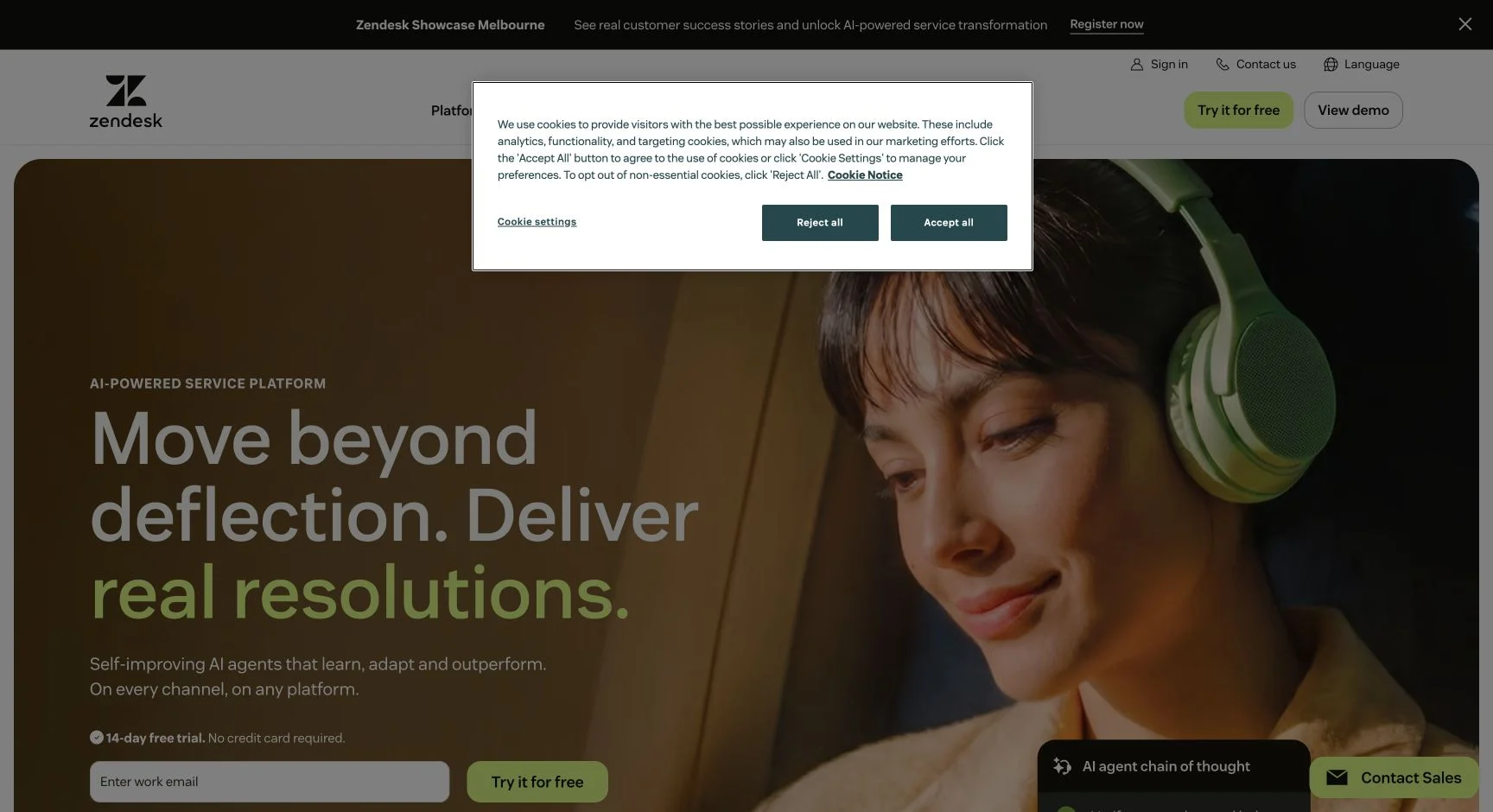
Zendesk is the direction to take when Help Scout is no longer large enough operationally: you need a structured ticketing suite, routing, reporting, knowledge management, and AI under one platform. Its public pricing page lists Suite Team at $55 per agent per month billed annually and includes AI agents in that plan; it also advertises additional products and contract-dependent capabilities. Check Zendesk’s current pricing.
The tradeoff is not simply price. Moving to Zendesk changes the way your operators work, how you configure routing and reporting, and how you manage the support system. Choose it because you need that depth, not because a generic alternatives list placed it first.
4. Freshdesk — for a support suite with a different cost shape
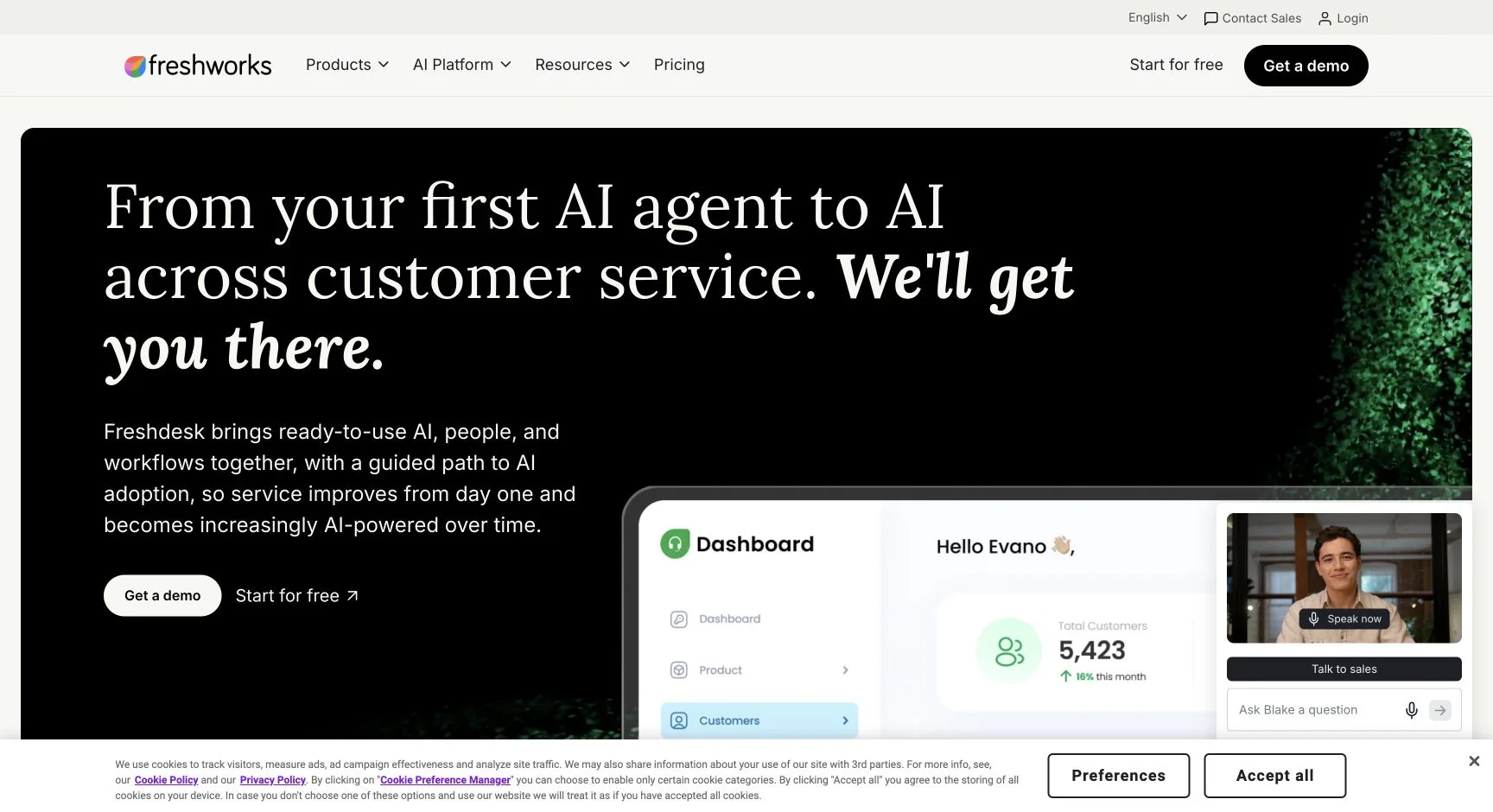
Freshdesk is a reasonable Help Scout alternative when the desired change is a broader ticketing and support suite, not merely a widget. Its current pricing page lists Growth from $19 per agent per month billed annually, and says the customer-facing Freddy AI Agent includes an initial session allowance with additional sessions published at $49 per 100 sessions. Review the Freshdesk plan details.
Run the 20-question test through both the agent and the human queue. You are checking whether the help-desk workflow, the AI session model, and the knowledge base match your operating model—not whether the entry seat price looks lower on day one.
5. Gorgias — for ecommerce work that needs live store context
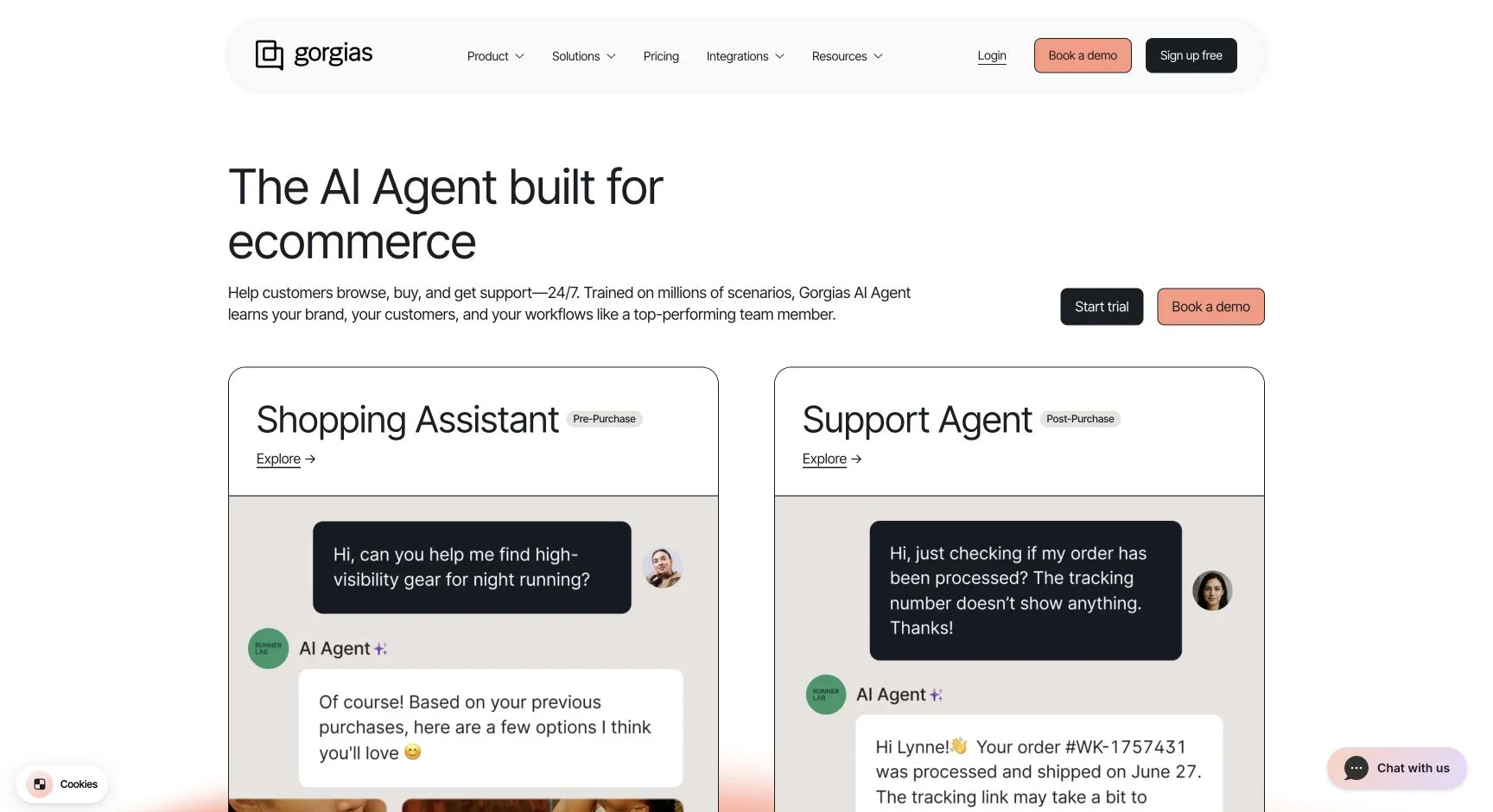
Gorgias is the specialised alternative for ecommerce support. Its AI Agent page describes workflows around shopping, post-purchase support, help-centre and Shopify data, and actions such as order tracking and returns. That is a different problem from answering from an FAQ: it needs the right store data and permissions. See Gorgias AI Agent.
Gorgias publishes AI Agent interactions at $0.90 each on annual plans or $1.00 monthly, alongside its help-desk ticket plan. It also states that an AI interaction is a billable help-desk ticket, so model both units rather than only the AI rate. Read the pricing explanation.
Choose Gorgias if Shopify and ecommerce operations are central to the queue. It is less compelling for a SaaS, professional-services, or internal-support team that does not need store-aware work.
6. Tidio Lyro — for a lighter standalone AI rollout
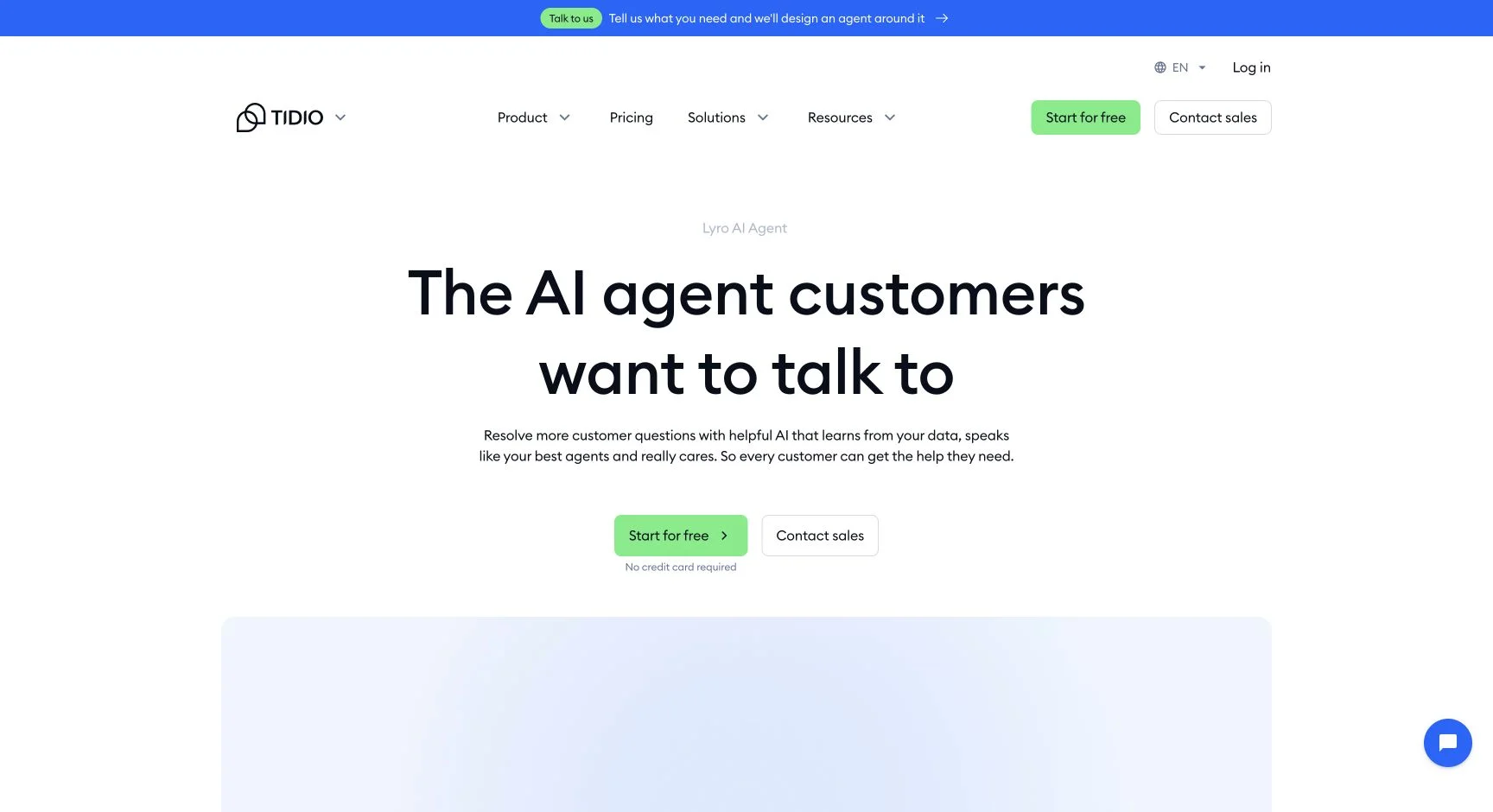
Tidio positions Lyro AI Agent as available on its own or alongside Tidio’s customer-service product. Its pricing page says a Lyro conversation is a customer interaction with at least one AI reply; it starts at $32.50 per month for 50 AI conversations, and Tidio accounts receive 50 initial free Lyro conversations. See the current Lyro pricing and definitions.
Choose Tidio when you want to test a smaller AI or live-chat rollout, can work within a conversation quota, and the channel options match the ways customers actually contact you. It is not automatically a better Help Scout replacement merely because it can be standalone; test the human workflow and source boundary first.
Compare the cost shape, not only the entry price
Put each candidate into the same simple worksheet before you ask for a quote:
monthly support cost =
  human seats and help-desk base
  + included AI allowance or plan
  + AI resolutions, outcomes, sessions, or conversations above the allowance
  + required connectors, channels, and migration work
  + ongoing source maintenance and operator review
Then run three scenarios using your own numbers: a normal month, a high-volume month, and a month where more conversations are resolved by AI. This is not an argument that one unit is always better. A usage model can be economical for low or uneven volume; a tiered session model can be easier to forecast. What matters is that the chosen unit matches the support work you expect to do.
Choose by support operating model
- Keep Help Scout if the shared inbox and Docs are the workflow to preserve, and the AI resolution unit works for your volume.
- Choose Owlish if your priority is a cited, content-grounded website front line and a clean operator handoff, while accepting that Help Scout integration is not currently documented.
- Choose Intercom Fin if its verified platform route fits your stack and you want a premium AI agent with outcome-based billing.
- Choose Zendesk or Freshdesk if you are deliberately moving to a broader ticketing and workflow suite.
- Choose Gorgias if ecommerce support needs current store and order context.
- Choose Tidio Lyro if a smaller standalone AI or live-chat rollout is the practical next experiment.
There is no universal winner. A product is a good alternative only when it replaces the actual weak link in your support operation without breaking the parts that already work.
Frequently asked questions
What is the best Help Scout alternative for AI customer support?
It depends on what you are replacing. Keep Help Scout if the inbox is right and you only need its AI layer to cover documented questions. Consider an AI-native product such as Owlish when a cited website answering layer is the missing piece; a help-desk suite when ticketing depth is missing; or Gorgias when ecommerce actions are the requirement. Run the same 20-question test on every finalist.
Can I add an AI agent without leaving Help Scout?
Possibly, but verify the exact integration rather than assuming it. Help Scout has AI Answers in Beacon. A standalone product may work as a separate website front line, but that does not mean it automatically hands conversations into Help Scout. Owlish currently has no public documentation for a native Help Scout integration.
Is Help Scout AI Answers charged per resolution?
Yes. Help Scout’s current AI Answers article says it is free for the first three months, then costs $0.75 for each resolution under its definition. It also says a session is charged once even if AI Answers replies more than once. Check the current billing definition.
What should I test before moving away from Help Scout?
Test accurate answers from your actual sources, questions the sources cannot answer, a request for a human, a high-stakes exception, and an account-specific question. Then inspect the human handoff and billing result for each case. If a vendor cannot demonstrate the workflow with your own content, its feature list is not enough evidence to migrate.
Sources checked for this comparison
- Help Scout — AI Answers
- Help Scout — pricing
- Intercom — Fin for platforms
- Intercom — Fin outcomes and billing
- Zendesk — pricing
- Freshdesk — pricing
- Gorgias — AI Agent
- Gorgias — pricing
- Tidio — pricing and Lyro definitions
- Owlish — web widget, citations, human handoff, and plans
Trademark note
Help Scout, Beacon, Intercom, Fin, Zendesk, Freshdesk, Freddy, Gorgias, Tidio, Lyro, Shopify, and other product names mentioned here are trademarks or registered trademarks of their respective owners. Owlish is not affiliated with or endorsed by those companies unless explicitly stated. This comparison reflects public information checked in August 2026 and is buyer guidance, not an endorsement.
Try the workflow on your own support content
Build an agent from one help-centre URL and your top support documents, then run the 20-question test before you move a customer-facing workflow. Build your first Owlish agent and inspect the citations and human handoff on real support questions.