Tidio Alternatives for AI Customer Support (2026)
Six Tidio alternatives for AI customer support, with verified 2026 pricing. Why teams switch — Lyro billed as a separate add-on and a steep jump between plans — and which tool fits which kind of team.

Most people searching for a Tidio alternative are not unhappy with the chat widget. They are reacting to the bill: Tidio’s Lyro AI agent is a separate add-on stacked on top of your conversation plan, and the published self-serve tiers jump from Growth at about $49/mo straight to Plus at $749/mo with nothing in between.
This guide is for small and growing support teams weighing that tradeoff. I checked the public pricing pages, product pages, and help docs for every tool below in June 2026, and I focused on products that can sit in a real support workflow, not generic widgets.
Owlish is our product, so this is not pretending to be neutral editorial. The useful part is that the tradeoffs below still hold even if you never pick Owlish.
The short list, if you want the answer first
Comparison data was checked against public vendor pages in June 2026 and may change — confirm the current numbers on each linked page. Tidio sits at the top as the baseline you are comparing against.
| Tool | Best for | Key strengths | Limitations | Pricing note (June 2026) |
|---|---|---|---|---|
| Tidio | Small stores wanting live chat plus a starter AI agent | Easy setup, low entry price, Lyro AI agent, Flows builder | Lyro is a separate add-on; large gap between plans; three quotas to track | Free; Starter $24.17/mo (100 conversations); Growth from $49.17/mo (up to 2,000); Lyro from $32.50/mo (50 AI conversations) |
| Owlish | Teams wanting grounded answers, citations, and clean handoff on flat pricing | Website/PDF/doc ingestion, source citations, human handoff, no-code, flat session pricing | Not a full ticketing CRM; no native order management | Free; Starter $49/mo ($39 annual); Growth $149/mo ($119 annual); Scale $449/mo ($359 annual) |
| Intercom (Fin) | Scaling teams wanting the most capable AI agent | Strong Fin AI Agent, mature messenger, deep workflows | Per-resolution AI plus seat costs add up | Fin $0.99/resolution (50/mo minimum standalone); Intercom seats from $29/seat/mo |
| Chatbase | Teams wanting a custom no-code AI chatbot trained on their content | Fast agent builder, AI Actions, simple embed | Message-credit limits; lighter on live-chat and ticketing | Free (50 credits); Hobby $32/mo; Standard $120/mo; Pro $400/mo |
| Crisp | SMBs wanting an all-in-one inbox with AI included, not metered per chat | Omnichannel inbox, AI built into paid plans, flat per-workspace price | AI credits, not unlimited; smaller ecosystem than incumbents | Free (no AI); Mini $45/mo; Essentials $95/mo; Plus $295/mo |
| HubSpot | Teams already in HubSpot, or wanting free live chat and bots | Free live chat, chatbot, and ticketing; tight CRM tie-in | Real automation and knowledge base sit on paid seats | Free (2 users); Starter $15/seat/mo; Professional $90/seat/mo |
| Help Scout | Email-first teams wanting a calm shared inbox with optional AI | Clean inbox, knowledge base, AI Answers as an add-on | Narrower than a full chat-first platform; AI billed per resolution | Free (up to 5); Standard $25/user; Plus $45/user; Pro $75/user; AI Answers $0.75/resolution |
Why teams look for a Tidio alternative
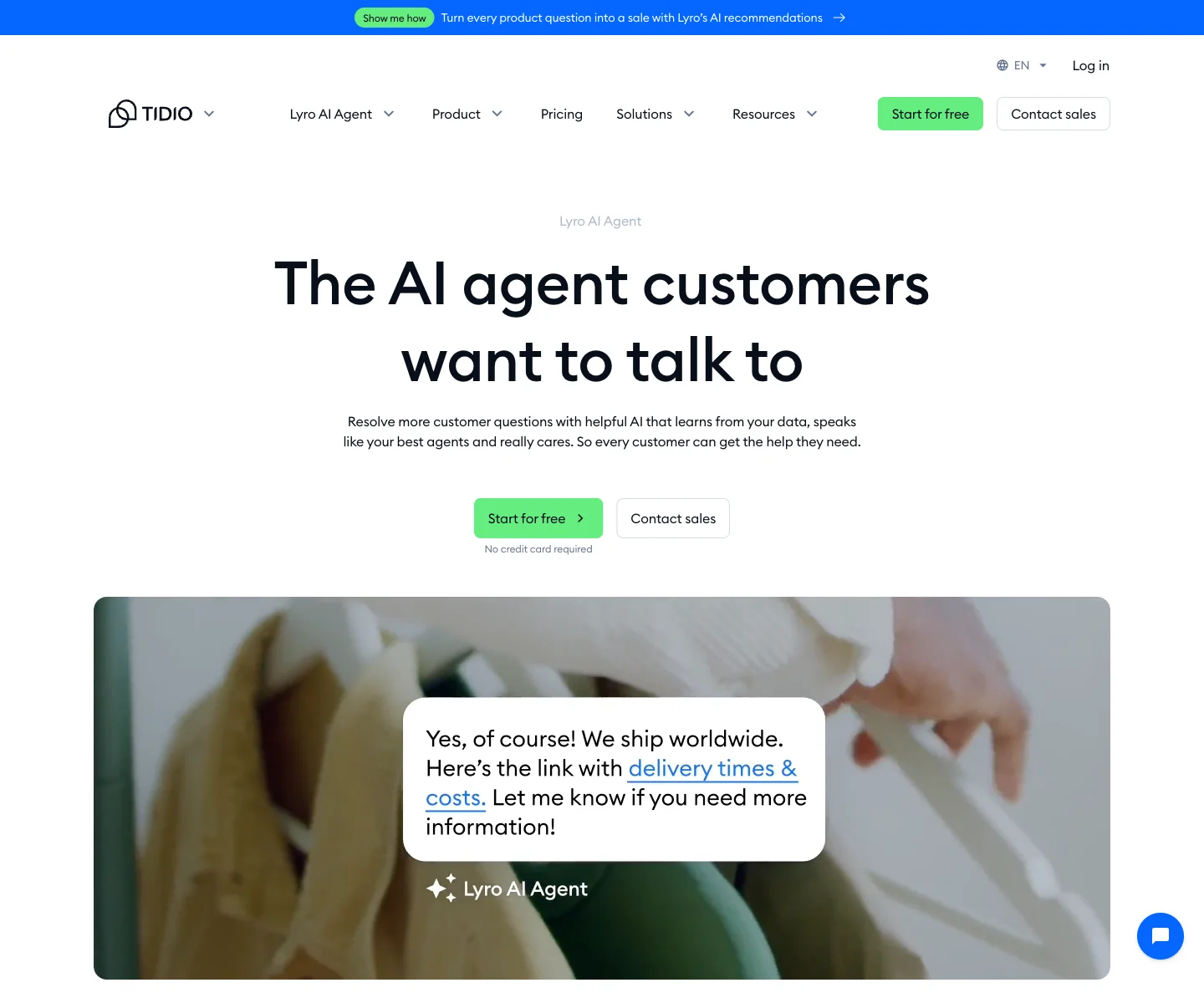
Tidio is a genuinely good entry point. It bundles live chat, chatbot Flows, ticketing, and the Lyro AI agent into a widget that a non-technical owner can install in an afternoon. Most replacement searches start for one of four reasons.
Lyro is a separate meter. Tidio’s base plans are billed by billable conversation, and the Lyro AI agent is sold as its own add-on starting at $32.50/mo for 50 AI conversations, scaling up to 1,000 conversations on the self-serve tiers (Tidio pricing). So the real monthly cost is your conversation plan plus Lyro, and the better Lyro works, the more that second meter runs. A common surprise: a low advertised entry price quietly doubles once you add enough AI conversations to matter.
Three quotas to watch. Beyond price, the model itself is fiddly to forecast. Billable conversations, Lyro AI conversations, and Flow triggers are tracked as separate allowances, so a busy month can hit a ceiling on one meter while you still have room on another.
The plan ladder has a cliff. Tidio’s published self-serve plans run Free, then Starter at $24.17/mo for 100 conversations, then Growth starting at $49.17/mo for up to 2,000 conversations — and then the next tier, Plus, starts at $749/mo. If you outgrow Growth’s limits, there is no gentle mid-step; the jump is roughly 15×.
You want a more capable, grounded agent. Lyro is fine for common questions, but teams that need answers tied to specific source documents, with a citation a customer or operator can click, often look for an agent built around retrieval from their own content rather than a tuned FAQ bot.
The right alternative depends on which of those is true for you. A three-person store and a 30-seat support team should not pick the same tool.
When Tidio is still the right choice
Before switching, be fair about what Tidio is built for.
If you are a small store or service business that mainly wants a friendly live-chat widget, a few automated Flows, and a starter AI agent that handles the easy questions, Tidio is hard to beat on time-to-value and entry price. The per-conversation model is also fine when your volume is low and steady, and Lyro’s add-on cost can pencil out against the price of answering those chats by hand.
You are usually better off keeping Tidio when:
- Live chat with a human is your primary channel and AI is a nice-to-have.
- Your volume is low enough that the separate Lyro meter stays cheap.
- You value fast, no-friction setup over deep customization or auditable answers.
If that is not your reality — if AI is becoming the main way you answer, or your volume is climbing toward that plan cliff — it is worth looking at tools with a different cost shape.
Where Owlish fits
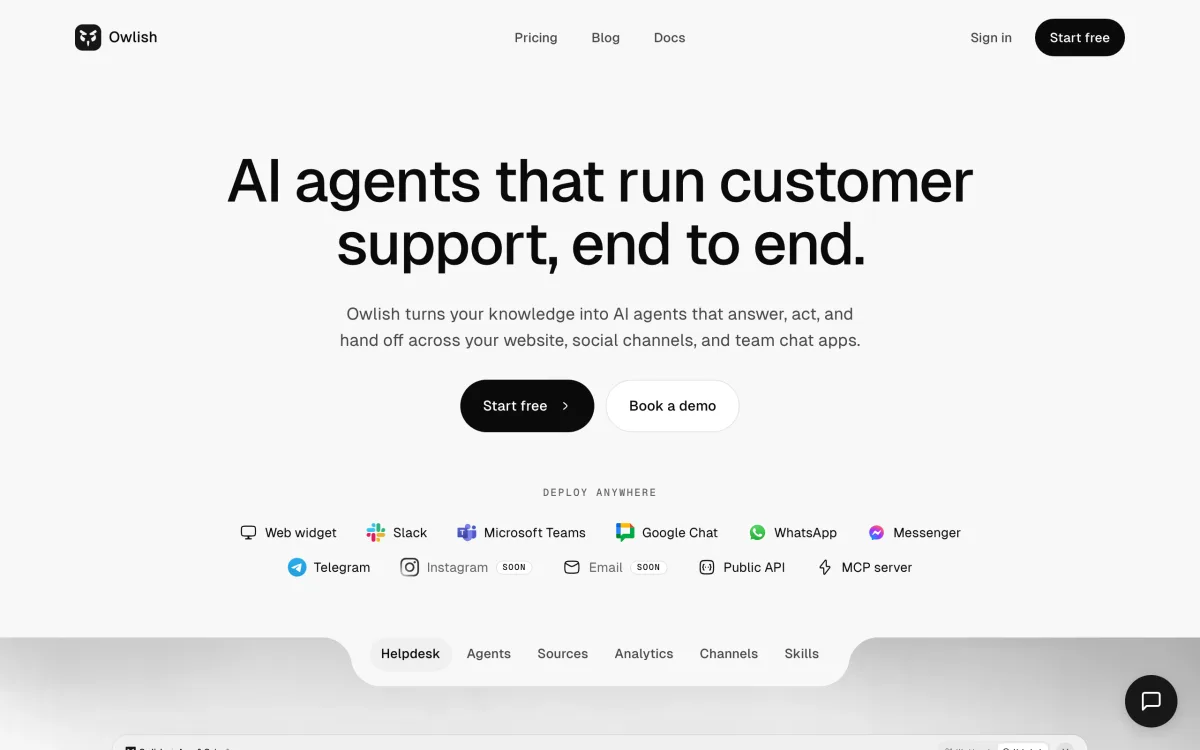
Owlish fits best when most of your support is repetitive, answerable questions, and you want those answered accurately, with citations, and handed cleanly to a person when they are not. It is an AI answering and handoff layer, not a full ticketing CRM, and being clear about that distinction is the whole point.
Here is the shape the current public docs and pricing support:
- Ingest your real content — your website, help center, PDFs, DOCX, CSV, and FAQs — so answers come from your actual policies and product info, not a model’s guess. See the knowledge base overview.
- Show a source on each answer, so a customer can click through and an operator can verify where a reply came from. See the citations docs.
- Hand off to a shared inbox with the full transcript and sources attached, on Growth and above, so the customer never re-explains. See the human handoff docs.
- Run one agent across surfaces — the web widget on every plan, plus Slack, Microsoft Teams, Google Chat, WhatsApp, Instagram, Messenger, and Telegram from Growth (WhatsApp, Instagram, and Messenger connect in one click; Telegram connects with your own bot). Check the pricing page for the current channel-by-plan breakdown.
On price, the structural difference is the unit. Owlish bills by chat session on a flat monthly plan, not by separate AI and conversation meters: a free plan, then Starter at $49/mo monthly or $39/mo billed annually, Growth at $149/mo monthly or $119/mo billed annually, and Scale at $449/mo monthly or $359/mo billed annually (around 20% off for annual). The AI agent is the product, not an add-on, so you are not modeling two quotas to predict next month’s bill.
Owlish is the right call when your shortlist sounds like:
- “Most of my tickets are the same policy and how-to questions, answered on my site.”
- “I want citations so I can trust and audit the answers.”
- “I want AI and human handoff to feel like one workflow.”
- “I want one predictable price, not a chat plan plus an AI add-on.”
Owlish is not the right call when live chat with a human is your core product and AI is secondary, or when you need a full ticketing CRM with built-in order management. If a human-staffed chat desk is the job, a live-chat-first tool fits better.
Intercom — the most capable AI agent, at a price
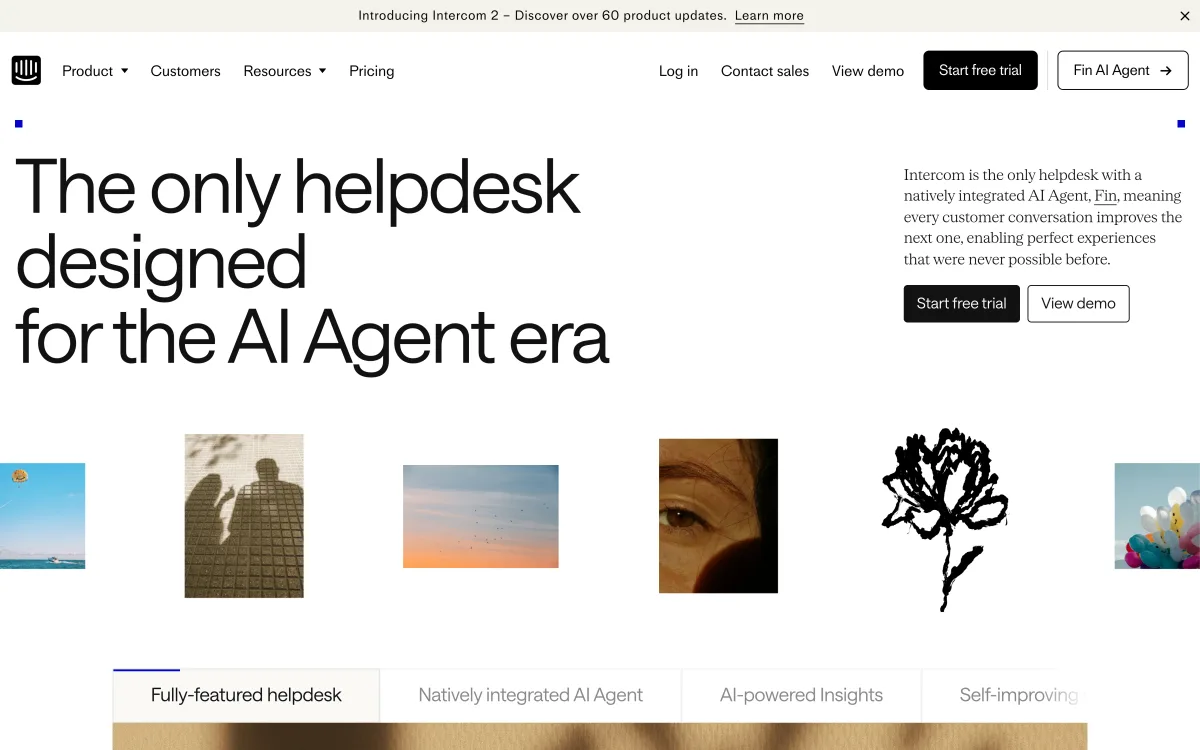
If your reason for leaving Tidio is “I want a noticeably better AI agent,” Intercom’s Fin is the one to benchmark against. It handles nuanced, multi-turn questions well and is one of the strongest autonomous agents on the market.
Fin is priced per resolution at $0.99, billed on outcomes — you pay when it resolves the issue end to end (Fin pricing). It can run standalone on top of another helpdesk (with a 50-resolution monthly minimum) or bundled with Intercom’s own seats, which start around $29/seat/month.
The honest catch is that per-resolution pricing has the same shape as Tidio’s Lyro meter, just more capable: the better it works, the more it costs, and seats stack on top. Choose Intercom when AI quality is the priority and your volume justifies a premium agent. If you are switching because a separate AI meter surprised you, understand that Fin is also metered — you are buying a better agent, not a flatter bill.
Chatbase — a no-code agent trained on your content
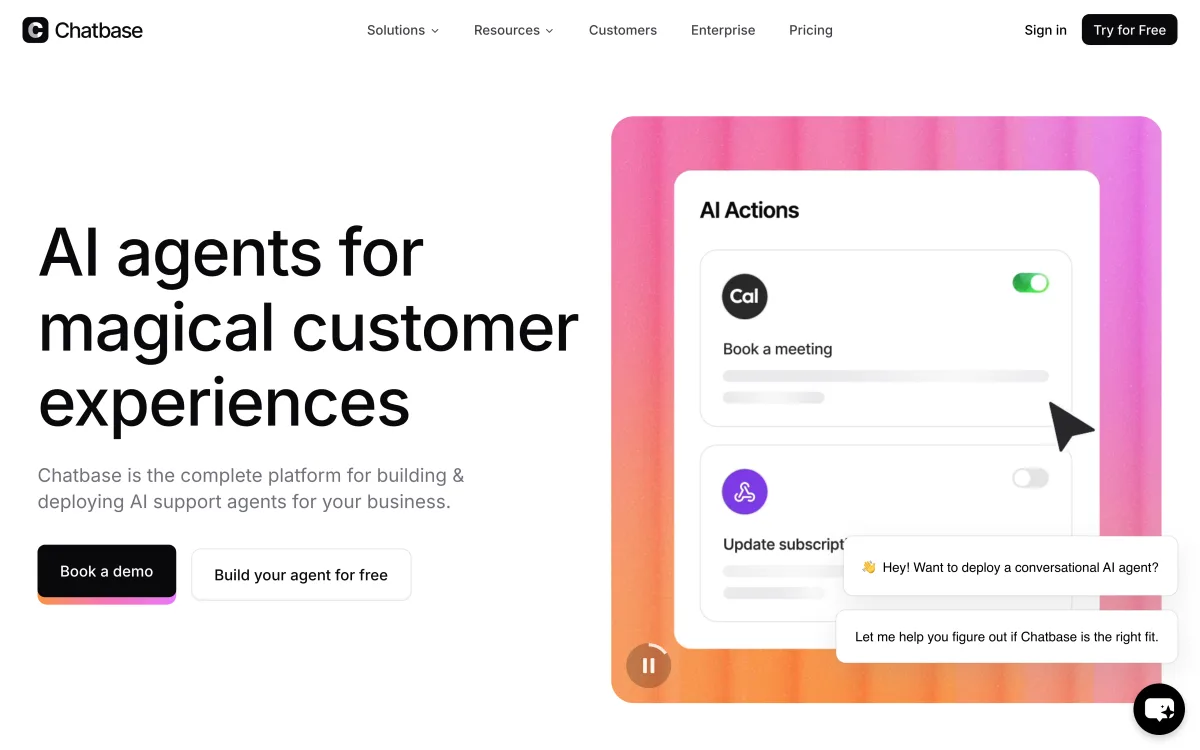
Chatbase is the closest match to “I liked the idea of Lyro learning from my data, but I want more control over the agent.” It is a no-code builder for an AI chatbot you train on your website, docs, and files, then embed on your site, with AI Actions for letting the agent do simple tasks.
Pricing is by message credit and is flat per plan, not per resolution: Free with 50 credits, Hobby at $32/mo for 500 credits, Standard at $120/mo for 4,000 credits, and Pro at $400/mo for 15,000 credits, with about 20% off annual (Chatbase pricing). Extra credits are an auto-recharge add-on.
Choose Chatbase when the agent itself is what you want and you do not need a full live-chat inbox, ticketing, or operator handoff workflow around it. It is a weaker fit if human agents need a shared inbox to take over conversations, or if you want answers shown with explicit source citations rather than a trained response.
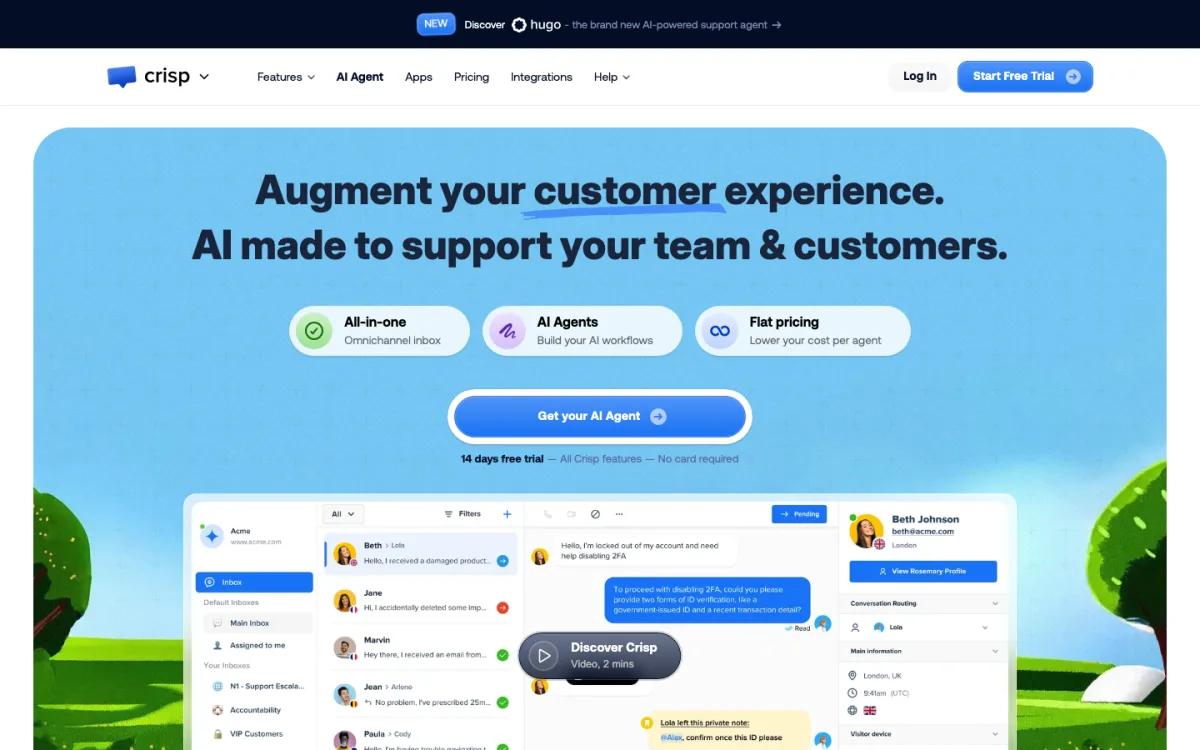
Crisp — an all-in-one inbox with AI built in
Crisp is the most direct like-for-like alternative if you want what Tidio does — live chat, chatbots, a shared inbox across channels — but you are tired of bolting AI on as a separate line item. Crisp folds AI into its paid plans rather than charging an add-on, and prices flat per workspace instead of per seat or per resolution.
Plans run Free (no AI credits), Mini at $45/mo (around 90 automated conversations), Essentials at $95/mo (around 450, plus the omnichannel AI chatbot and knowledge base), and Plus at $295/mo (around 1,350, with the full AI suite and white labeling) (Crisp pricing). The AI is credit-based rather than unlimited, so model your volume, but it is one bill per workspace, not a stack of meters.
Choose Crisp when you want Tidio’s all-in-one shape with AI included in the plan and a flat per-workspace price. The tradeoff is a smaller ecosystem and integration library than the larger incumbents, and credits you still need to size correctly.
HubSpot — free live chat and bots inside a CRM
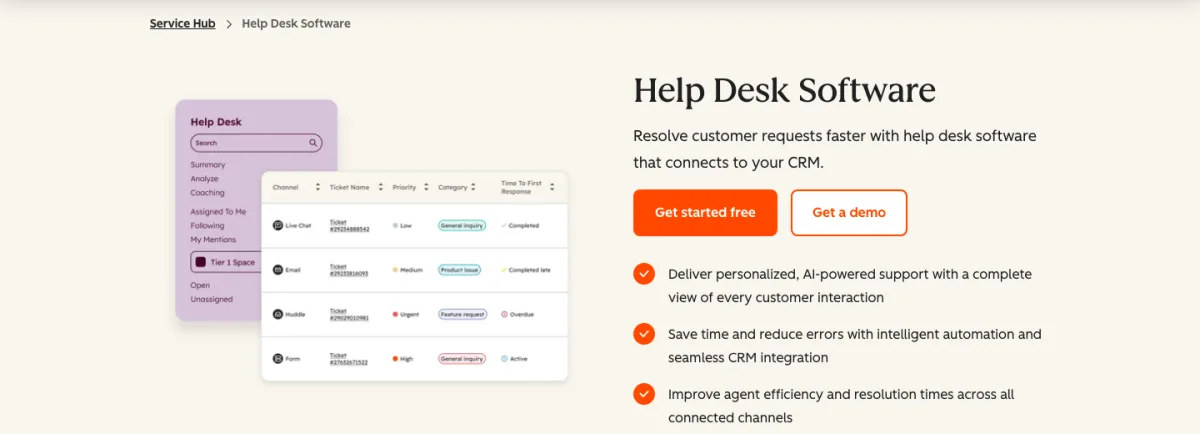
HubSpot is the pick when budget is tight or you already live in HubSpot’s CRM. Service Hub’s free tier includes live chat, conversational bots, a shared inbox, and ticketing for up to two users, which covers a surprising amount of basic support without paying anything (HubSpot Service Hub pricing).
The catch is where the real automation lives. Routing, SLA management, a knowledge base, and AI reply recommendations sit on the paid plans: Starter at $15/seat/month (often discounted), Professional at $90/seat/month (with a one-time onboarding fee), and Enterprise at $150/seat/month. The free bots are rule-based rather than a grounded AI agent, so this is more “free live chat with light automation” than “AI that resolves tickets.”
Choose HubSpot when you want a free, credible live-chat-and-bot starting point, or when your sales and marketing already run on HubSpot and keeping support in the same CRM is worth more than a stronger standalone agent.
Help Scout — a calmer, email-first inbox
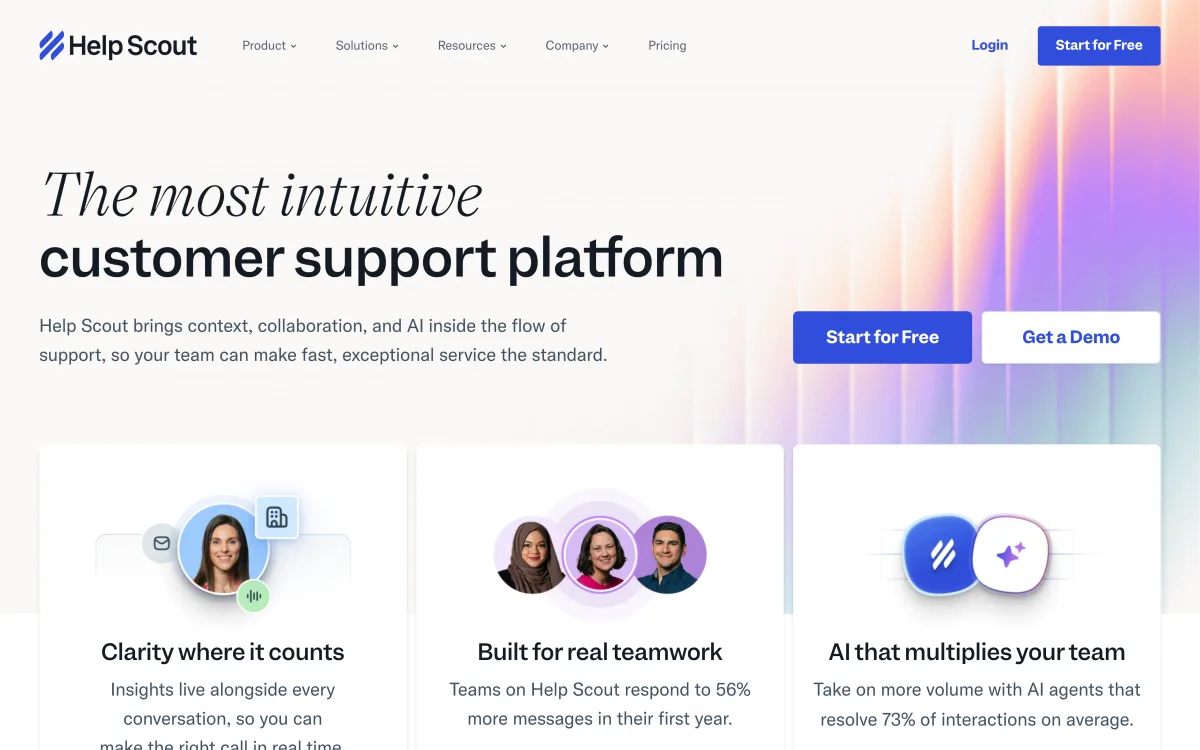
Help Scout is the gentlest alternative here. It is an email-first shared inbox with a knowledge base, and it adds AI without forcing you into a heavy platform. AI drafts and assists are included on paid plans, and the autonomous AI Answers agent is a $0.75-per-resolution add-on.
Plans are per user: Standard $25, Plus $45, and Pro $75 per user per month, with a free plan for up to five users (Help Scout pricing).
Choose Help Scout when most of your support is email rather than live chat, you want a clean inbox and self-service docs, and you would rather add AI as an option than build your whole stack around it. It is a weaker fit if a website chat widget and an always-on AI agent are the main thing you came for.
How to choose, by what you actually need
There is no single winner. Match the tool to the job:
- You mainly want human live chat, AI optional → stay on Tidio, or move to Crisp if you want AI bundled into a flat per-workspace plan.
- Most of your tickets are FAQs and policy questions → an AI answering layer like Owlish handles those with citations and clean handoff on flat session pricing, without a separate AI meter.
- You want the strongest possible AI agent and budget is flexible → Intercom’s Fin is the one to beat, on per-resolution pricing.
- You want a custom agent trained on your content and not much else → Chatbase is the focused builder.
- Budget is the constraint, or you already run HubSpot → HubSpot’s free live chat and bots are a credible starting point.
- Your support is mostly email and you want calm → Help Scout.
The trap to avoid: leaving Tidio because the separate Lyro meter surprised you, then moving to another metered AI tool and being surprised again when the bill scales with success. If predictable cost is the reason you are shopping, weight the flat-rate and per-workspace options accordingly.
FAQ
Why does Tidio cost more than the advertised price?
Tidio’s base plans are billed by billable conversation, and the Lyro AI agent is a separate add-on starting at $32.50/mo for 50 AI conversations. The advertised entry price (Starter at $24.17/mo) does not include enough Lyro conversations for a team leaning on AI, so the real bill is the conversation plan plus the Lyro add-on. Tracking three separate quotas — conversations, Lyro conversations, and Flow triggers — also makes the monthly cost harder to predict. Always confirm current numbers on Tidio’s pricing page.
What is the best Tidio alternative for a small business?
It depends on the job. If you want Tidio’s all-in-one shape with AI included in the plan, Crisp prices flat per workspace. If most of your tickets are repetitive policy and how-to questions, a grounded AI answering layer like Owlish handles them with citations and human handoff on flat session pricing. If you want free live chat to start, HubSpot’s free Service Hub tier includes chat, bots, and ticketing.
Is there a free Tidio alternative?
Yes. HubSpot Service Hub’s free tier includes live chat, conversational bots, a shared inbox, and ticketing for up to two users. Crisp and Help Scout both offer free plans (Crisp’s free tier has no AI credits; Help Scout’s covers up to five users). Owlish and Chatbase also have free plans for trying an AI agent. Free tiers always cap volume and features, so check the limits against your actual traffic.
Which Tidio alternative has the most capable AI agent?
Among the tools here, Intercom’s Fin is generally regarded as the strongest autonomous agent for nuanced, multi-turn questions, billed at $0.99 per resolution. Owlish focuses on grounded answers with clickable source citations and clean human handoff on flat pricing. The “best” agent depends on whether you value raw capability (Fin), auditable grounded answers (Owlish), or a simple trained chatbot (Chatbase).
Does Owlish replace Tidio’s live chat?
Partly. Owlish provides an AI agent and a web chat widget with human handoff, so it covers the “answer questions and escalate to a person” job well. It is not a full human-staffed live-chat product with the breadth of Tidio’s chat tooling, so if real-time human live chat is your core channel, pair Owlish with a live-chat tool or choose a chat-first platform instead.
Sources
- Tidio — pricing
- Fin AI — pricing
- Chatbase — pricing
- Crisp — pricing
- HubSpot — Service Hub pricing
- Help Scout — pricing
- Owlish — pricing
- Owlish — knowledge base overview
- Owlish — citations docs
- Owlish — human handoff docs
Comparison data was gathered from public vendor pages in June 2026 and may change; check the linked pages for current details.
Trademark note
Tidio, Lyro, Intercom, Fin, Chatbase, Crisp, HubSpot, Help Scout, Slack, Microsoft Teams, Google Chat, WhatsApp, Messenger, Telegram, and other product names mentioned here are trademarks or registered trademarks of their respective owners. Owlish is not affiliated with or endorsed by those companies unless explicitly stated. Comparisons reflect public information as of June 2026 and are provided for buyer guidance, not as endorsements.
Where to start with Owlish
If most of your support is repetitive policy and how-to questions, point an agent at your help center, policy pages, and product FAQs, turn on citations, and set a handoff rule for anything that needs a person. The pricing page shows where human handoff and channels begin, and building your first agent walks through setup. Within a week of real transcripts, you will know whether an answering layer covers enough of your queue to be worth it — and whether you still want a live-chat tool alongside it.