A Telegram support bot only works if you get two things right before you write a single answer: who the bot is allowed to hear, and who it’s allowed to talk to. Get those wrong and you’ll either build a bot that never responds in groups, or one that answers every unrelated message in a busy channel.
This guide walks through building a Telegram support bot end to end — creating the bot with @BotFather, understanding Telegram’s default privacy mode, training it on sources you trust, and deciding when it should hand off to a person. The first half is tool-agnostic. The second half explains where Owlish fits, because Owlish is our product.
Telegram is a genuinely different channel from Slack, WhatsApp, or a website widget. Founder Pavel Durov announced in March 2025 that Telegram had passed 1 billion monthly active users, putting it ahead of every messaging app except WhatsApp and WeChat. TechCrunch That reach is concentrated in specific markets — India, Brazil, Egypt, and Indonesia are among Telegram’s largest user bases — which makes it a serious support channel for e-commerce, crypto, gaming, and community-driven businesses that sell into those regions, even if it’s a smaller channel for a typical US or European B2B SaaS company.
Why a Telegram bot behaves differently from other channels
Telegram’s Bot API has one default behavior that trips up almost everyone the first time: privacy mode.
When you create a bot through @BotFather, it starts in privacy mode. In a group chat, a bot in privacy mode does not see most messages — only commands explicitly directed at it (like /help@yourbot), replies to its own messages, and a few other targeted cases. Telegram Bot Features That’s different from Slack, where a bot with a channel invite can be configured to read every message in that channel.
This is a feature, not a limitation to work around by default. Privacy mode exists because most Telegram groups are not designed for a bot to eavesdrop on every message. A support bot that silently reads everything in a group its owner added it to, without a clear commands-based contract, will feel invasive.
The practical implications for a support bot:
- In direct messages, the bot sees everything — no privacy mode restrictions apply to 1:1 chats.
- In groups, the bot needs to be explicitly mentioned, replied to, or invoked with a command unless you turn privacy mode off in @BotFather.
- Turning privacy mode off requires removing the bot from the group and re-adding it before the change takes effect. TeleMe
- A bot that is a group admin sees every message regardless of the privacy mode setting — a separate switch, not something to enable casually just to get more visibility.
Decide your primary surface before you build anything. Most support use cases fit one of two shapes:
- DM-first support. Someone messages your bot directly, like a support inbox. This is where most Telegram support bots should start — privacy mode is irrelevant, and every message is unambiguously meant for the bot.
- Community group support. Your bot lives in a public or customer group and answers when mentioned or asked directly. This works well for reseller communities, trading/crypto communities, or a product user group, but needs careful scoping so it doesn’t answer every off-topic message.
Set up the bot with @BotFather
Telegram’s bot creation process has no app-review step, no business verification, and no waiting period — which is a meaningful difference from WhatsApp’s Business Platform or Instagram’s Meta App Review.
- Open Telegram and message @BotFather, Telegram’s official bot for creating and configuring bots.
- Send
/newbot, choose a display name, then choose a username ending inbot(for example,AcmeSupportBot). - BotFather returns a bot token — a string like
123456:ABC-DEF1234ghIkl-zyx57W2v1u123ew11. Treat this like a password; anyone with the token can control the bot. - If you want the bot to answer in groups without requiring a
@mentionon every message, send/setprivacyto BotFather and disable privacy mode, then remove and re-add the bot to any groups it’s already in. - Optionally, set a short description (
/setdescription) and a command list (/setcommands) so the bot shows a menu of what it can do — useful for/order,/refund, or/talktohumanstyle commands.
That’s the entire account-creation step. No OAuth flow, no redirect URIs, no app secret rotation.
Consider Telegram Business if you’re a solo operator or small team
If a single person or a small team runs support from a personal or shared Telegram account rather than a dedicated bot, Telegram Business is worth knowing about. It turns a regular account into a business profile with opening hours, a location, quick replies, greeting and away messages, and the ability to connect a chatbot to handle messages when you’re offline. Telegram Business API As of mid-2026, Telegram Business features are bundled with Telegram Premium rather than sold as a separate product, and the underlying Bot API access is free — Telegram doesn’t charge per message the way WhatsApp’s Business Platform does.
For most support teams building a dedicated bot (rather than augmenting a personal account), the @BotFather path above is the one that matters. Telegram Business is a reasonable fit for a solo shop owner or a very small team that wants automated away-messages without standing up a separate bot integration.
Train the bot on sources you’d actually stand behind
Once the bot exists, resist the urge to point it at your entire Telegram group’s chat history as training data. Group chat history is full of half-answers, jokes, outdated pricing, and side conversations — it’s a source of questions, not a source of answers.
Use group history and DM transcripts to find what people actually ask, then answer those questions from sources you control:
- product docs and help-center articles
- order status, shipping, and return policies
- pricing and plan pages
- refund and dispute rules
- security and account-recovery procedures
- direct short answers for frequently repeated questions
This matters more on Telegram than it might on a website widget, because Telegram conversations often happen in front of an audience — a public group, a reseller community, a trading channel — where a wrong or inconsistent answer gets screenshotted and reshared faster than it gets corrected.
Zendesk’s April 2026 automation potential reporting takes the same approach at a platform level: instead of guessing which support topics to automate, it analyzes actual customer conversations to find high-impact, repeated questions first. Zendesk Help You can do the same thing manually on a smaller scale: pull the last 100 messages your Telegram bot or group received, cluster them by topic, and build sources for the three or four that repeat.
Design the handoff for a channel with no threads
Telegram DMs and groups don’t have the same thread model as Slack. A DM conversation is one continuous stream; a group mention creates a reply chain, but there’s no persistent “thread” object the way Slack maintains one. That changes what a good handoff looks like.
When your bot hands off to a human on Telegram, the operator needs enough context in a single message to act, because they can’t necessarily scroll a tidy thread the way they could in Slack:
- the customer’s question, verbatim
- what the bot already told them
- the source it used, or a note that no source matched
- the Telegram username or user ID (not always a phone number — Telegram doesn’t require exposing one)
- any risk flags: billing, security, abuse, or a request to speak to a person
Hand off when:
- no source in the knowledge base matches the question
- the question needs account-specific or order-specific lookup the bot can’t perform
- the customer explicitly asks for a human
- the topic involves refunds, security, legal, or anything with real financial or reputational stakes
- the bot has already failed to resolve the same question twice
A Telegram-specific wrinkle: because groups can be public, a bot that gets stuck in a visible back-and-forth with a confused customer is more damaging than the same loop happening in a private DM. Set a lower tolerance for retries in group contexts than in DMs.
Measure whether the bot resolves things, not how often it replies
The same measurement trap that applies to Slack bots applies here. Reply counts and response times are easy to pull from Telegram and easy to mistake for success.
Track instead:
- questions that stopped repeating after you added a source for them
- resolutions that didn’t need a human at all
- handoffs caused by a missing or outdated source (fix the source, not just the individual answer)
- late handoffs — cases where the bot kept trying after it should have stopped
- how often group members ask the bot vs. tagging a human directly (a sign of trust, or the lack of it)
Review the first two weeks of transcripts by hand. In a public group especially, a handful of bad early answers can set the group’s opinion of the bot before you’ve had a chance to fix the underlying source.
Where Owlish fits
Owlish supports Telegram as a native channel — not through a third-party inbox layer, and not gated behind Meta’s app-review process the way WhatsApp and Instagram are.
To connect it: open your agent’s workbench in the Owlish console, go to the Channels tab, and select Telegram. You’ll paste the bot token and username from @BotFather; Owlish auto-generates the webhook secret and registers the webhook with Telegram’s API automatically when you save; there’s no manual URL to configure. Telegram deployment is available on Owlish’s Growth plan ($119/mo annual · $149/mo monthly) and above.
For Telegram support bot workflows specifically, Owlish currently supports:
- Native Telegram deployment. The same agent that answers on your website can answer in Telegram DMs and mentioned group messages, using the same knowledge base and persona.
- Website and file knowledge. Train the agent from websites, help-center content, PDFs, DOCX, CSV, TXT, Markdown, and direct-response entries. Website docs File docs
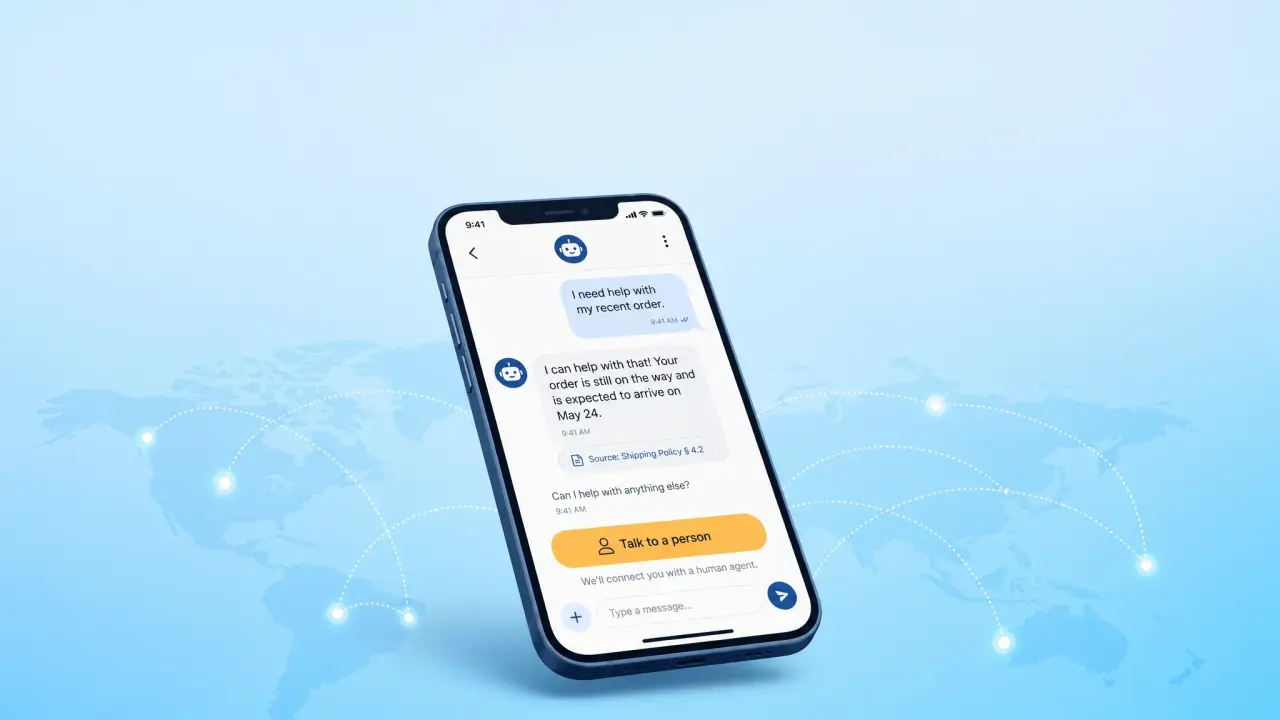
- Citations. Every grounded answer can show which source it came from, so you can catch a wrong answer back to its root cause. Citation docs
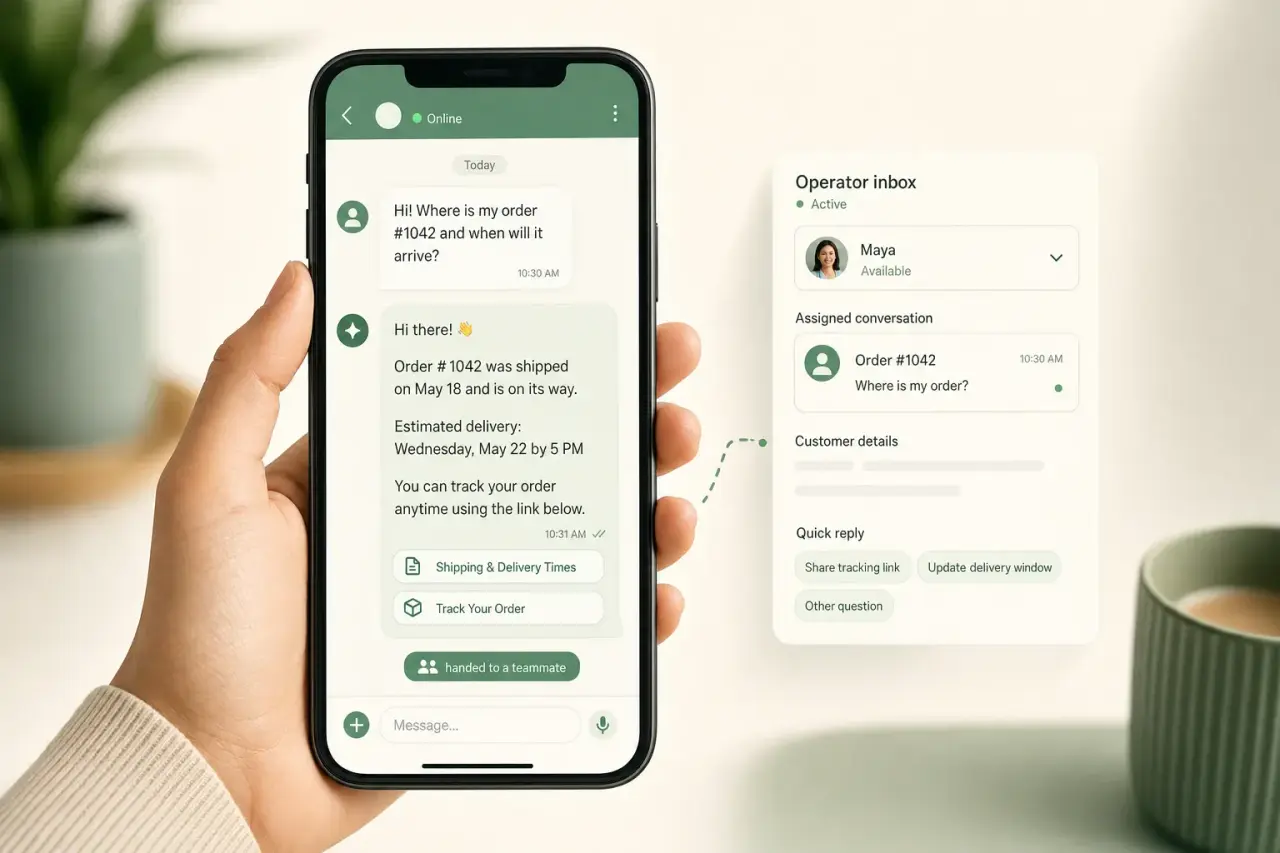
- Human handoff. The agent can hand off when it doesn’t have a confident answer, or a customer can ask for a person directly. Human handoff docs
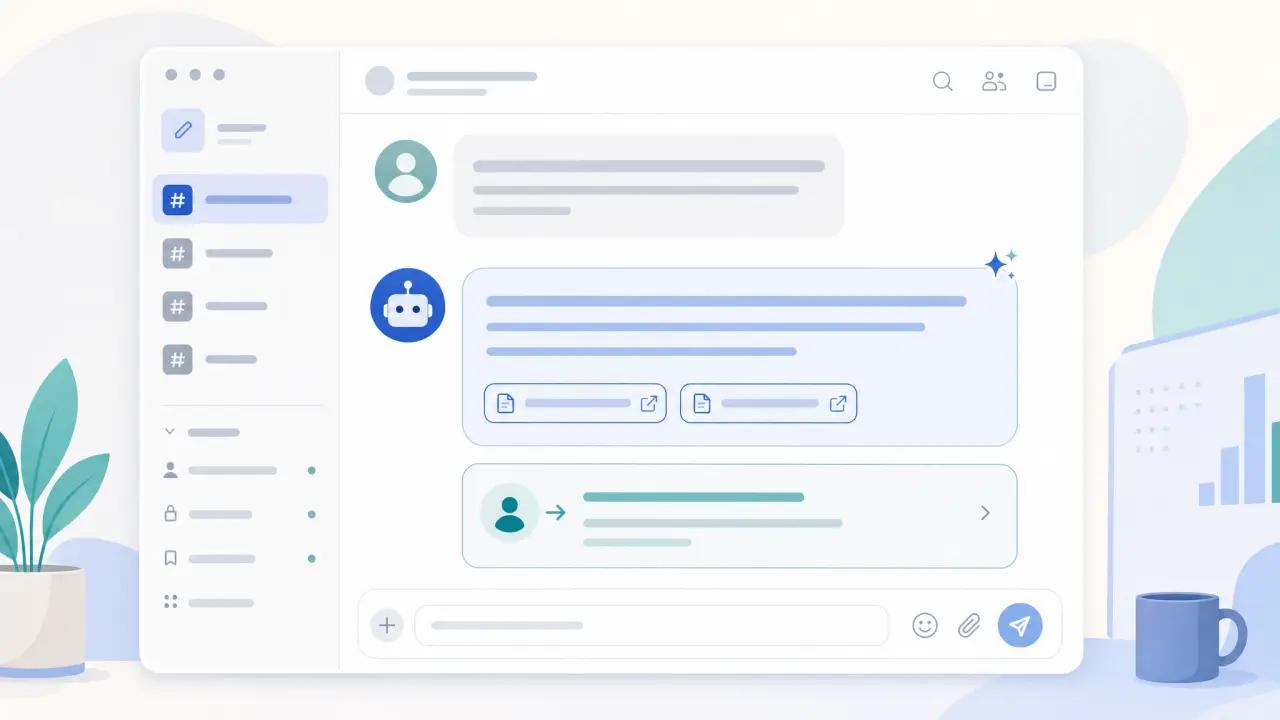
- Helpdesk visibility. Telegram conversations show up in the same operator inbox as every other channel, so a Telegram handoff doesn’t require a separate tool. Conversations docs
Owlish is a reasonable fit if you already have (or want) one agent that answers consistently across a website widget, Telegram, and a handful of other channels from a single knowledge base, with visible citations and a real handoff path. It’s not the right tool if you need deep, Telegram-native features like paid broadcast channels, in-chat payments, or bot-driven group administration — those are Bot API capabilities outside what a customer-support-focused agent platform is built to do, and you’d want a purpose-built Telegram bot framework instead.
Telegram support bot launch checklist
- Decide DM-first or group-first, and match your privacy mode setting to that choice.
- Create the bot with @BotFather and store the token securely.
- Pull recent DMs or group messages and cluster them by topic.
- Build sources for the three or four most repeated questions first.
- Set commands (
/help,/order,/talktohuman) so users know what the bot can do. - Write the handoff message format before launch, not after the first bad answer.
- Start in DMs or a single low-risk group, not every group at once.
- Review the first two weeks of transcripts manually.
- Fix the source, not just the individual reply, when the bot is wrong.
- Expand group by group once the answer quality holds up.
FAQ
How do I create a Telegram bot for customer support?
Message @BotFather in Telegram, send /newbot, and follow the prompts to choose a name and username. BotFather returns a bot token you’ll use to connect the bot to a support platform. There’s no app review or business verification required, unlike WhatsApp or Instagram.
What is Telegram bot privacy mode?
Privacy mode is the default setting on new Telegram bots that limits what messages a bot receives in group chats — mainly commands, mentions, and replies directed at it. It doesn’t apply to direct messages. You can turn it off with /setprivacy in @BotFather if you need the bot to see every group message, but the bot must be removed and re-added to the group for the change to apply.
Does Telegram charge for bot messages like WhatsApp does?
No. The Telegram Bot API is free, and Telegram doesn’t charge per message the way WhatsApp’s Business Platform does with conversation-based pricing. Telegram Premium and Telegram Business features are a separate, optional subscription unrelated to basic bot usage.
Should a Telegram support bot answer in public groups?
Answer cautiously at first. Public groups are visible to everyone, so a wrong or looping answer is more visible than the same mistake in a private DM. Start with DM support or a single, low-risk group, keep privacy mode on unless you have a specific reason to disable it, and expand only after the bot’s answer quality holds up under real questions.
When should a Telegram bot hand off to a human?
Hand off when no source matches the question, the request needs account- or order-specific lookup, the customer asks for a person, the topic touches refunds or security, or the bot has already failed the same question twice. Because Telegram doesn’t have Slack-style threads, make sure the handoff message gives the operator full context in one place.
A Telegram support bot works best when you treat privacy mode as a deliberate design choice rather than a bug to disable on day one, train it on sources you’d stand behind in public, and give it a clear, low-tolerance handoff path for group conversations.
If you want to try that in Owlish, start by building your first agent, attach one trusted source, then connect Telegram from the agent’s Channels tab once you’ve tested the answers you’d expect your first customers to ask.