Your AI support agent did not get dumber. Your knowledge base got older, and nothing told the agent.
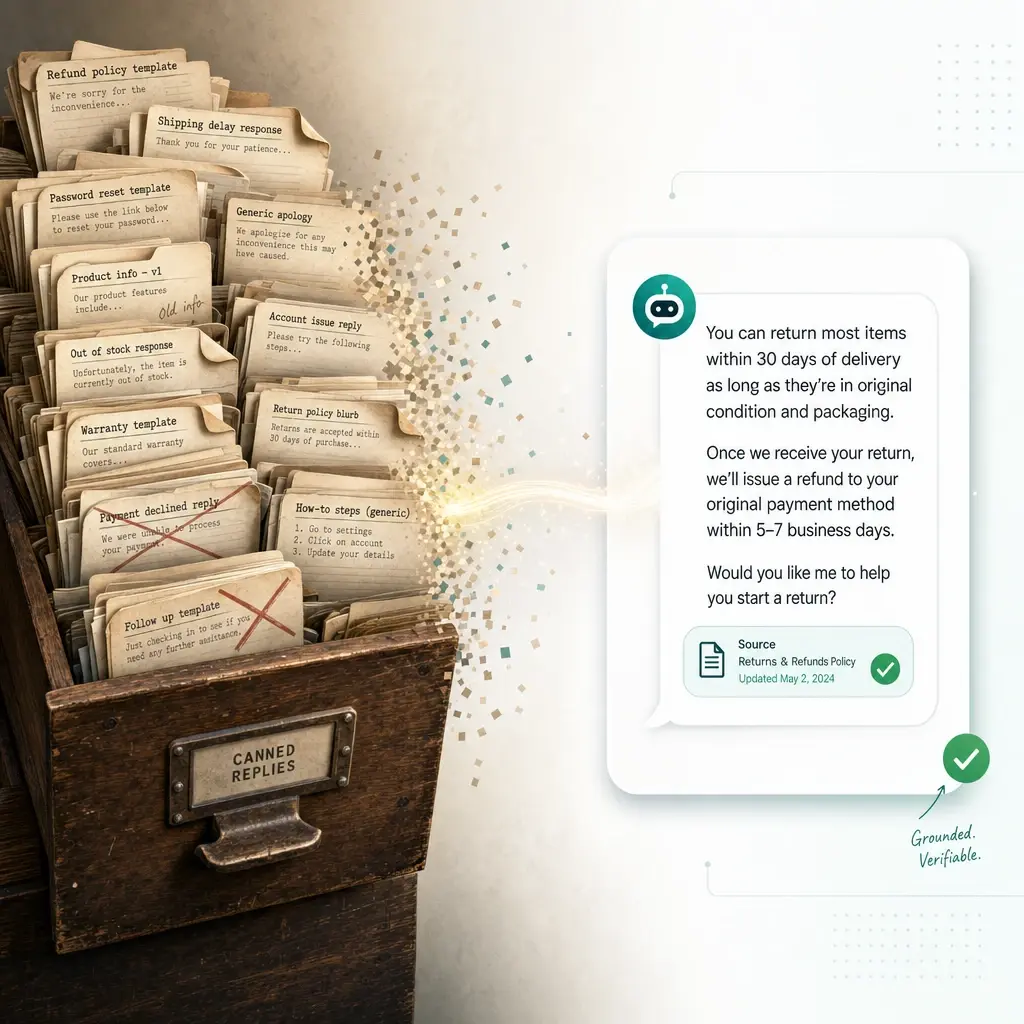
That is the entire mechanism behind almost every “the bot gave a wrong answer” ticket that traces back to content, not the model. Retrieval-augmented generation answers from a snapshot of your content taken at ingestion time. When the source changes and the snapshot doesn’t, the agent keeps confidently repeating whatever it indexed first — a canceled promotion, last year’s shipping SLA, a support policy your team rewrote two sprints ago.
This is a mechanics problem, not a model problem, which is good news: it’s fixable with a sync strategy instead of a better prompt.
What “stale knowledge base” actually means for a RAG agent
A support agent built on retrieval-augmented generation (RAG) doesn’t browse your live help center when it answers a question. It searches a vector index built from copies of your content, made at whatever moment each source was last ingested. The model is only as current as that index.
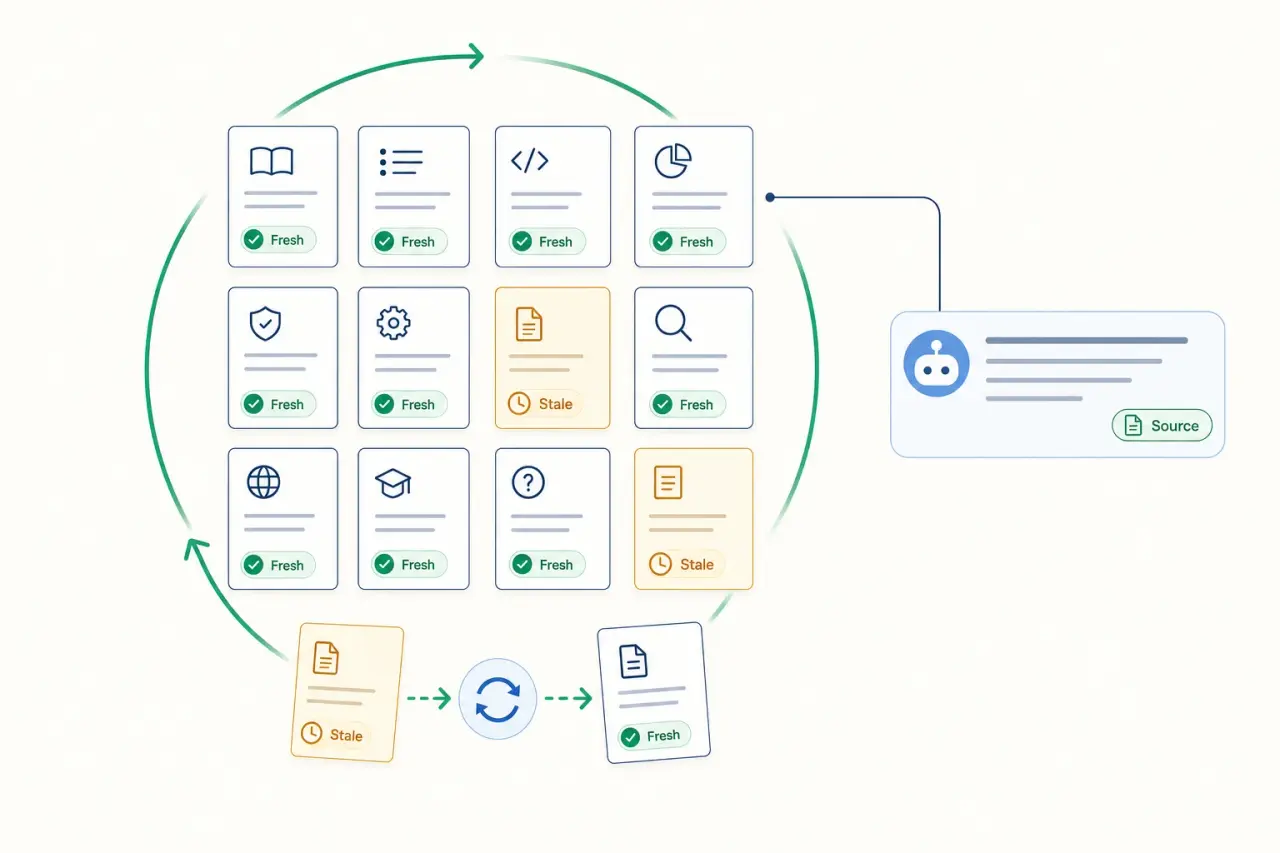
That distinction matters because “the article is up to date” and “the agent’s answer is up to date” are two different facts. You can fix a policy page the moment a customer complains about it and still watch the bot cite the old version for weeks, because editing the live page doesn’t automatically touch the index. Something has to re-fetch it, re-chunk it, and re-embed it before the fix reaches the agent. CustomGPT’s breakdown of the problem puts it plainly: if the retrieval index hasn’t been refreshed since your update, the chatbot is still reading the outdated version, full stop.
Three different ways an agent ends up wrong, not one
“Stale knowledge base” gets used as a catch-all, but the failure modes are distinct enough that they need different fixes.
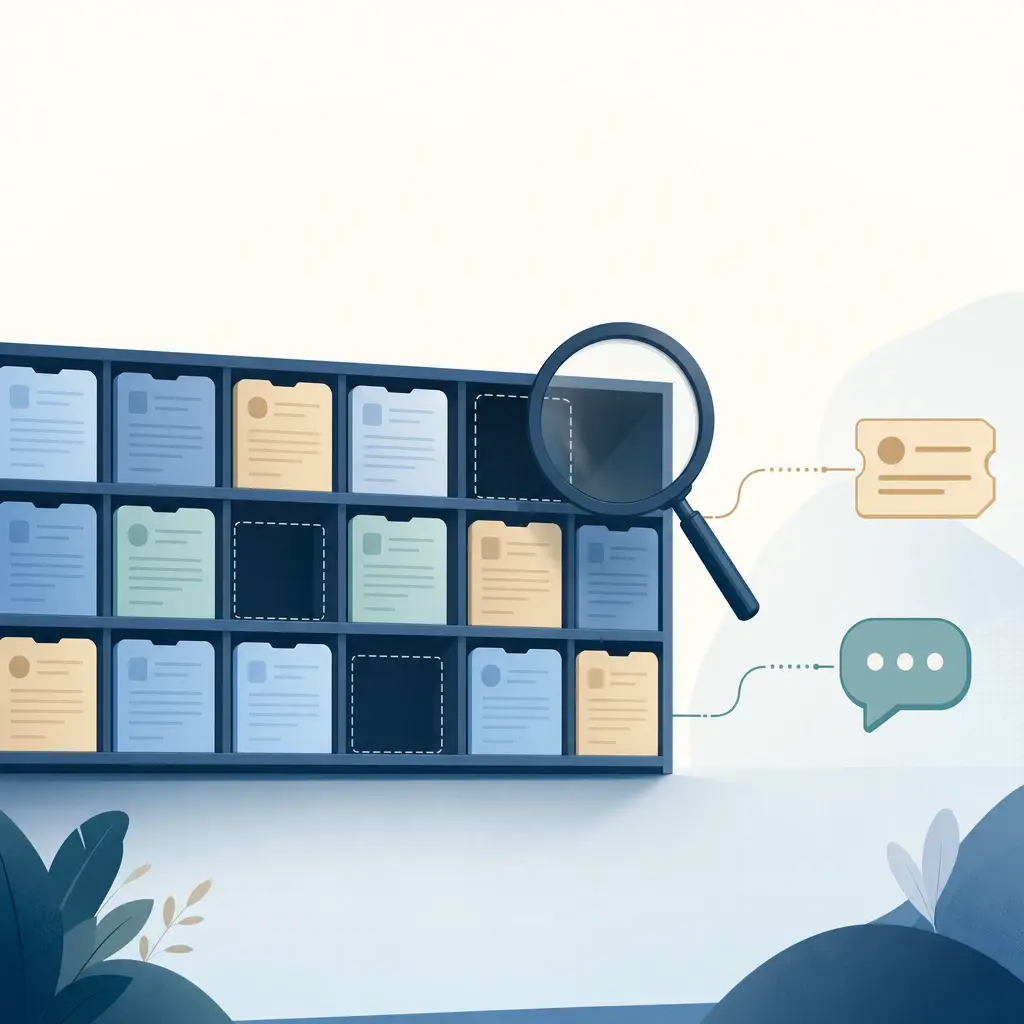
Structural staleness. The source changed, the index didn’t. A price increased, a return window shortened, a feature got renamed. The old chunk is still sitting in the vector store with a decent similarity score, so it keeps winning.
Orphaned content. A new document replaces an old one, but the old one never gets removed or marked superseded. Now two chunks answer the same question differently, and retrieval has no principled way to prefer the current one — it’s ranking by semantic similarity, not by which document your team actually trusts today.
Undated content. Nobody put a date on the source in the first place, so even a system designed to prefer recent content has no signal to work with. A 2023 landing page and a page you published this month look equally “current” to a similarity search.
The third one is easy to miss because it doesn’t look like a bug — it looks like the system working as designed. It’s just working from an index that was never told which content is old.
How to catch it before a customer does
You don’t need a formal audit to spot this; you need three habits.
Read the citations. If your agent cites sources, a wrong answer usually reveals itself the moment you check what it cited. An answer to a refund question that cites a lapsed promo page instead of the current returns policy is a staleness bug you can see at a glance — but only if the platform surfaces citations in the first place. We covered why that matters more broadly in why grounded answers matter.
Check the last-synced date, not just the answer. Every source in your knowledge base has an ingestion or crawl timestamp somewhere. If a webpage source was last crawled three months ago and the live page has changed since, that’s your gap, found before a customer finds it for you.
Spot-check on a cadence, not just when something breaks. Pull your 20–30 highest-traffic questions monthly and check whether the cited source still matches reality. This is the same discipline we described for finding gaps in your knowledge base — staleness is a specific kind of gap, one where content exists but has quietly expired.
Fixing it: the sync mechanisms that actually matter, and their real limits
Once you know an answer is stale, there are three distinct levers to pull. Each solves a different part of the problem, and none of them is a complete fix on its own.
Manual re-sync — always available, entirely dependent on a human remembering
The simplest fix is to force a re-crawl or re-upload the moment content changes. This works, but it scales exactly as well as your team’s memory for “did anyone update the bot after we changed that policy?” — which is to say, not well past a handful of pages.
In Owlish, a manual “Sync now” is available on any source or website folder at any time, with one honest caveat: it’s rate-limited to once every 30 days per source, and that cooldown only resets after a successful sync — a failing source doesn’t lock you out, since the clock never starts on a failed run. The limit exists to protect the crawl and embedding pipeline from being re-triggered in a loop, not to punish you for editing content. For most support content, that cadence is generous. For a page that changes weekly, it’s a sign you want the next lever instead.
Scheduled auto-sync — real, but only for crawled website content
This is the lever that removes the “did someone remember” failure mode, and it’s worth being precise about where it applies. Owlish’s scheduled auto-sync exists specifically for Website folders — content discovered by crawling a URL — not for uploaded documents. A website folder can be set to sync Off, Monthly, or Weekly, gated by plan: Growth unlocks monthly auto-sync, Scale adds weekly. Starter and the free tier are manual-sync only.
That gating is a real limitation worth stating plainly: if your support content lives mostly in uploaded PDFs or a static help-center export rather than a live website, scheduled auto-sync doesn’t apply to it at all today. Uploaded files and hand-written Direct Response answers are static by design — re-ingesting them is a manual action, on any platform, until a document source gets its own scheduling story. Direct Response answers are the one exception where that’s a feature, not a gap: because you write and maintain them directly, they’re treated as always current and skip staleness scoring entirely.
Time-decay ranking — a safety net, not a fix
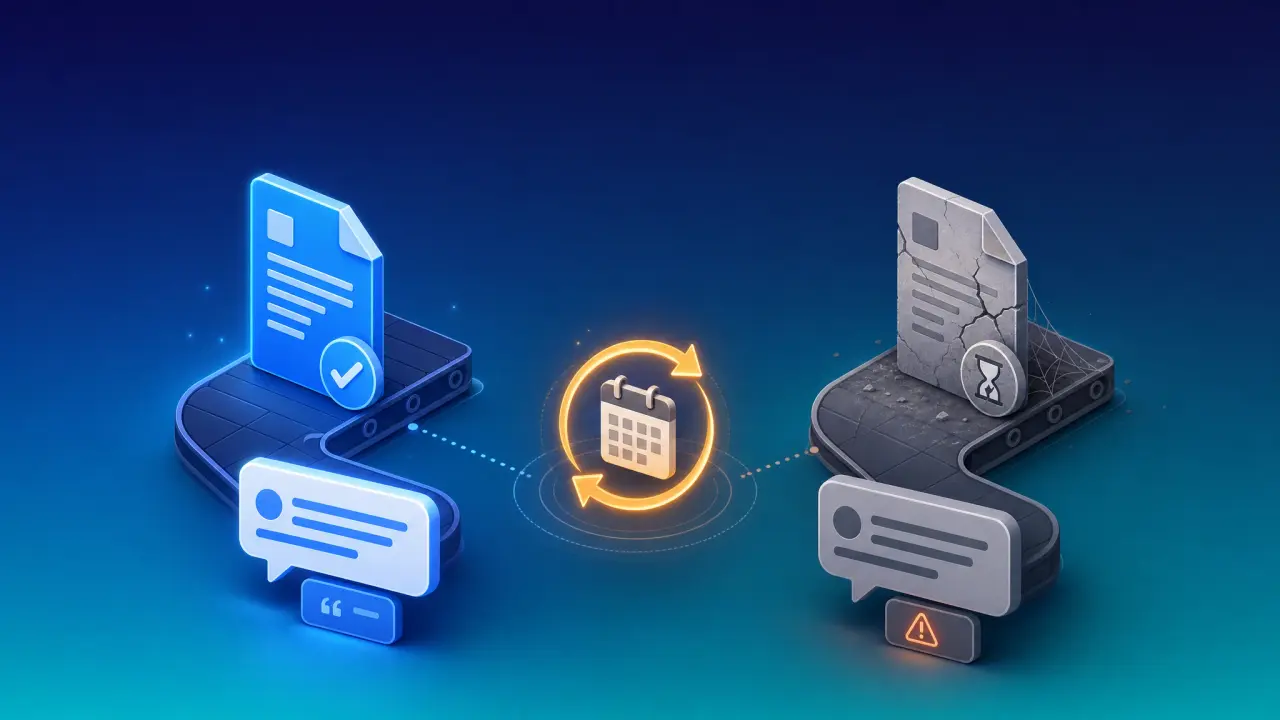
The third lever doesn’t refresh anything. It changes how retrieval ranks what it already has, so that when two chunks are similarly relevant, the newer one wins by default. Owlish applies a logarithmic time-decay factor to vector search scores: older content keeps a floor of at least 85% of its raw similarity score (so a genuinely strong match is never buried just for being old), and the decay curve is steep in the first few months, then flattens — a two-year-old page is only marginally worse off than a one-year-old one.
The content date driving that decay comes from the source itself where possible (a page’s published or modified date during crawling) and falls back to the ingestion timestamp when no date is available — which is exactly the “undated content” failure mode from earlier. You can manually correct a source’s content date in the console, which matters more than it sounds: if you upload a policy PDF written last year, backdating it to its real publish date is what lets the decay model treat it correctly instead of scoring it as brand new just because today is upload day.
None of this replaces actually updating the source. It just makes sure that when your content is both outdated and less relevant, retrieval doesn’t need convincing to pick the newer answer.
A practical freshness checklist
- Identify which of your sources are high-change-rate (pricing, policy, promotions, shipping SLAs) versus static (product overviews, FAQs that rarely move).
- Put high-change website content on a weekly or monthly auto-sync cadence; treat everything else as manual.
- For uploaded documents, build re-upload into the same workflow as the underlying policy change — the source update and the knowledge base update should be one step, not two.
- Set or correct the content date on backdated documents so time-aware ranking has something real to work with.
- Read citations on your top 20–30 questions monthly; a citation pointing at a superseded page is a staleness bug, not a content gap.
- Retire orphaned content instead of leaving it next to its replacement — two answers to the same question is worse than one missing answer.
Where Owlish fits
Owlish is our product, so read this as a positioned recommendation, not neutral editorial — but the sync mechanics above apply whether or not you use it. Owlish’s approach combines the three levers rather than picking one: citations on every answer by default (so staleness is visible, not hidden), manual sync with a sane cooldown on any source, scheduled weekly or monthly auto-sync for crawled website folders on Growth and Scale, and time-aware ranking underneath all of it so aging content quietly loses ground instead of winning by default.
Plans start free for building and testing an agent on the web widget. Paid plans start at $39/mo billed annually ($49/mo monthly) on Starter (manual sync only), moving to $119/mo billed annually ($149/mo monthly) on Growth for monthly auto-sync, and $359/mo billed annually ($449/mo monthly) on Scale for weekly auto-sync plus human handoff.
Where Owlish isn’t the right fit: if your knowledge lives primarily in a large, constantly-changing document management system with its own webhooks and versioning, and you need re-ingestion triggered automatically by that system rather than a crawl schedule, a platform built around document-system integrations will serve you better than manual re-uploads. Scheduled sync in Owlish is purpose-built for website content specifically, not a general file-watcher.
Frequently asked questions
Why does my AI chatbot give outdated answers? Because retrieval-augmented generation answers from an indexed copy of your content, not your live pages. If the source changes and nothing re-crawls or re-embeds it, the agent keeps citing the version it indexed originally — sometimes for months.
How often should I re-sync my AI support agent’s knowledge base? It depends on how often the underlying content changes. High-change content (pricing, policy, promotions) benefits from weekly or monthly scheduled sync where that’s available; low-change content can stay on manual sync, triggered when you actually edit it.
Can I automatically keep an AI chatbot’s knowledge base updated? For website-crawled content, yes, on a schedule, where the platform supports it. For uploaded documents and hand-written answers, no platform automates this today — re-ingestion after an edit is a manual step, which is why it’s worth building into your content-change process rather than treating it as an afterthought.
Does uploading a new file automatically replace the old version? Not by default in most systems, including today’s Owlish — the old and new versions can coexist in the index unless the old source is explicitly removed. That’s the “orphaned content” failure mode: retire superseded sources instead of leaving them next to their replacement.
How do citations help catch outdated answers? Citations turn “the bot was wrong” into “the bot cited the wrong document” — a specific, locatable problem instead of a vague trust issue. Reading which source an answer pulled from is usually the fastest way to spot a staleness bug, well before it shows up as a customer complaint.
The takeaway
An AI support agent doesn’t drift out of date on its own — its knowledge base does, one unsynced edit at a time. The fix isn’t a smarter model; it’s treating sync as part of the content workflow: scheduled refresh where your platform supports it, disciplined manual re-ingestion where it doesn’t, correct content dates so time-aware ranking has a real signal, and citations you actually read instead of trust blindly.
If you want to see how citations, sync cadence, and time-aware ranking work together end to end, you can build an agent on Owlish and watch what it cites before a customer has to point it out for you.
Statistics and platform behavior described above reflect Owlish’s product as of July 2026 and external sources as cited; verify current behavior against each source’s live pages. Owlish is not affiliated with or endorsed by any third-party company mentioned above.